The framer ai website builder can help small businesses create a polished website quickly, but AI does not remove the need to plan content, check accessibility or confirm how essential features work. Framer is worth considering for visually led sites; if you need a shop, bookings or memberships, compare the whole customer journey before choosing a platform.
This guide separates common assumptions from practical considerations, so you can decide what to build yourself, what to check in a trial and when an alternative may be a better fit.
What Does the Framer AI Website Builder Actually Do?
Framer is a website design and publishing platform that combines a visual editor with AI-assisted tools. Its approach appeals to people who want to shape the look and feel of a site without writing every page from scratch. You can use AI to help create or refine content and layouts, then edit the result.
That does not mean every part of running a business website happens automatically. A site still needs accurate information, appropriate images, working links and a clear route for visitors to take action. Depending on the project, you may also need to connect other services for functions beyond the core website.
Start with the current Framer website for its latest features and plans. Product capabilities, limits and integration options can change, so check the details against your own requirements rather than relying on a generic feature list.

A useful distinction is between creating a page and operating a service. A page can describe an appointment, for example, but your business also needs a way to show availability, take a booking and send a confirmation. Assess both parts before you commit.
Which Common Claims Hold Up?
The table below is a starting point, not a substitute for testing the current product. The right answer often depends on the complexity of your site and the tools you already use.
| Claim | Reality | What to check |
|---|---|---|
| AI builds a finished site without input | AI can produce a starting point, but you must review and refine it. | Accuracy, brand voice, images and calls to action |
| A visual editor means no learning | No coding is required for many edits, but layout and publishing tools still take practice. | How easily you can update pages yourself |
| A beautiful site will rank automatically | Search visibility depends on useful content, technical access and other factors. | Page titles, structure, indexing and mobile experience |
| Every online shop needs the same tools | Product catalogue, payment and delivery needs vary. | How checkout, stock and fulfilment will work |
| Booking and membership pages are complete systems | A page may need a separate service to manage transactions or access. | Integration, customer experience and ongoing cost |
| The lowest advertised price is the full cost | Domains, paid plans and connected tools may add to the total. | Current plan limits, renewal terms and transaction fees |
Use the final column as a trial checklist. If a requirement is essential to trading, test it before spending time polishing the design.
Myth 1: AI Creates a Finished Website Without Your Input
Fact: AI can speed up the first draft, but the business owner remains responsible for the published site. Generated text may sound convincing while missing important details, making assumptions about your services or using a tone that does not suit your customers.
Give the tool a specific brief. Describe who you serve, what you offer, where you operate and what a visitor should do next. Include the pages you expect to need, such as services, about, contact and any practical information customers regularly ask for. Avoid putting confidential customer or business information into a prompt unless you have checked how the tool handles it.
When the draft appears, review it as an editor rather than accepting it as evidence. Replace generic claims with details you can substantiate. Check opening hours, contact information, prices, service areas and any statements about qualifications or guarantees. Remove testimonials or project examples that do not represent real, authorised material.

Hypothetical example: A local dog groomer asks for a site that encourages appointment enquiries. The generated copy describes services in general terms. Before publishing, the owner should add the actual treatments offered, explain how to request a suitable appointment and check that the contact details are correct.
For a wider process you can reuse across platforms, see the no-code website builder checklist. It covers the practical steps around preparing, testing and launching a site.
Myth 2: No Code Means No Design Decisions
Fact: A visual editor can make changes without hand-coding, but it does not decide what matters most to your visitors. You still need to choose a page structure, establish a visual hierarchy and make sure the site works on different screen sizes.
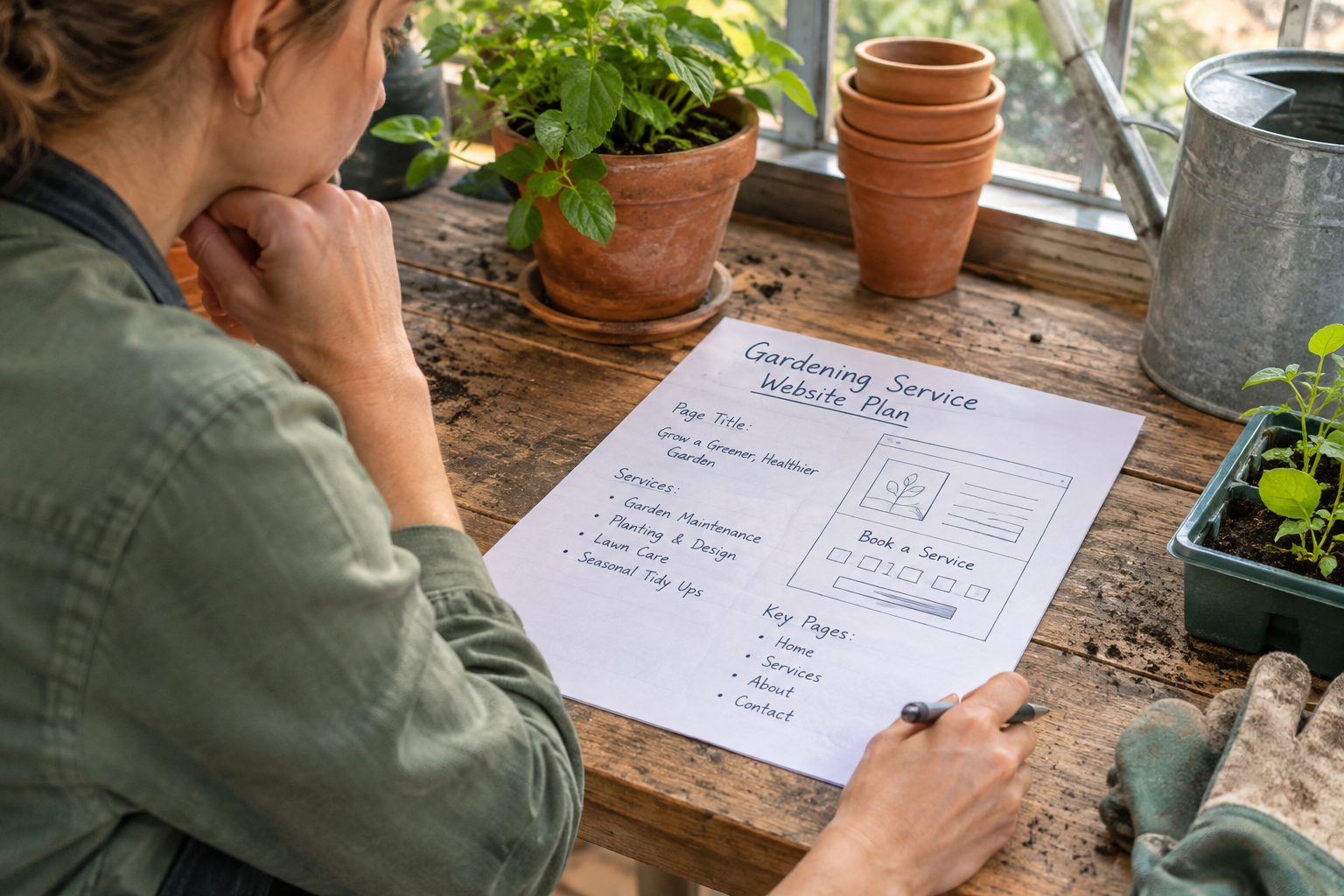
Before adjusting colours and animations, sketch the visitor journey. A service business might need a clear explanation of its offer, evidence of relevant experience, answers to common questions and a prominent way to enquire. A retailer may need visitors to reach product information and checkout with as little friction as possible.
Use a restrained design system: a small set of type styles, consistent button labels and enough contrast between text and background. Check whether long headings wrap sensibly and whether images crop well on narrow screens. Decorative effects should not obscure important information or make the page difficult to use.
During a trial, try making an ordinary change rather than only creating the first draft. Update a service description, replace an image and add a new page. If you cannot comfortably maintain those elements, consider whether you will have access to someone who can help after launch.
Can the Framer AI Website Builder Run Your Whole Business?
Fact: A website platform may handle the pages while other tools handle the transaction. That can be perfectly workable, but it creates more moving parts. Check what is available directly, what needs an integration and what is not suitable for your workflow.
Online selling
List the products or services you want to sell and map the steps from product page to payment, confirmation and fulfilment. Check whether your chosen setup supports the catalogue size, product options, delivery arrangements and payment methods you need. If an external commerce service is involved, review how customers move between the site and checkout.
Also consider who will update stock, manage refunds and respond to order queries. A good-looking product page is only one part of an online shop. The small business ecommerce platform buyer’s guide offers a broader framework for comparing these requirements.
Bookings and memberships
For bookings, test the path from selecting a service to receiving confirmation. Check availability rules, cancellations, reminders and any payment requirements with the provider you intend to use. For memberships, establish how people sign up, access restricted material, update their details and cancel.
If you connect separate tools, check whether they work well on mobile and whether customers can recognise the journey as part of your business. Review each provider’s current terms, support arrangements and data handling. A link to a third-party service may be enough for a simple need; a more integrated workflow may be preferable when bookings or memberships are central to the business.

Avantiy is another option to assess if you want a no-code site with ecommerce, online booking and memberships included in the platform. You can create a free account without a card and keep the site free until you publish. Check the current publishing terms and whether its specific workflows meet your needs before making a decision.
If you would like help exploring the platform, book training with Avantiy.
Myth 3: A Polished AI Site Automatically Gets Found
Fact: A well-presented website is useful, but appearance alone does not guarantee search visibility. Search engines need to discover and understand your pages, while people need content that answers their questions. Competition and the relevance of other pages also matter.
Write page titles and headings that describe the actual content. Give each important service or product a clear place on the site, and link related pages where it helps visitors navigate. Add descriptive alternative text to informative images, and avoid relying on text embedded in images to explain an essential offer.
Check that your domain is connected correctly, important pages are available to search engines and the mobile version is usable. Consult Google’s SEO starter guide for an introduction to how search discovers and understands websites. No builder can promise a particular ranking simply because it offers SEO settings or AI assistance.
Accessibility deserves the same practical attention. Use meaningful headings, readable text, clear link labels and controls that can be used without a mouse. Test real pages rather than assuming that a template makes every change accessible. The Web Content Accessibility Guidelines provide a recognised reference for accessibility requirements and testing.
Avantiy describes its platform as including AI-powered SEO and accessibility tools. Those tools can support the process, but you should still review the content and test the experience yourself, particularly after making changes.
Myth 4: The Advertised Price Is the Complete Cost
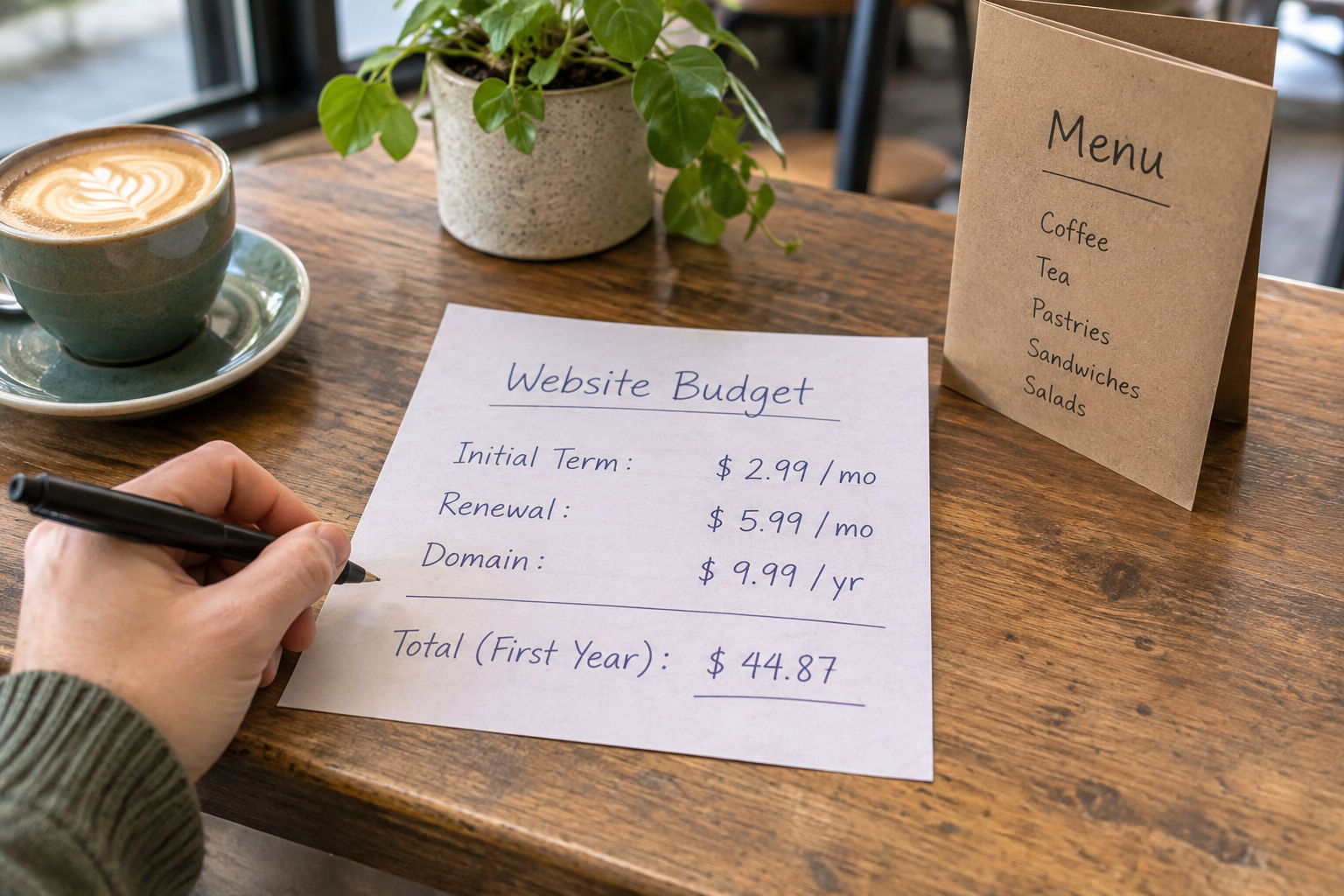
Fact: The cost of a website is more than a single plan price. The relevant figure is what you expect to pay to publish, operate and maintain the site with all the features your customers need.
Compare current pricing directly on each provider’s site. Record whether the plan supports your intended domain, the number and type of pages you need, and any limits that could affect growth. Then add the costs of connected services where relevant.
- Domain: registration and renewal, including any email service you choose separately.
- Publishing plan: the current subscription, billing period and renewal terms.
- Commerce and bookings: subscriptions, payment processing charges and any transaction-related fees.
- Content and maintenance: photography, copy, updates or specialist help you expect to need.
- Migration: the work involved if you later move your content or customer processes.
Check what happens when a trial ends or when you publish. A free way to start is useful for evaluating a builder, but it is not necessarily the same as a free published business site. Likewise, a more expensive plan may be better value if it replaces tools you would otherwise pay for separately.
How Should You Compare Your Options Before Publishing?
Build a small, representative version of your site rather than judging a builder from its homepage. Choose one essential customer journey and follow it from beginning to end. For a service business, that might be finding a service, checking availability and requesting an appointment. For a shop, it might be browsing an item and reaching checkout.
- Write your essentials: list the pages, functions and updates you need at launch, then separate future ideas from must-haves.
- Draft a realistic page: use your own information and images where you have permission, and edit the AI-generated material.
- Test the journey: follow the links and forms on mobile and desktop. Check what the customer sees after submitting information.
- Review operations: identify who handles enquiries, orders or bookings and which dashboard or service they will use.
- Check the full cost: include publishing, domain renewal and any connected tools using current provider information.
- Plan maintenance: confirm how you will update content, get support and move on if your needs change.

Keep your choice tied to the work you actually do. Framer may appeal when visual control and a design-led presentation are priorities. A platform such as Avantiy may be worth exploring when you want to assess website creation alongside built-in business functions and UK-based support. Neither description replaces a hands-on trial of your own requirements.
Watch a Practical Walkthrough
A walkthrough can help you understand the editing workflow before you start a trial. Look for a recent demonstration and verify any plan or feature details against the provider’s current documentation.
As you watch, note how the presenter creates a page, changes the mobile layout and publishes. Then try those same tasks yourself: a workflow that looks simple in a demonstration should also feel manageable when you update your own content.
Frequently Asked Questions
Is Framer suitable for a small business website?
It can be worth considering if you want a visually distinctive site and are comfortable learning a design-focused editor. Suitability depends on what the site must do as well as how it looks. Test your essential pages, enquiries and any required integrations before choosing a plan.
Do I need coding skills to use an AI website builder?
Many common tasks can be completed in a visual editor without coding. You may still need to learn how the editor handles layouts, responsive views and publishing. More specialised requirements or integrations can involve additional technical work, so check your intended setup before committing.
Can I sell products from a Framer site?
Check Framer’s current commerce options and any integrations against the products and checkout experience you need. A simple link to an external checkout may suit one business, while another may need more extensive catalogue, stock and fulfilment tools. Test the complete purchase journey and review the associated costs.
Should I publish AI-generated copy without editing it?
No. Treat it as a draft and check every business-specific claim. Confirm contact details, services, prices and any statements about your experience. Replace generic wording with useful information for your customers, and only use testimonials or examples that are genuine and authorised.
What should I check before connecting a custom domain?
Confirm that the domain is available or under your control, that your chosen publishing plan supports it and that you understand the renewal cost. Follow the provider’s connection instructions carefully. If you already use email on the domain, check the implications of any DNS changes before making them.
Ready to explore a no-code website for your business? Book training with Avantiy using the link above and discuss the features you need before publishing.