
You can set up a website uk in days, not months. Start by deciding your goal, choosing a platform with ecommerce or bookings if you need them, and securing your domain. Draft clear pages (Home, Services/Shop, About, Contact), add policies, and publish. Use built-in SEO and accessibility tools, then keep improving with analytics and real customer feedback.
Myth vs Fact: How to Set Up a Website UK the Right Way
There’s a lot of folklore about launching a site in Britain—some well-meaning, much outdated. Below is a concise myth-versus-fact breakdown to help you make smart, modern choices. The goal isn’t just to get online; it’s to launch something credible, compliant and commercially effective without needless complexity or cost.
When you set up a website uk, your biggest gains come from doing the fundamentals well: a suitable domain, a platform that matches your business model, fast performance, clear navigation, and content that answers customer questions. Ignore the noise about “needing to code everything” or “SEO hacks”; focus on customer journeys, accessibility and continuous iteration.
| Myth | Fact | What To Do Instead | Effort/Cost |
|---|---|---|---|
| You must hire a developer to look professional. | No-code builders with strong templates, ecommerce and booking tools can deliver professional results quickly. | Choose a platform with an editor you’ll actually use, built-in SEO, and support for your key features. | Low to moderate; faster launch, less upfront cost. |
| “One page is enough for any business.” | Single pages can work for narrow offers, but most businesses convert better with clear, dedicated pages. | Map core journeys: Home, Services/Shop, About, Contact, and a policy page; add landing pages as needed. | Moderate upfront, saves time later. |
| SEO is about stuffing keywords. | Modern search rewards helpful content, structure, accessibility and speed—not repetition. | Answer real questions, use headings logically, compress media, and add alt text; target intent. | Ongoing, steady returns. |
| Compliance is for big firms only. | Even sole traders must handle data lawfully, display key information, and honour consumer rights online. | Add a privacy policy, cookie notice (where needed), trading address, returns/shipping terms. | Low; essential protection. |
| Accessibility is “nice to have.” | It’s a legal and ethical imperative—and it improves conversions for everyone. | Use readable colours, keyboard navigation, alt text, labels; run automated checks. | Low to moderate; big impact. |
| Launching is the finish line. | Effective sites evolve weekly: test, refine, and expand based on analytics and feedback. | Review search queries, track conversions, ship small improvements often. | Ongoing; compounding gains. |
Think of your site as a living product. Small, frequent updates—new service pages, better images, improved headings—compound over time and protect you from stagnation. And with the right platform, shipping those improvements becomes routine, not a chore.
What should you plan before buying a domain?
A domain is easy to purchase, but planning ensures you choose one that serves your brand for years. Start by listing your primary purpose: is it to book appointments, sell products, build memberships or simply validate your business? Your core aim influences your structure, hosting needs and the features to prioritise—especially if you want integrated ecommerce or scheduling from day one.
Next, shortlist names that are short, pronounceable and easy to spell. Decide whether a .co.uk or .uk suits your identity; if you trade primarily in Britain, these can signal trust. Consider protecting close variants or common misspellings to avoid confusion. Plan email routing at the same time so your addresses are professional (e.g. [email protected]), avoiding fragmented setups later.
Sketch a minimal site map before any purchase. For a service provider, that might be Home, Services (split into individual pages), About, Testimonials, Blog, FAQs and Contact/Bookings. Retailers might plan Shop (with categories), Delivery & Returns, and Gift Cards. This map keeps your domain decision tied to real content, and it will help you pick or customise the right template quickly.
Finally, think about compliance. Even at the planning stage, note you’ll need a privacy policy, possibly a cookie banner depending on your tracking setup, and clear contact details. Preparing these early makes publishing calm rather than chaotic. If you’re migrating later, plan redirects to preserve traffic.

Do you really need a developer in 2026?
For many small businesses, a full-time developer isn’t necessary to launch or maintain a professional, sales-ready site. Modern AI-driven builders generate draft pages, structured navigation and on-brand copy from a plain-English description of your business. That means you can move from idea to live prototype in a single afternoon, then refine layout, images and messaging in a visual editor—no code required.
There are still times when a specialist helps: custom integrations, advanced performance tuning, or complex data flows. But for common needs—online stores, bookings, memberships, blogs, landing pages—choosing a platform with mature, built-in tools usually beats commissioning from scratch. You keep control, iterate faster, and avoid dependency when you want to update a price, add a service, or publish a seasonal page.
Platforms like Avantiy focus on speed-to-value. The AI can create your initial site architecture and content, while the no-code editor lets you adjust anything visually. Built-in SEO and accessibility assistants flag missing alt text, headings out of order or vague page titles—so you learn and fix issues instantly. UK-based support also matters: time zones align, and advice is tuned to local trading norms.
In short, hire skills for the exceptional; use software for the repeatable. This hybrid approach protects your budget and lets you stay nimble as your offer evolves.
Which platform suits shops, bookings and memberships?
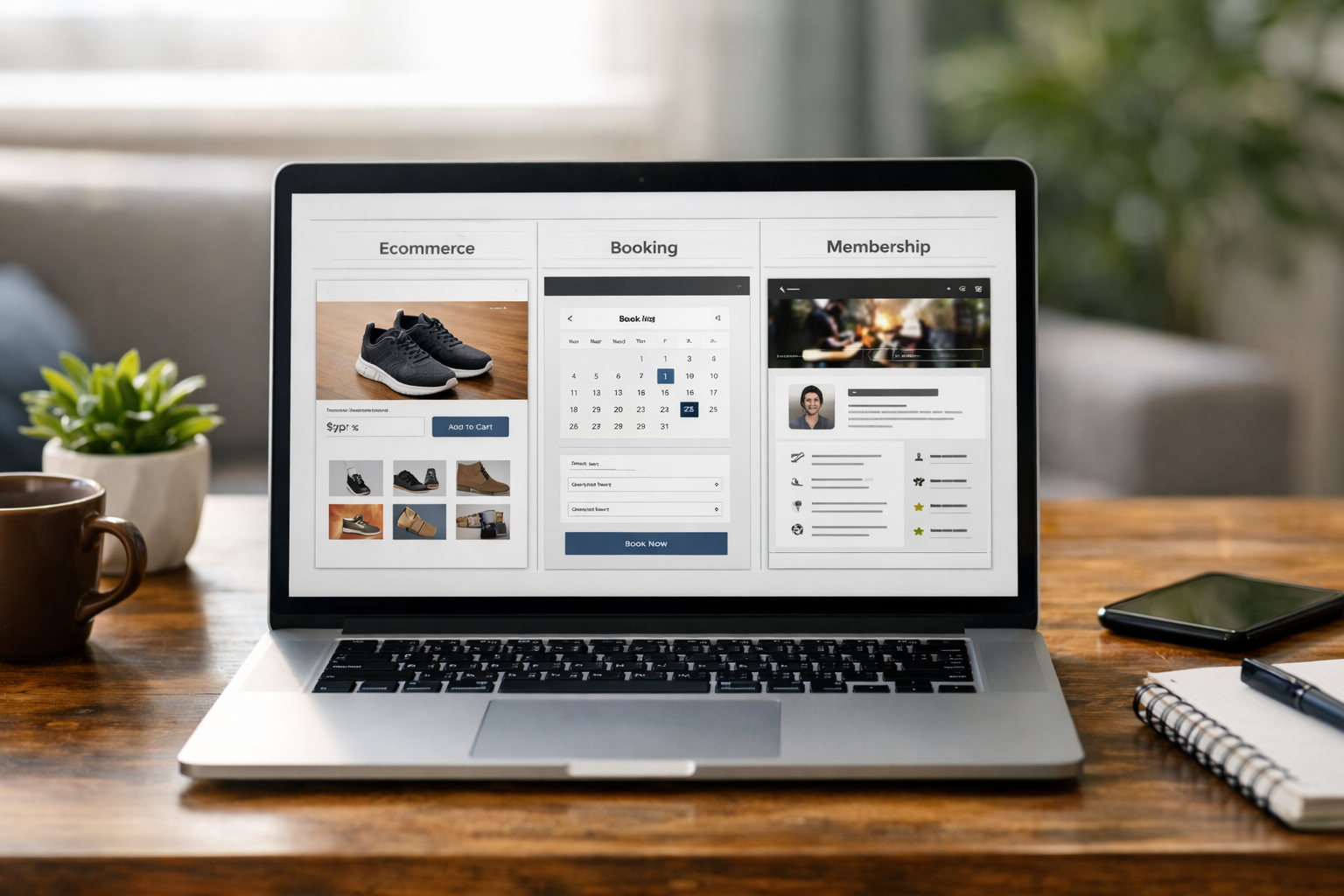
Start from your business model. If you sell physical goods, you need product variants, shipping rules, payment gateways and returns workflows. Service providers need scheduling, cancellations, reminders and calendar sync. Organisations running communities may require gated content, tiers and renewals. Pick a platform that treats your primary model as a first-class citizen rather than a bolt-on.
Look at three layers: how quickly you can draft pages, how clean the editor experience is for ongoing updates, and how well growth features are integrated. An AI builder that generates templates and page copy from plain-English prompts radically shortens setup time. But it also needs human-friendly editing, so you can adjust headlines, add images, and re-order sections without breaking layouts. Deep integration—ecommerce, bookings, memberships, SEO and accessibility checks—reduces plugin-chasing and conflict headaches.
To weigh options, see this FAQ-led website builder comparison. You’ll get a sense of how different tools handle real-world use cases instead of glossy feature lists. If you want to set up a website uk with minimal friction, prioritise platforms that combine AI generation with a visual, no-code editor and UK-aware support.
Need guided momentum? You can Book a free 1:1 setup session to move from concept to publish-ready pages quickly, with help tailored to your type of business.
SEO and accessibility: myths that cost you traffic
Two myths cause the most waste: “SEO is a one-off” and “accessibility is a chore for later.” In reality, search performance starts with your site’s structure, headings and page purpose. Each key service or product category deserves its own page with clear questions answered. When a platform offers an AI assistant for titles, meta descriptions and outlines, you can draft quickly and tune for intent rather than chase keywords blindly.
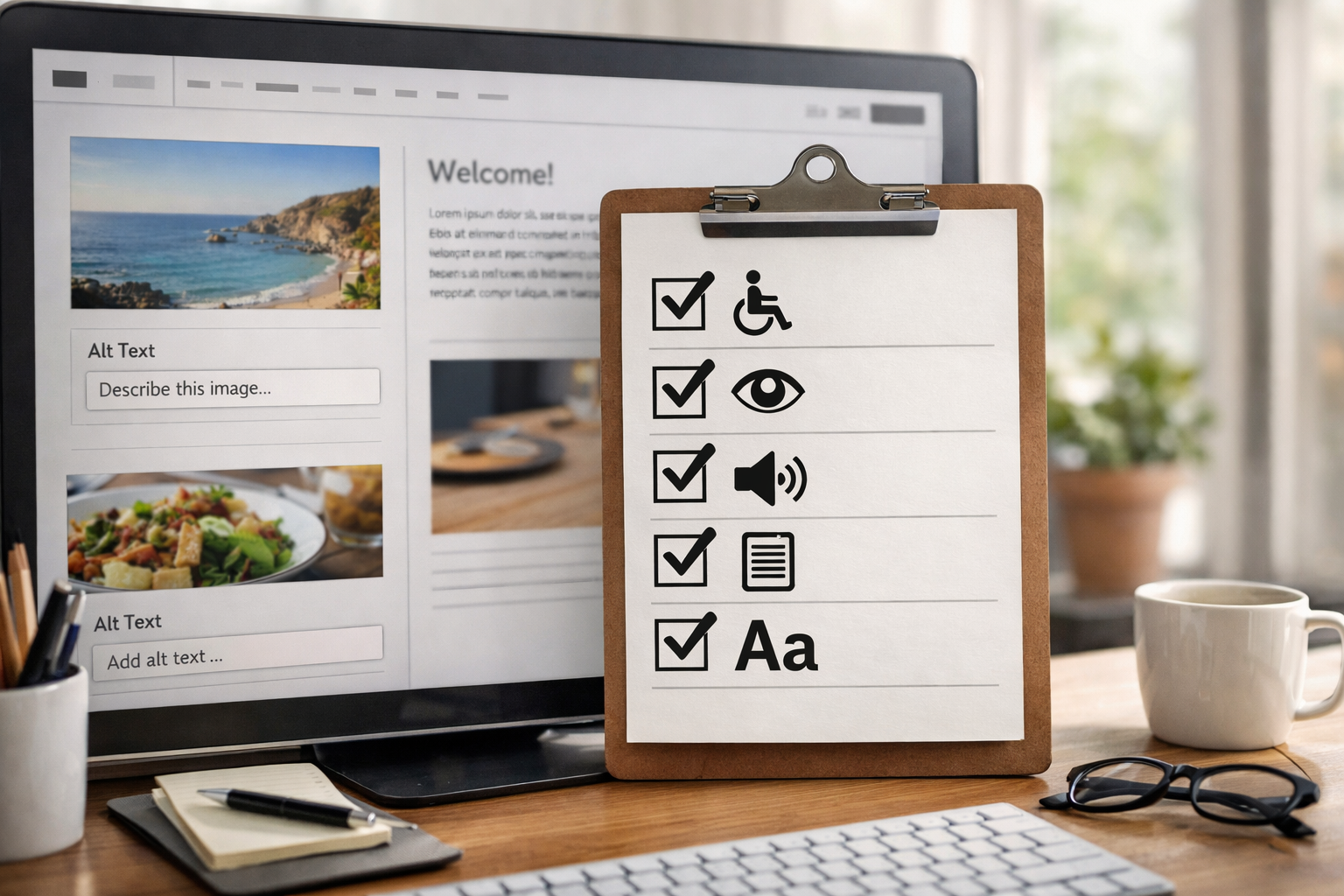
Accessibility is equally foundational. Proper colour contrast improves readability; descriptive link text helps everyone skim; alt text and labelled form fields support assistive technologies while boosting clarity for all users. Automated audits can catch missing labels or order-of-heading issues before they go live. When these checks are embedded into your editor, you’ll naturally ship better pages with fewer regressions.
Don’t overlook speed. Compressed images, lean scripts and efficient hosting shorten time-to-first-byte and improve the user experience. If your platform handles asset optimisation behind the scenes, you avoid a tangle of third-party plugins. Finally, create targeted landing pages to match high-intent queries and campaigns—see this SEO landing page walkthrough for a practical look at moving from draft to sale-ready in sensible steps.
Remember: search and accessibility improvements compound over months. A steady drumbeat of small, helpful updates beats sporadic overhauls every time.
Security, data and legal must-knows for UK sites
Even small businesses have obligations online. If you collect personal data (for enquiries, accounts, orders or newsletters), you must process it lawfully and transparently. The Information Commissioner’s Office provides guidance on lawful bases, privacy notices and data minimisation—start with the ICO guide to data protection. Keep your privacy policy easy to find and written in plain English, stating what you collect, why, and how long you keep it.
Security hygiene protects you and your customers. The National Cyber Security Centre’s Small Business Guide outlines practical steps: strong unique passwords, multi-factor authentication, software updates, regular backups and phishing awareness. Choose a platform that enforces HTTPS by default, isolates customer data, and invests in secure infrastructure; certifications such as ISO 27001 and SOC 2 are reassuring signals that security is a process, not a promise.
If you sell to UK consumers online, you also need to follow rules for pricing clarity, delivery times, cancellations and returns. GOV.UK’s overview on online and distance selling covers essentials. Make your terms easy to find, crisp, and consistent across checkout and emails. Add a clear business address and contact route (phone or email) so customers can reach you without friction.
Finally, cookies and tracking: load only what you need, and be transparent. Provide a cookie notice or banner if you use non-essential cookies (e.g., analytics, marketing). When in doubt, keep your footprint light; you’ll simplify compliance and often improve performance too.
Content, images and structure: what actually persuades?
Content persuades when it mirrors how customers decide. Start each page with a clear outcome: what change does your service create, or what problem does your product solve? Follow with evidence—process steps, materials, guarantees, or what to expect after purchase. Then remove friction: pricing signals, delivery/lead times, availability, and one obvious next step (buy, book, enquire or join).
Use specific, human language. Replace “solutions” with the real thing you do: “24-hour emergency callout in Surrey,” or “Bespoke walnut dining tables, delivered in 6–8 weeks.” Break text into scannable sections with informative headings people can navigate. Pair each claim with a proof point: a photo of your workshop, a short process diagram, or a precise spec list.
Images matter more than most owners expect. Shoot in consistent light, keep backgrounds simple, and frame for mobile as well as desktop. Export at sensible sizes and add descriptive alt text to help users who rely on assistive tech and to give search engines context. Where possible, include shots that demonstrate scale and usage—e.g., a therapist’s room layout, or a garment on a model of average height.
For structure, map a single primary action per page. If visitors must choose among too many options, they’ll bounce. Keep navigation labels literal, not clever. “Shop”, “Book an appointment”, and “Pricing” beat abstract nouns every time.

Pricing myths: free, cheap and 'enterprise' compared
Pricing myths tend to live at both ends. On one side, “free forever” sounds tempting until you discover ads on your pages, limited features, or no custom domain—signals that erode trust. On the other, “enterprise” can bundle features you don’t need yet, with contracts that slow you down. Most small businesses thrive on a pragmatic middle path.
Account for total cost of ownership: domain, hosting, SSL (often included now), ecommerce or booking fees, apps or add-ons, and your time. A builder that includes ecommerce, bookings, memberships, SEO and accessibility tools means fewer bolt-ons and support tickets. If you can create an account free, build the site, and only pay to publish, your risk is minimal—you invest time to validate the fit before committing.
Predictability is valuable. Prefer transparent, month-to-month pricing with an annual option for savings. Payment processing fees will exist regardless of platform—compare them like-for-like and look at the non-financial costs too: speed of support, release cadence, and how easy it is to ship small improvements without breaking things.
Finally, consider the opportunity cost. If you spend weeks wrangling plugins and updates, that’s energy you could invest in sales and service. A calm platform that “just works” often pays for itself in regained focus.
A practical 10-step launch checklist
Here’s a lean, realistic path from zero to publish. You can adapt it to your pace and business model. This checklist helps you set up a website uk methodically while leaving room for iteration after launch.
- Define one goal per page. For example: Home (prove credibility fast), Services (explain value and outcomes), Shop (make buying simple), Contact/Book (remove friction).
- Pick a platform that fits your model. Ensure native support for ecommerce, bookings or memberships; confirm there’s a visual editor and AI-assisted setup.
- Secure your domain and email. Choose a clear .co.uk or .uk, set up professional email (e.g., hello@), and verify DNS and SSL are ready.
- Generate and shape your pages. Use AI to draft structure and copy, then refine for voice, clarity and real customer questions.
- Add products, services or slots. Configure variants, pricing, availability, shipping rules or calendar sync as needed.
- Make it accessible. Check headings, alt text, colour contrast, focus states and labels; run automated audits inside your editor.
- Set up essentials. Privacy policy, terms, delivery/returns (if selling), contact info, cookie notice if using tracking.
- Test journeys on mobile first. Buy, book, join and enquire flows should complete in as few taps as possible; fix any friction.
- Optimise for search. Write helpful titles/meta, use descriptive internal links, compress images, and create at least one focused landing page.
- Publish, measure, iterate. Launch confidently; track conversions and top searches, and schedule weekly micro-improvements.
Keep this as your operating rhythm. You’ll move quickly without sacrificing quality or compliance.

Frequently Asked Questions
What information is legally required on a UK business website?
At minimum, display your trading or company name, a geographic address and a contact route (email or phone). If you sell online, include terms, delivery/returns and privacy details. Add a clear privacy notice and, if using non-essential cookies, an appropriate notice or banner. Keep everything easy to find in your footer and checkout.
How long does it realistically take to launch?
With an AI-driven builder and a prepared page outline, a simple service site can go live within a weekend. Ecommerce or bookings add configuration time, typically days rather than weeks. Leave room for content refinement, photography and testing. Aim for a solid v1, publish, then iterate weekly based on feedback and analytics.
Should I start with a single-page site or multiple pages?
Single pages can work for a narrow, time-bound offer. Most businesses benefit from dedicated pages for each core service or product category because they rank and convert better. Begin with a concise but complete structure—Home, Services/Shop, About, Contact/Book—and expand with targeted landing pages as you learn from users.
How do I choose between .co.uk and .uk?
Both are trusted for UK audiences. .co.uk remains widely recognised; .uk is shorter and modern. If your market is primarily British, either suits you—just keep it short, pronounceable and easy to spell. If budget allows, register both to protect your brand, then redirect the secondary domain to your primary.
Do I need a cookie banner?
If you only use essential cookies (e.g., those required for cart or security), a banner may not be necessary. If you use analytics or marketing tags, you’ll typically need a consent mechanism and a clear cookie policy. Keep tracking lean and transparent; it simplifies compliance and often improves site performance as well.
If you’re ready to move fast with less fuss, Create a free Avantiy account to draft pages with AI, refine them in a visual editor, and publish when you’re happy—no card required, UK-based support, and secure ISO 27001 & SOC 2 infrastructure.