The durable ai website builder helps small businesses create a website from a short description, using AI to produce an initial design and content. It can be a useful starting point if you want to get online without coding. The right choice, though, depends on what your site needs to do, what you can edit and the ongoing costs.
What Is the Durable AI Website Builder?
Durable is a website-building platform that uses AI to help create an initial business website. Rather than starting with a blank page, you provide information about your business and use the generated draft as a foundation. The appeal is straightforward: you can spend less time deciding on a first layout and more time adapting it to your customers.
That first draft is not a finished business asset. AI-generated text can sound plausible while missing important details, such as where you work, what a service excludes or how customers should prepare for an appointment. Treat the output as a starting point and check every claim before publishing.
Durable also offers business tools beyond its website builder. Features and plan limits can change, so consult Durable’s official website for its current product details and terms. In particular, check whether the tools you need are included in the plan you are considering rather than assuming that every feature comes with the website editor.
For a small business, the most important question is not whether the AI can generate a page. It is whether you can turn that page into a reliable route from a customer’s question to an enquiry, booking or purchase.
Who Is an AI Website Builder Best For?
An AI builder can suit a freelancer, local service provider or small team that needs a credible online presence without hiring a developer for every change. It is especially useful when you have a clear offer but need help organising it into pages and writing a first draft.
Before choosing a platform, identify the job your website must do. A simple brochure site needs different tools from a shop with fulfilment requirements or a business selling recurring memberships.
- For enquiries: look for clear contact options, editable forms and a way to explain your services.
- For appointments: check how booking works, whether customers can select the right service and how you manage changes.
- For sales: review product management, payments, delivery settings and the customer checkout.
- For memberships: establish what content or services are restricted and how access is managed.
- For teams: consider who will update content and what access they need.
If you need a highly specialised workflow or extensive custom development, test whether the builder can support it before committing. Ease of setup matters, but so does your ability to maintain the site when your business changes.
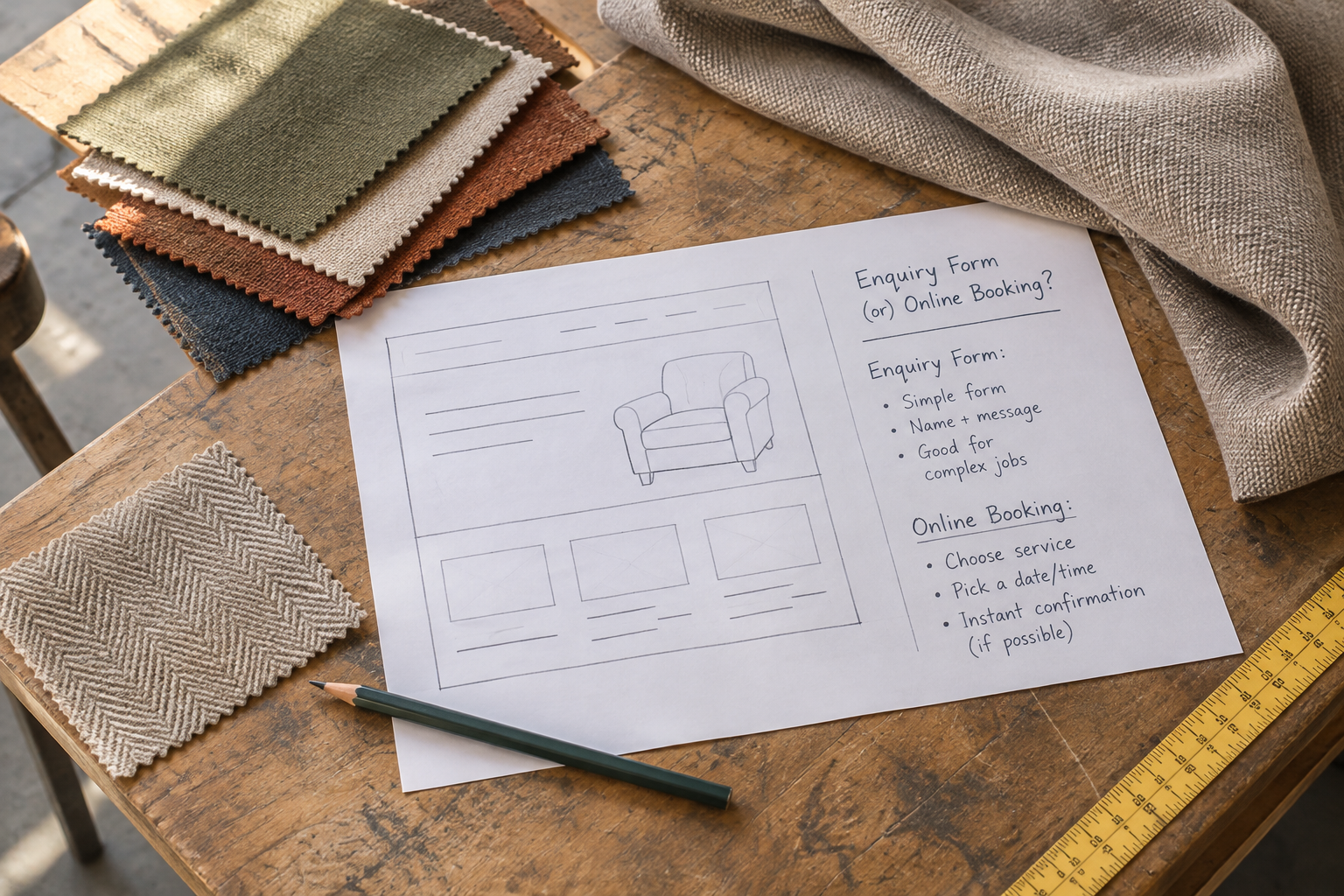
Prioritise one or two tasks that matter most at launch, then list any requirements you cannot compromise on. For example, an appointment-led business might need customers to choose a service before requesting a time. Test that specific sequence rather than judging the platform solely on a general demonstration.
How Does Durable Compare With Avantiy?
Both Durable and Avantiy use AI to help businesses get started, but the best fit depends on your priorities. Avantiy is an AI-driven website builder with a visual, no-code editor and tools for ecommerce, online booking, memberships, SEO and accessibility. The table focuses on questions worth checking rather than assuming every feature works the same way on both platforms.
| Consideration | Durable | Avantiy | What to check |
|---|---|---|---|
| AI starting point | Generates a business website from information you provide. | Generates pages, copy and structure from a plain-English business description. | See how much rewriting and rearranging your draft needs. |
| Editing | Offers tools for editing the generated website. | Offers a visual, no-code editor and editable templates. | Try changing navigation, page sections and mobile content. |
| Online selling | Check current selling capabilities and any integrations needed. | Includes ecommerce tools. | Test product setup, payment options, delivery and checkout requirements. |
| Bookings and memberships | Check current availability, integrations and plan limits. | Includes online booking and membership tools. | Map your complete customer journey before choosing. |
| SEO and accessibility | Check the current tools and editing controls available on your plan. | Includes AI-powered SEO and accessibility tools. | Confirm you can review page titles, descriptions, headings and image text. |
| Getting started | Check current trial, publishing and plan terms. | Create a free account without a card and keep the site free until publishing. | Compare the cost and terms of publishing and keeping the site live. |
| Support | Check available support channels and hours. | Offers UK-based support. | Choose the level of help your team is likely to need. |
Avantiy’s infrastructure is described as ISO 27001 and SOC 2 certified. When reviewing security, ask any provider for the scope and current evidence behind its claims, as well as details of backups, account access and incident handling. A certification claim does not remove your own responsibility to protect customer information.
For a broader buying process, use the no-code website builder checklist alongside a hands-on trial. A feature list is useful, but seeing whether your team can complete everyday tasks is more revealing.
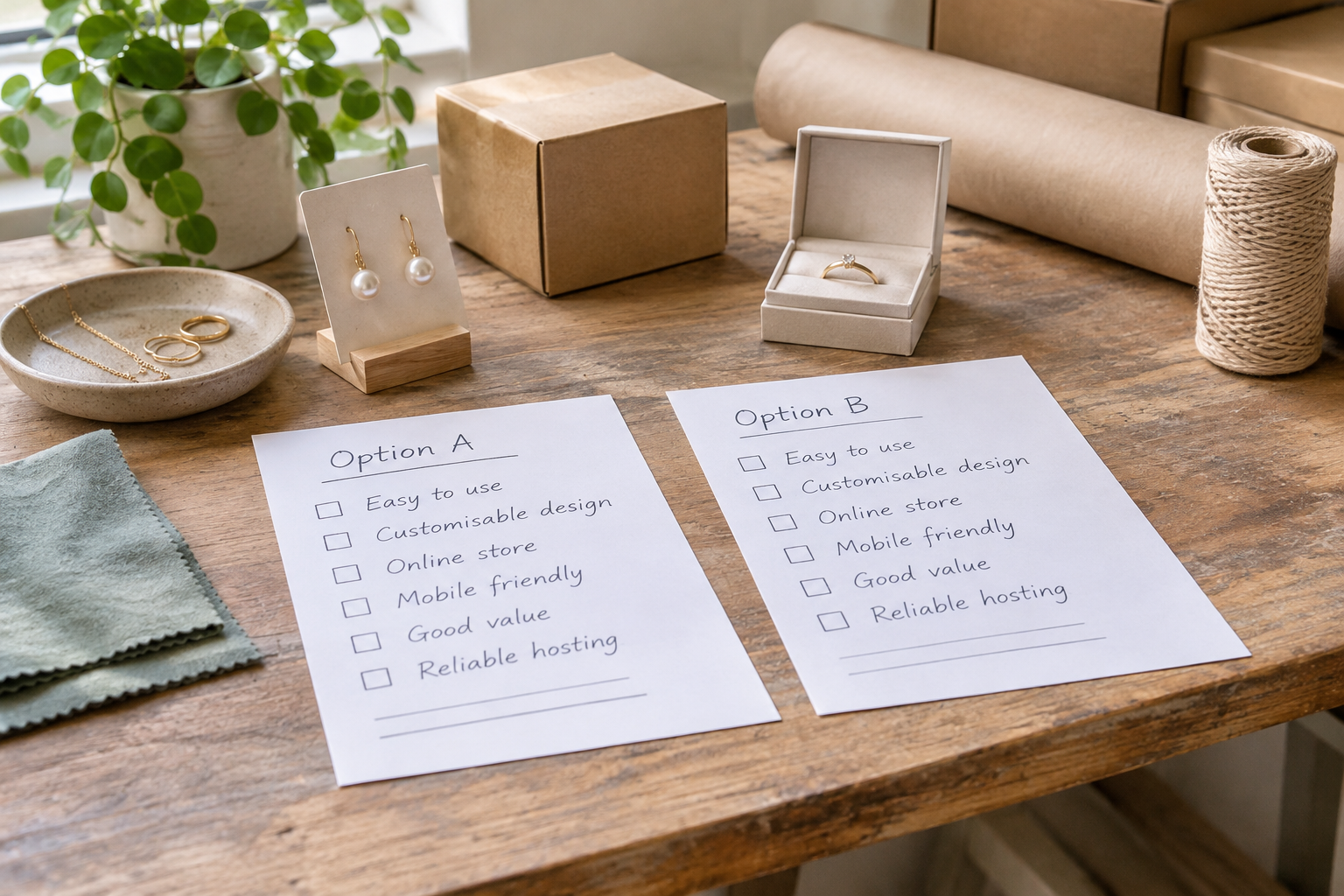
Use the same small project in each trial: create a service page, change its heading, add an image and find the controls for its search description. Note which tasks are straightforward and which need help. If another team member will maintain the site, ask them to try those steps too.
What Should You Check Before Choosing a Plan?
Website costs are more than the price shown beside a plan. Before choosing the durable ai website builder or an alternative, list what you need now and what you expect to need as the business develops. Then check the provider’s current terms for each item.
- Publishing: determine whether a free account lets you publish or only build and preview.
- Domain: check registration, renewal and connection costs, and who controls the domain.
- Payments: look for payment-provider fees and any platform charges that apply to sales.
- Essential features: confirm whether booking, selling or membership tools are included or require another plan or service.
- Renewal: review the billing period, renewal terms and cancellation process.
- Moving later: ask what content and data you can export and what would need rebuilding.
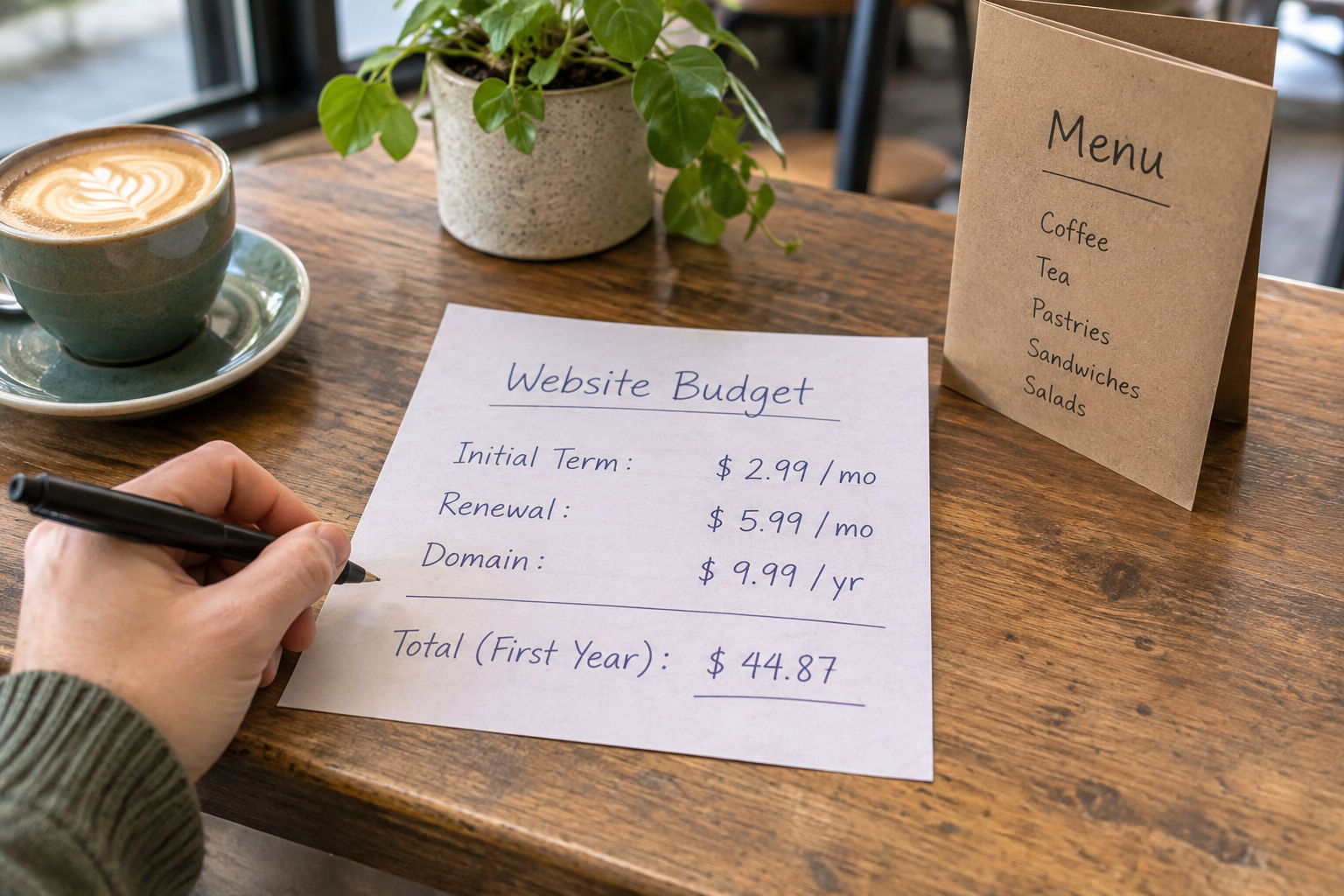
Consider the value of your time as well as the subscription. A cheaper plan may be less useful if routine updates require workarounds; a more capable plan may be unnecessary if you only need a contact page. Write down a realistic first-year budget and revisit it before paying.
Separate recurring charges from one-off setup costs in that budget. If a necessary feature depends on another service, include its price and renewal terms too. Keep a note of the plan details you checked so you can compare them again when your subscription comes up for renewal.
For online shops, our guide to small business ecommerce costs and value explains more of the trade-offs to consider.
How Do You Build a Useful First Draft?
Good input makes an AI-generated draft easier to edit. Gather the facts only you can supply: your business name, services, location or service area, contact details, customer questions and the action you want visitors to take. Do not include sensitive customer information in a prompt.
- Describe the business plainly. Explain who you help, what you offer and where you operate. Add the tone you want, such as friendly and practical.
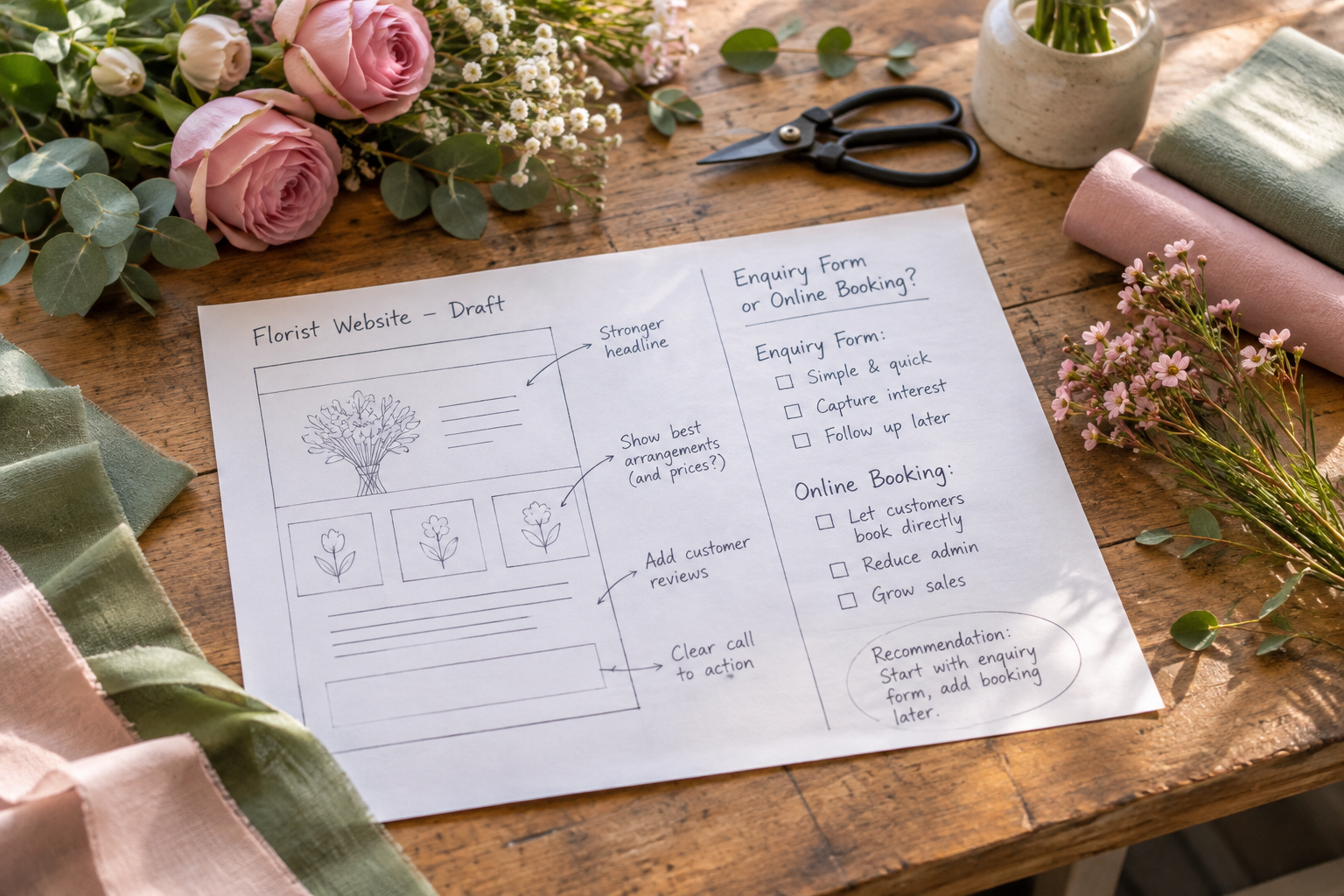
- Name the main action. Tell the builder whether visitors should enquire, book, buy or explore a portfolio. This helps you assess whether the resulting page has a clear purpose.
- Review the structure. Check that the navigation gives visitors a sensible route to services, prices where appropriate, contact information and any essential policies.
- Replace generic copy. Add accurate details about your process, availability and qualifications. Remove any unsupported claim the AI has introduced.
- Add genuine visuals. Use images you own or are licensed to use. Make sure they represent your actual products and services.
- Test the journey. Preview the site on different screen sizes and follow the steps a customer would take from arrival to enquiry or purchase.
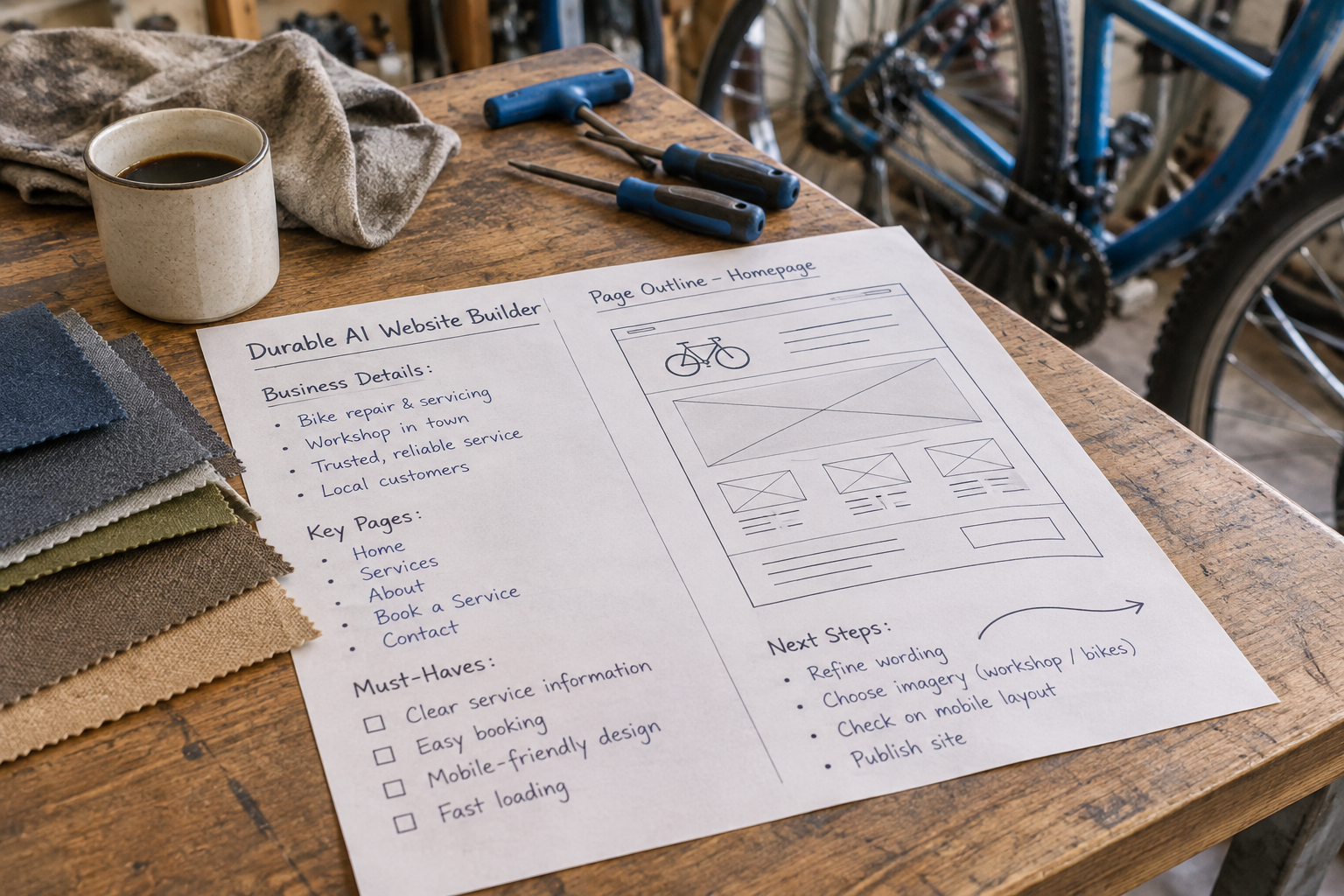
Hypothetical example: a mobile bicycle mechanic could describe their repair services and coverage area, then ask for a site that encourages appointment enquiries. After generation, they would need to check the stated locations, replace generic service descriptions and make sure the contact route works. The AI cannot know their actual availability unless they provide it.
Before editing, make a short list of questions a customer is likely to ask, such as what the service covers and how to get a quote. Use it to check for gaps in the draft. If an answer depends on the individual job, explain how the customer can request the relevant information rather than inventing a fixed answer.
Want help exploring how Avantiy could support your project? Book a training session and bring your questions about your site, shop or booking journey.
How Can You Make Generated Content Trustworthy?
Visitors need enough accurate information to decide whether to contact or buy from you. Review every page as if you were a prospective customer encountering the business for the first time. Is the offer clear? Can you find the next step? Are important conditions visible before someone commits?
Pay particular attention to claims about experience, qualifications, delivery times, prices and outcomes. AI may produce polished wording for details it does not know. Replace uncertain statements with verified facts or remove them. If you use testimonials, obtain permission and publish only genuine feedback without changing its meaning.
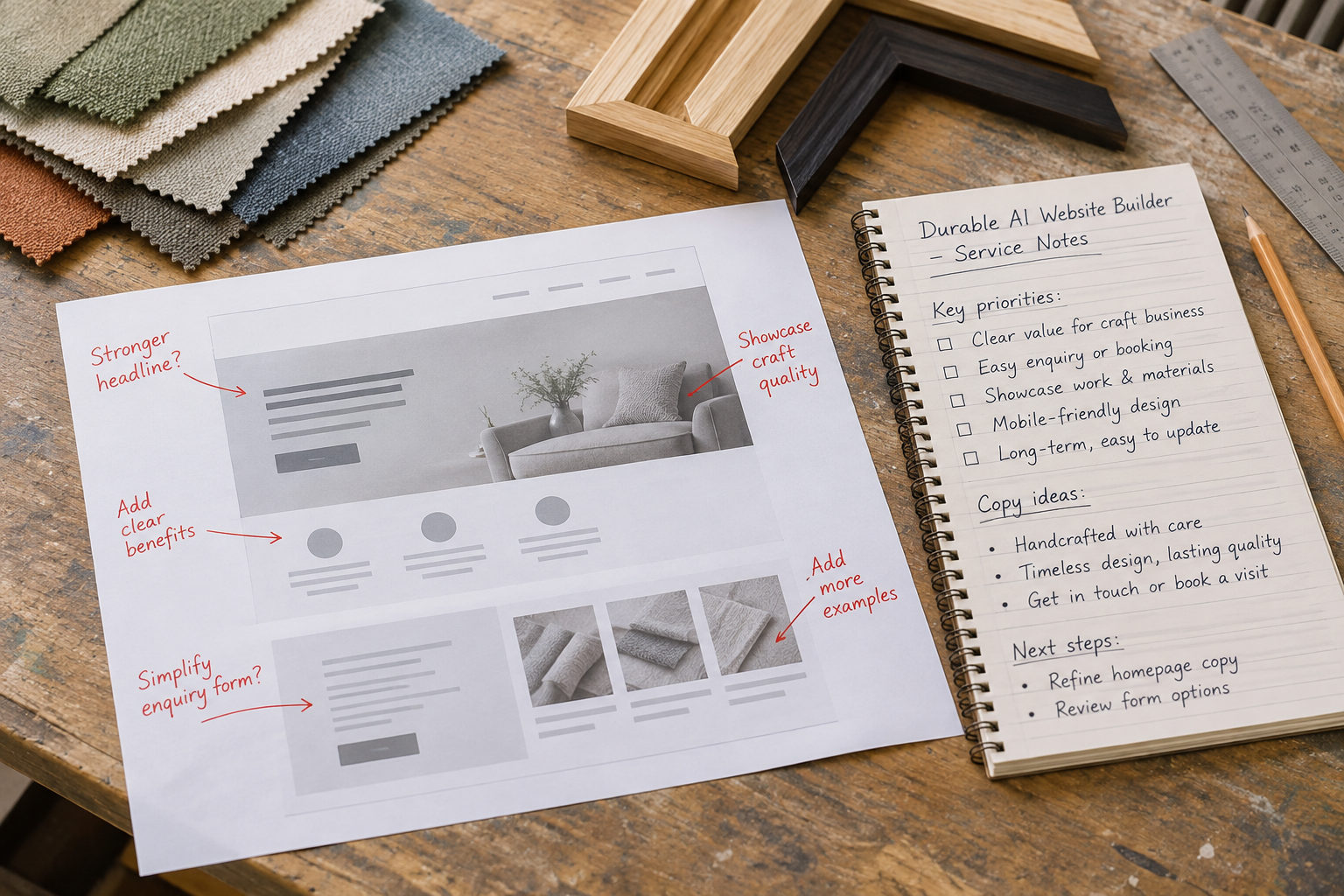
For search visibility, write useful page titles and descriptions that reflect the page itself. Use clear headings and descriptive links, and make sure each important service has enough original information to answer customer questions. AI-powered SEO tools can assist with drafting and checks, but they cannot guarantee rankings.
Accessibility also requires a review beyond automated suggestions. Use meaningful headings, clear link text and suitable alternative text for informative images. Check colour contrast and whether visitors can navigate and complete forms with a keyboard. The W3C Web Accessibility Initiative provides guidance to help you understand and improve accessibility.
Can the Platform Support Your Customer Journey?
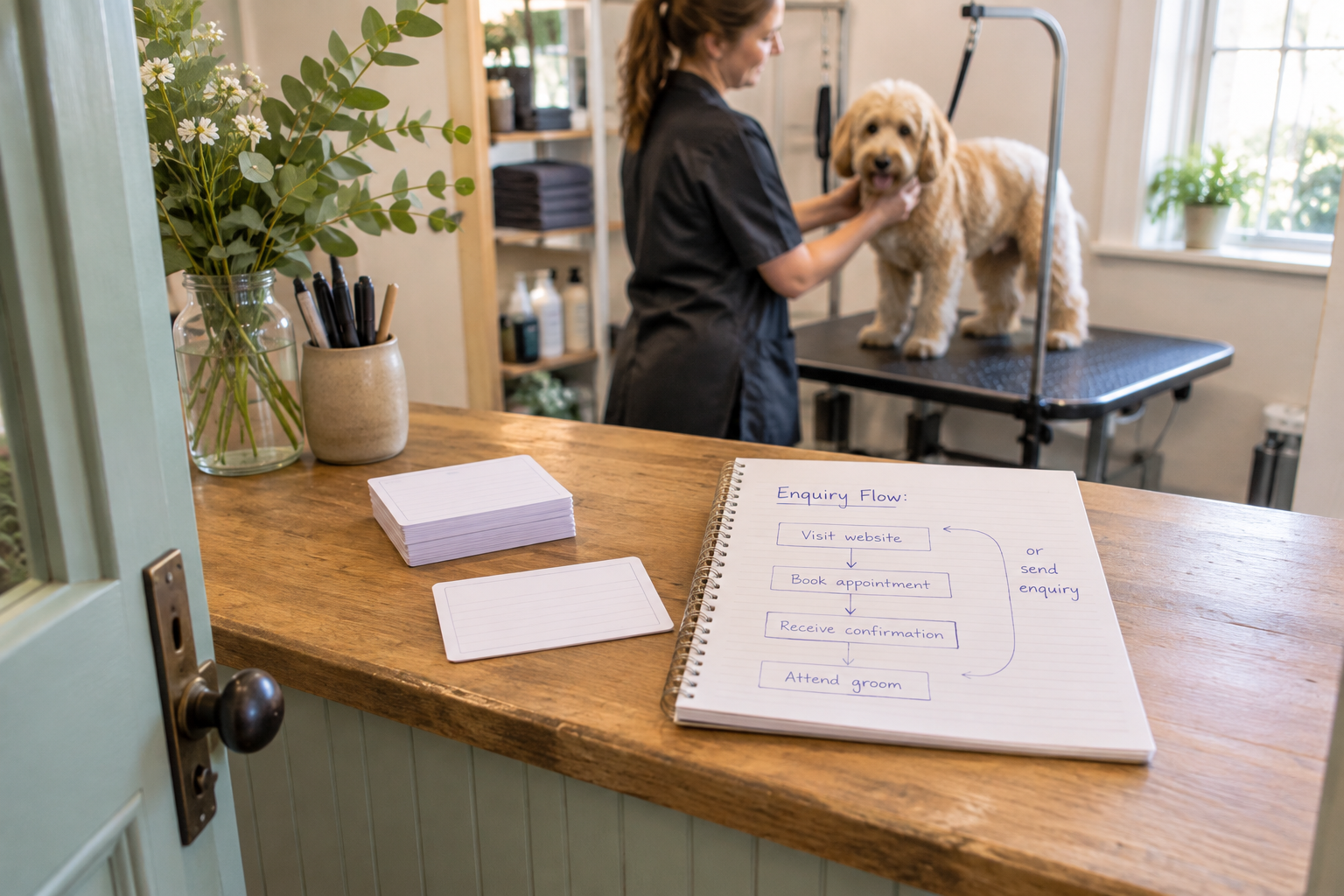
A polished homepage is only one part of a working website. Trace the full journey for each type of visitor before you publish. For a service business, that may mean finding a service, understanding what is included, choosing an appointment and receiving confirmation. For a shop, it may mean browsing a product, understanding delivery costs and completing payment.
Test each step with the settings you intend to use. Check form notifications, confirmation messages and any links to third-party tools. If a booking or payment service has its own account, understand who manages it and how customer information passes between systems.
Include less obvious scenarios in your checks. For an enquiry form, try submitting it without a required field and confirm that the error is understandable. For a booking journey, check what a customer sees when the desired time is unavailable and how they can contact you about a change.
For ecommerce, prepare accurate product descriptions, clear delivery and returns information, and a process for keeping stock current. A builder can provide the storefront, but your business still needs to manage orders and customer questions. For more on the operational side, read how to build and grow a small business online store.
Finally, decide who will maintain the site after launch. Set a regular reminder to check contact details, opening times, broken links and product availability. Keep account access secure and make sure someone knows how to get support if a problem occurs.
Watch an AI Website Builder Walkthrough
A practical walkthrough can help you see how an AI builder turns a business description into a draft. Look for a recent demonstration and pay attention to the editing steps after generation, not just the initial reveal. Interfaces and plan features can change, so verify anything important with the provider.
Frequently Asked Questions
Do I need coding skills to use Durable?
Durable is intended to help users create and edit a website without starting from code. You will still need to make decisions about the content, layout and customer journey. Before committing, try the editor yourself and check whether you can make the changes your business needs without relying on a developer.
Can AI write all my website content?
AI can produce a useful first draft, but it cannot reliably supply facts it has not been given. Review every service description, price, qualification and claim. Add your own business details and remove anything inaccurate or generic. You remain responsible for the information customers see and the promises your site makes.
Is Avantiy free to try?
You can create an Avantiy account without providing a card and keep your site free until you publish. Before going live, check the current publishing options and terms, including any costs for the features your business needs. Use the free building stage to review your pages and test the editor.
Can I use an AI builder for an online shop?
Yes, if the platform supports the selling features you need. Avantiy includes ecommerce tools; for any other builder, check its current capabilities and whether integrations are required. Review product management, payment methods, delivery settings, fees and the checkout experience before choosing a plan or directing customers to the shop.
Will an AI-generated website rank on Google?
There is no guarantee. Search visibility depends on many factors, including whether your pages are accessible to search engines and useful to the people searching. Focus on accurate, original information, clear page structure and a good visitor experience. SEO tools can help you prepare and review content, but they do not promise a particular position.
What should I check before publishing?
Proofread your content, verify business and contact details, test forms and customer journeys, and preview the site on mobile. Check accessibility, image permissions, privacy information and any relevant sales terms. Make sure the domain and publishing plan are configured as intended, then arrange a regular review after launch.
Ready to explore your own site? Use the training booking link above to discuss your plans with Avantiy.