A free AI website builder can turn a plain-English description of your business into a starting point for a website, including suggested pages and copy. You can then edit the result without code. The important distinction is what remains free: with Avantiy, you can create an account without a card and keep your site free until you publish.
1. What Do You Need Your Website to Do?
Before choosing colours or generating a page, decide what a visitor should be able to accomplish. A focused goal makes it easier to judge the AI-generated result and avoid adding pages that do not help your customers.
For example, a service provider might want visitors to understand the service and request an appointment. A retailer might need a product catalogue and checkout. A membership organisation may want to explain its offer and give members a clear route to join.
Write down the following before you start:
- Your main audience: who the site should help and what they are looking for.
- Your primary action: such as booking, making an enquiry or buying a product.
- Your essential information: services, location, opening times, contact details or delivery information, as relevant.
- Your practical requirements: whether you need ecommerce, booking or memberships.
- Your resources: useful photographs, a logo if you have one, and accurate descriptions of what you offer.

Keep the initial scope manageable. A useful first site does not need every possible feature, but it should answer the questions a prospective customer is likely to ask before taking the next step. You can develop additional content after the essentials are accurate and easy to use.
2. What Does Free Mean Before You Publish?
The word free can describe several different arrangements. A builder might let you experiment without paying, offer a permanently free published site with restrictions, or give you a limited trial. Check the conditions for the particular product rather than assuming all free plans work alike.
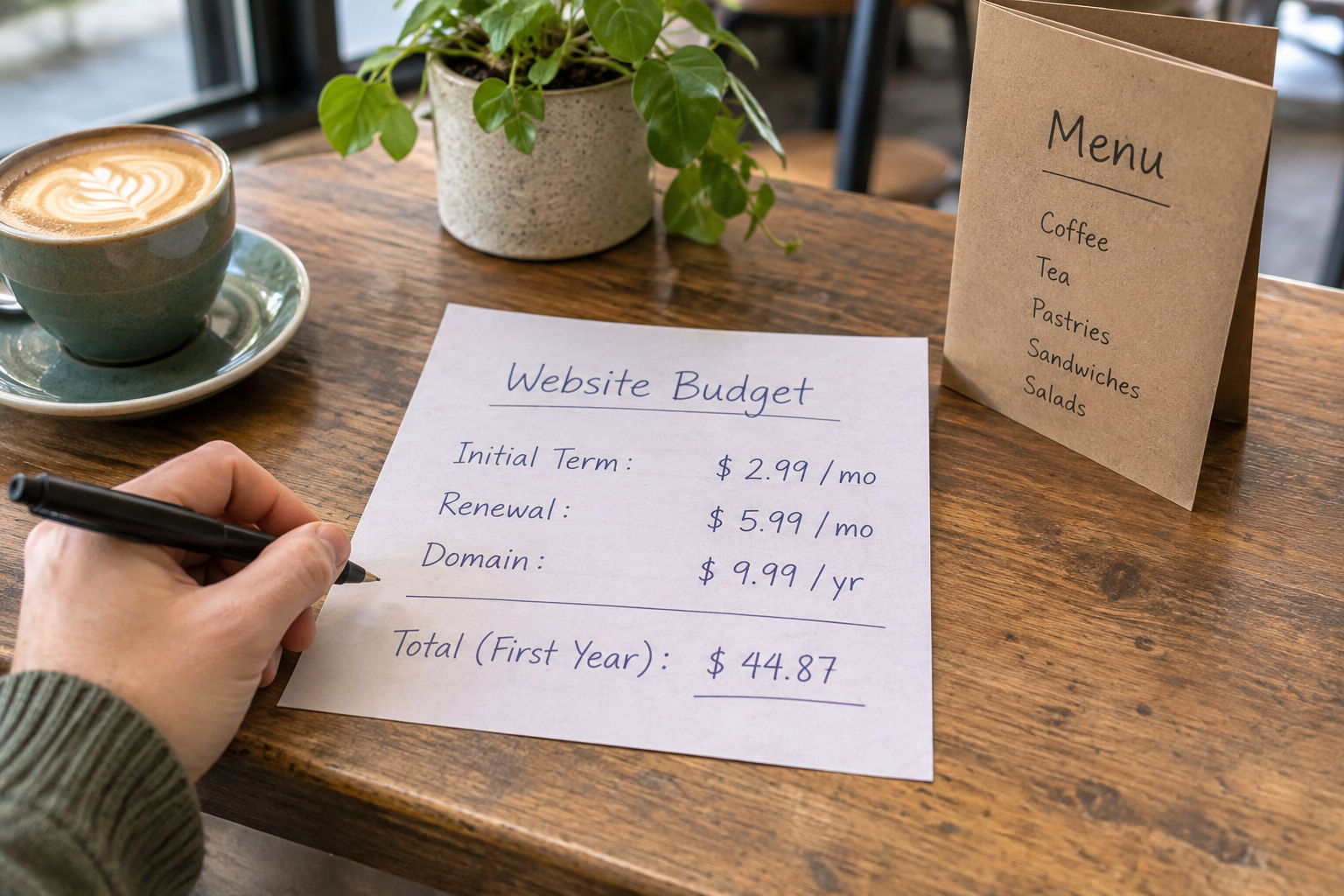
With Avantiy, you can create a free account without providing card details and keep your site free until you publish. Before publishing, check the current terms and pricing for the features you need. In particular, consider whether your plans involve a custom domain, selling online, bookings or memberships, and what those choices may cost.
| Question to check | Why it matters | What to look for |
|---|---|---|
| When does payment begin? | Building and publishing may have different terms. | Whether you can draft for free and what happens when you publish. |
| How will customers find the site? | Your web address is part of your public identity. | Domain options, ownership and any separate domain charges. |
| Can the site accept sales or bookings? | Your main customer action needs to work in practice. | Feature availability, payment processing and any applicable fees. |
| What happens after launch? | You may want to change or expand the site. | Editing access, support and the terms for changing plans. |
Do not treat an AI-generated draft as a finished purchase decision. Use the free building stage to see whether the editor and page structure fit your workflow, then review the current costs before committing to publication.
3. Create an Account and Describe Your Business
Start by creating your Avantiy account. Once you begin building, describe the business in ordinary language. The AI can use that description to generate a starting structure, pages and copy, which you can refine in the visual editor.
A helpful description gives the builder enough context to distinguish your business from a generic example. Include what you sell or provide, whom you serve, where you operate and what you want visitors to do. If your audience has a particular concern, such as understanding how an appointment works, mention that too.
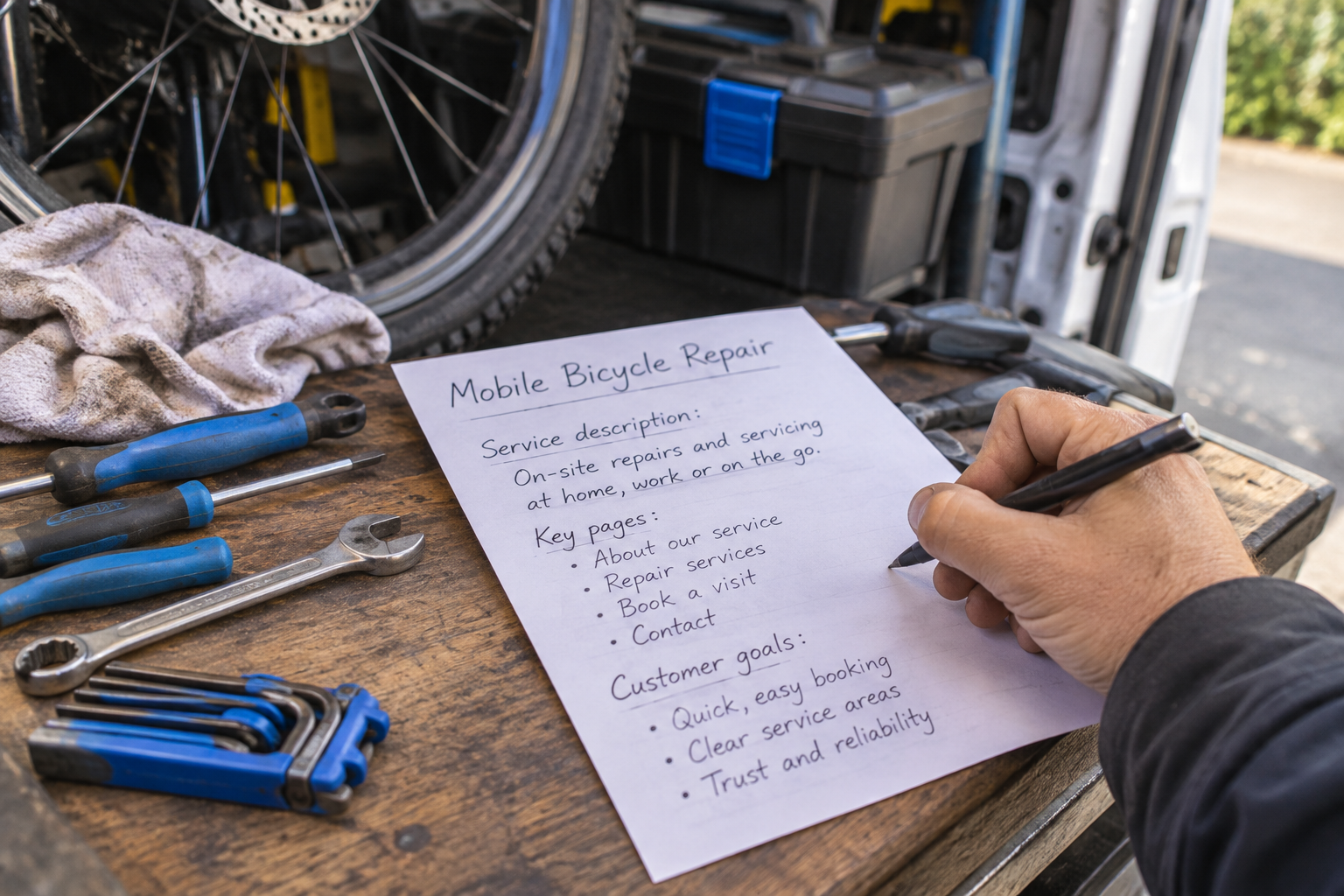
Hypothetical example: “I run a mobile bicycle repair service for people in Bristol. I offer basic servicing and puncture repairs by appointment. I want a friendly, straightforward website that explains the services and helps customers book.”
You can add factual details you already know, such as the area you cover or how customers should prepare for a visit. Leave out information you have not decided, and do not ask the AI to invent reviews, qualifications or prices. If a detail matters to a buying decision, it needs a reliable source: you.
If the first result feels too broad, revise your description or edit the generated content. The goal is not to craft a perfect prompt on the first attempt. It is to give yourself a useful foundation that reflects your actual offer.
4. Choose Pages and Shape the Customer Journey
Review the proposed page structure before polishing individual sentences. Ask whether a new visitor can move from understanding your offer to taking action without hunting for information.
A straightforward service-business site might use a home page, a services page, an about page and a contact or booking page. An online shop may need category and product pages, along with clear delivery and returns information. A membership site should explain who it is for, what membership includes and how to join.
Use page names that make sense to customers. “Services” is usually clearer than a clever label that only makes sense inside your business. Put your most important action where visitors can find it, while giving them enough information to make a decision first.
- Home: explain what you offer, who it is for and the next step.
- Services or products: describe the options and answer practical questions.
- About: provide relevant background and help visitors understand who they are dealing with.
- Contact or booking: make the route to an enquiry or appointment clear.
- Policies: include information appropriate to your business, such as privacy, delivery or returns details.
Remove or rename pages that do not serve a purpose. If the AI creates a page for a service you do not provide, correct it rather than leaving it in place as a placeholder. A smaller, accurate site is more useful than a larger one filled with assumptions.
For a broader review of what to check as you build, use the no-code website builder checklist.
5. How Do You Make AI-Generated Content Accurate?
Read every generated page as if you were a customer encountering the business for the first time. AI can suggest a useful draft, but it cannot verify your current availability, service area, product specifications or promises. You remain responsible for what the published site says.
Replace vague claims with relevant details. Instead of accepting a line that says you provide “exceptional service”, explain what customers can expect: how to get in touch, what the service includes and what happens next. Use a friendly tone that sounds like your business rather than trying to imitate a large company.
Pay particular attention to:
- Prices and availability: include them only when accurate, and explain any important conditions.
- Reviews and credentials: use genuine material you have permission to publish; remove invented testimonials or qualifications.
- Contact details: check spelling, telephone numbers, email addresses and links.
- Images: use photographs you own or have the right to use, and make sure they represent the offer honestly.
- Calls to action: make button and link wording match what happens next.

It helps to read the copy aloud or ask someone unfamiliar with the business to explain what they think you offer. If they cannot tell what happens after an enquiry, add that explanation. If a promise sounds stronger than you can reliably fulfil, rewrite it.
Want help getting started or refining your draft? Book Avantiy training to discuss your website-building questions.
6. Add the Features Your Customers Need
A free AI website builder can help you create pages, but your choice of features should follow the action you want visitors to take. Avantiy includes ecommerce, online booking and memberships; check the current availability and terms for the setup you intend to publish.
For an online shop: prepare accurate product names, descriptions, photographs and prices. Explain delivery options and returns clearly. Before launch, check the customer journey from product selection through to checkout, including any payment and fulfilment settings that apply.
For appointments: describe what customers can book, how long the service takes if relevant, and what they should expect after making a booking. Review availability and any confirmation or cancellation information before directing customers to the booking flow.
For memberships: explain who can join, what is included and how access works. Avoid implying that content or benefits are available if you have not yet prepared them.
Choose features because they solve a real problem, not simply because they are available. A contact route may be enough for a business that handles each enquiry individually; a shop needs a reliable route from product browsing to payment. If ecommerce is your priority, the guide to building and growing a small business online store covers the wider decisions.

7. Check Accessibility, Privacy and Search Basics
Avantiy includes AI-powered SEO and accessibility tools, which can help you identify areas to review. They do not replace checking the content and testing how people use your site. Build with clarity in mind from the beginning rather than treating these tasks as a final decoration.
For accessibility, use descriptive headings, readable text and meaningful link labels. Provide useful alternative text for informative images, and check that the site can be navigated using a keyboard. The W3C Web Accessibility Initiative offers guidance on making web content accessible.
For search, give each important page a clear topic. Use language your customers would naturally use when describing your service, without forcing the same phrase into every paragraph. Write a relevant page title and description where the editor allows, and make sure the page itself answers the question suggested by its title. Search visibility is not guaranteed by using an AI tool or repeating a keyword.
For privacy, consider what information you collect through forms, bookings or purchases and explain your practices accurately. The Information Commissioner's Office guidance for organisations is a useful starting point for UK businesses. Your obligations depend on your circumstances, so seek appropriate advice if you are unsure.
Security also matters when choosing a platform. Avantiy states that its infrastructure is ISO 27001 and SOC 2 certified. Even so, use sensible account security practices and review how your own business handles customer information.
8. Test the Site Before You Publish
When the draft looks ready, step away from the editor and follow the same paths a visitor would. Start on the home page, find a service or product, and try to reach the relevant enquiry, booking or purchase point. Check both a phone-sized view and a larger screen where possible.
- Read each page for accuracy, missing details and unfinished placeholder text.
- Check that navigation labels lead to the expected pages and that links work.
- Review images and text for readability on different screen sizes.
- Test forms and booking or purchase journeys where possible, and confirm what customers see after taking action.
- Check contact details, policy information and any practical conditions again.
- Review the current publishing terms, feature requirements and costs before making the site public.

If a feature cannot be fully tested until the site is live, make a plan to check it immediately after publishing and correct any issues promptly. Ask a trusted person to try the site too: they may spot confusing wording or a missing step that you have overlooked.
Once published, keep the site current. Revisit opening hours, availability, prices and contact details whenever they change. A website is not a one-time document; it needs to reflect the business customers can actually reach today.
Watch a Website-Building Walkthrough
A visual walkthrough can help you understand the general process of turning a business description into editable pages. Look for a recent demonstration and check its publishing terms separately, as features and pricing can change.
Frequently Asked Questions
Can I build a website without knowing how to code?
Yes. Avantiy generates a starting point from your business description and lets you refine it in a visual, no-code editor. You still need to supply accurate business information, choose suitable pages and check the result. No-code building reduces the technical work; it does not remove the need to review what customers will see.
Do I need a payment card to try Avantiy?
No. You can create a free Avantiy account without a card and keep your site free until you publish. Before publishing, review the current terms and any charges associated with the features or domain arrangements you choose. That gives you a chance to assess the draft before making a publication decision.
Can I use AI to build an online shop?
Yes. An AI builder can help create the initial site and copy, while ecommerce features support the practical selling journey. You will need to provide accurate product details and configure the relevant store settings. Check the current feature terms, payment arrangements and any applicable fees before launching your shop.
Will the generated website automatically be accurate?
No. Generated content is a draft, not a verified record of your business. Review services, prices, contact information and any claims before publishing. Remove invented testimonials or credentials, and use images you have permission to publish. Check the content again whenever your offer or business details change.
Can an AI builder guarantee a high search ranking?
No builder can guarantee a particular search ranking. Built-in SEO tools can help with parts of the process, but useful content, clear page structure and ongoing maintenance still matter. Focus on answering real customer questions and making the site easy to navigate rather than relying on repeated keywords.
Ready to turn your idea into a site? Create a free Avantiy account, or book training using the link above if you would like guidance as you build.