
If you are trying to learn how to use godaddy ai website builder, the process is usually faster than building a site from scratch. You describe your business, review the AI-generated draft, then edit the layout, pages, and settings before you publish. That makes it appealing for small business owners who want a live site quickly. However, the best choice depends on how much control you want over SEO, content, and long-term growth. In this guide, I’ll show how to use godaddy ai website builder step by step, where people commonly get stuck, and when a simpler small-business-focused option like Avantiy’s AI website builder may be a better fit.
How GoDaddy's AI Website Builder Usually Works
How to use godaddy ai website builder usually follows a simple pattern: provide details, let the AI draft the site, then refine it before publishing. In practice, the tool aims to reduce the blank-page problem. That helps non-technical users move faster, especially when they need a basic business website, landing page, or service page.
The flow is similar to other AI site builders, but the key difference is how much editing you still need to do afterward. If your brand is simple, the first draft can be a good starting point. If your site needs more structure, better SEO control, or multiple page types, you may spend more time polishing the result.
GoDaddy’s own guide on AI site creation explains the general workflow, and you can also see a practical walkthrough in GoDaddy’s AI website creation guide. For a quick visual demo, the official overview in GoDaddy’s Airo walkthrough video shows how the draft can be generated from a business prompt.
If you want a broader comparison of AI setup options, it can also help to read how to build a website with AI before you decide. That gives you a better sense of what an AI first draft can and cannot do.
The main thing to remember is this: how to use godaddy ai website builder is less about coding and more about guided editing. Therefore, your results depend on the quality of the inputs you give the AI.
Why the first draft matters
The first draft sets the structure for the rest of the build. If the AI starts with the wrong business type, weak wording, or unclear services, you will need more manual cleanup later. Therefore, the best results usually come from giving specific, plain-language details about what you sell and who you serve.
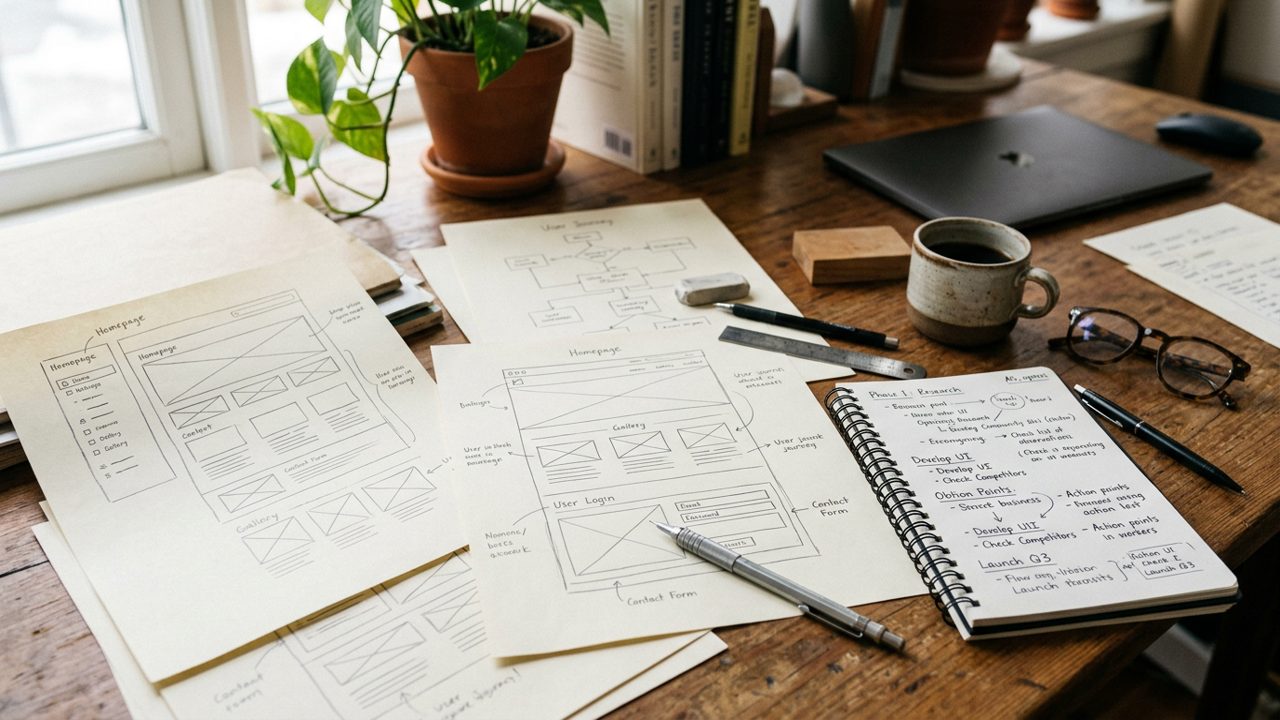
Step-by-Step: how to use godaddy ai website builder
how to use godaddy ai website builder is easiest when you treat it like a guided setup, not a finished design tool. Start with your business basics, then improve the draft section by section. That keeps the build moving and helps you launch sooner.
For readers who want a simpler small-business workflow, Avantiy’s small business website builder is designed for fast setup with fewer moving parts. It can be a better fit if you want a clean launch path with built-in SEO support.
You may also find the official YouTube demo useful before you begin. Watch this short live build from GoDaddy to see the process in action:
### Enter your business details
Start by entering your business name, category, services, and location. Be specific. A plumber, for example, should not just say “home services.” Instead, list “emergency plumbing, boiler repairs, and bathroom installations.”
This step matters because the AI uses your description to shape the site draft. The clearer your input, the better the content match.
### Choose a design direction
Next, choose a look that fits your business. A local consultant, for example, needs a different visual feel than an online store. Keep the design choice simple at first. You can refine colors, fonts, and images later.
If you are still deciding what visual style fits your business, browse professional website templates first. That can help you avoid starting with a layout that fights your brand.
### Edit pages and sections
After the AI builds the draft, review each page carefully. Fix headlines, replace generic text, and make the services page more specific. Add trust signals, contact details, and a clear call to action.
This is usually where users realize how to use godaddy ai website builder effectively: the AI helps you start, but you still need to shape the message.
### Connect a domain
Once the site structure looks right, connect your domain. If you do not already own one, use a domain search tool first. Avantiy’s domain name search and registration page is a useful example of what this step should feel like in a small-business-first workflow.
### Review SEO settings
Finally, check page titles, meta descriptions, and image alt text. These basics matter because even a good-looking site needs search visibility. For a deeper setup, see SEO website builder tools that help handle titles, descriptions, and audits more directly.
A practical tip: do not treat the AI draft as final. how to use godaddy ai website builder well means editing with intention before you publish.
Enter your business details
Keep your description concrete and customer-focused. Mention your service area, main offer, and ideal customer. That gives the AI better material and reduces vague copy.
Choose a design direction
Pick a style that matches your business type, then edit it later. A good starting point saves time, but the content and layout still need your review.
Edit pages and sections
Replace filler text fast. Add service details, proof, FAQs, and contact prompts so the site feels credible, not generic.
Connect a domain
Attach your domain only after the structure is ready. That avoids publishing a site before the pages and branding are in place.
Review SEO settings
Check titles, meta descriptions, and alt text before launch. Small fixes here can improve how the site performs in search.
What are the common limits when you use godaddy ai website builder?
The main limits are usually content control, flexibility, and how much cleanup the AI draft needs. That does not mean the tool is bad. It means how to use godaddy ai website builder depends on whether you want speed or deeper control.
Many small business owners get stuck when the draft looks “close enough” but still needs better service pages, stronger calls to action, or more specific local wording. Others find that the SEO settings are basic for their needs. In those cases, the build can feel faster at the start but slower by the end.
A second limit is scope. If you need an online store, location pages, or more advanced content organization, the first draft may not fully cover what you need. That is why it helps to compare the workflow with a more focused option like website builder with SEO tools or an online store builder for small businesses.
A helpful way to judge the tool is to ask three questions:
- Can I edit the content without fighting the editor?
- Can I publish without relying on technical help?
- Can I improve SEO after the AI draft is live?
If the answer is mostly yes, the builder may work well for you. If the answer is mixed, a simpler platform may save time. That is why how to use godaddy ai website builder is only part of the decision. You also need to know whether the platform fits your workflow.
For a broader decision framework, no-code website builder guidance can help you compare ease of use, editing freedom, and publishing speed.
Where users commonly get stuck
The most common problem is vague AI copy. The second is spending too long adjusting layout instead of improving the content. A clear plan before editing usually saves time.
GoDaddy AI Website Builder vs Avantiy
GoDaddy AI Website Builder is built for quick guided setup. Avantiy is built for small businesses that want a simpler path to a polished site, with stronger support for practical publishing and SEO-ready content.
If your goal is just to test an idea, how to use godaddy ai website builder may be enough. If your goal is to launch a credible business website, a service page, or a small store with less friction, Avantiy can be the better fit.
Here is the simplest way to compare them:
- GoDaddy AI Website Builder: good for fast first drafts and broad general use.
- Avantiy: better when you want small-business-friendly setup, editable templates, built-in SEO tools, and a more focused workflow.
- GoDaddy AI Website Builder: may require more cleanup after the AI draft.
- Avantiy: reduces setup time by making the structure and publishing path more direct.
If you are still choosing a starting point, begin with AI website builder for small business owners. If your priority is a local business site, look at website builder for small business options that are designed around clear pages, domain setup, and launch speed.
The right choice comes down to your goal. If you need to move from idea to live site with fewer decisions, Avantiy is usually easier. If you want to experiment inside a broader ecosystem, how to use godaddy ai website builder may still be useful. However, many small businesses prefer a platform that feels more direct from the start.
For a more guided setup, you can also review how to create a website with AI in 4 simple steps and compare the workflow.
Which option suits small businesses better?
Small businesses often need clarity, not complexity. If you want a site that is easy to edit, easy to publish, and ready for SEO work, Avantiy is often the better long-term match.
Key Takeaways
- how to use godaddy ai website builder is a fast-start process, but the AI draft still needs careful editing.
- The biggest wins come from clear business details, simple design choices, and a full SEO review before publishing.
- Many users get stuck on generic copy, limited control, or extra cleanup after the first draft.
- Avantiy may be a better fit if you want a more focused small-business workflow with SEO support.
- The best platform is the one that matches your launch speed, content needs, and long-term editing comfort.
Frequently Asked Questions
How to use AI to create a website on GoDaddy?
Start by entering your business name, service type, and key details, then let the AI generate a draft site. After that, edit the pages, replace generic copy, connect your domain, and check SEO settings before publishing. The key is to treat the AI output as a starting point, not the final version.
Is GoDaddy AI website builder free?
It may let you start without paying upfront, but publishing and ongoing use usually involve plan limits or paid upgrades. The safest approach is to check what is included before you invest time in the draft. That way, you know whether the setup matches your budget and launch timeline.
Is GoDaddy AI website builder any good?
It can be good for a quick first draft and simple site setup. However, the real value depends on how much editing you want to do afterward and whether the SEO and content tools are enough for your business. If you want a more focused small-business workflow, a simpler builder may feel easier.
How do I use GoDaddy website builder?
Choose a template or AI-assisted starting point, add your business details, edit each page, connect your domain, and review SEO settings before launch. The process is straightforward, but strong results still depend on clear content and careful review. That is why how to use godaddy ai website builder works best when you plan the site before you edit.