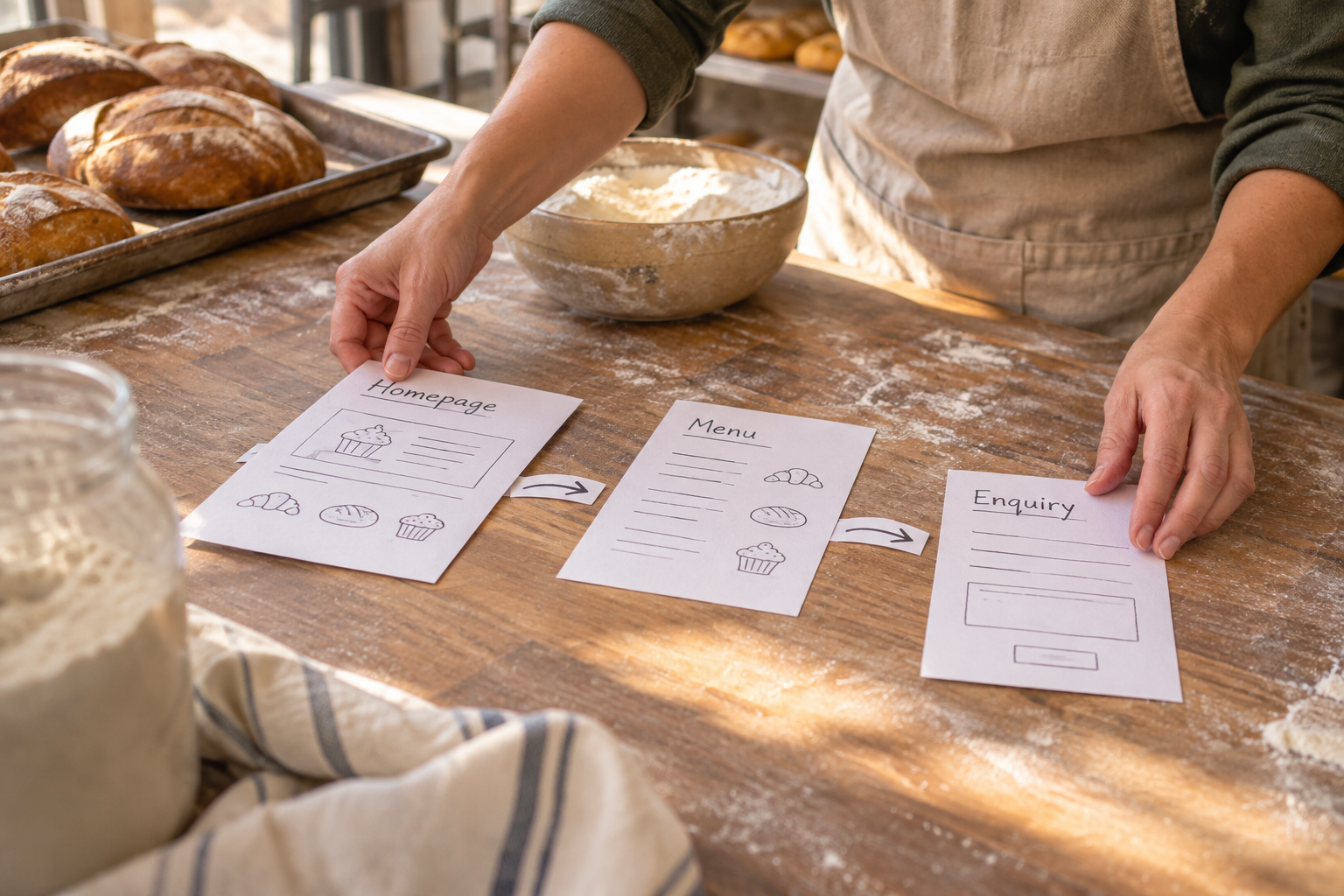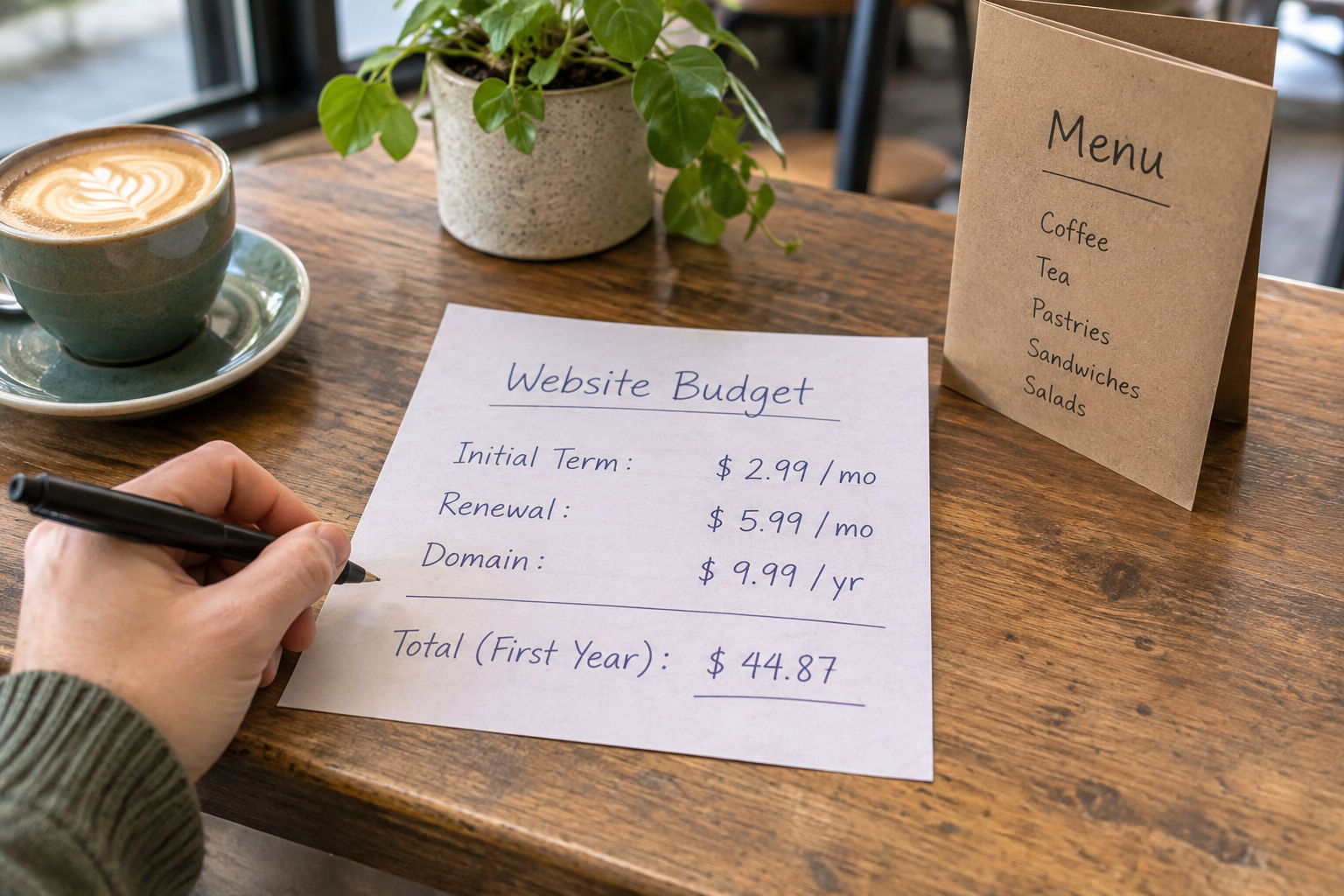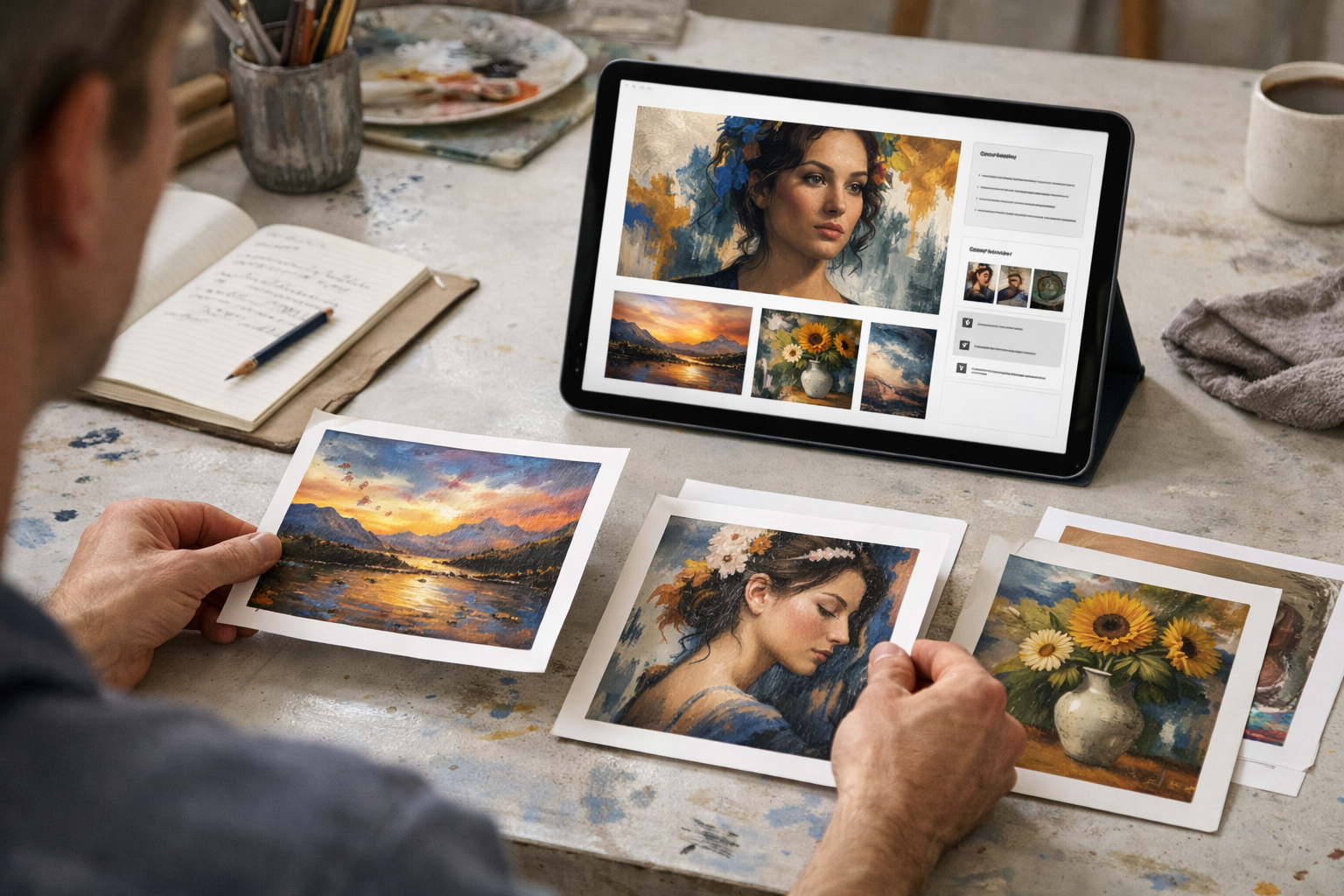
The short answer: a website creator for artists should help you launch fast, look unique, sell or book with ease, and keep improving with built‑in SEO and accessibility tools—without code. If your platform can draft pages from a simple brief, handle images beautifully, and scale to shops or memberships, you’ll spend more time making work and less time wrangling tech.
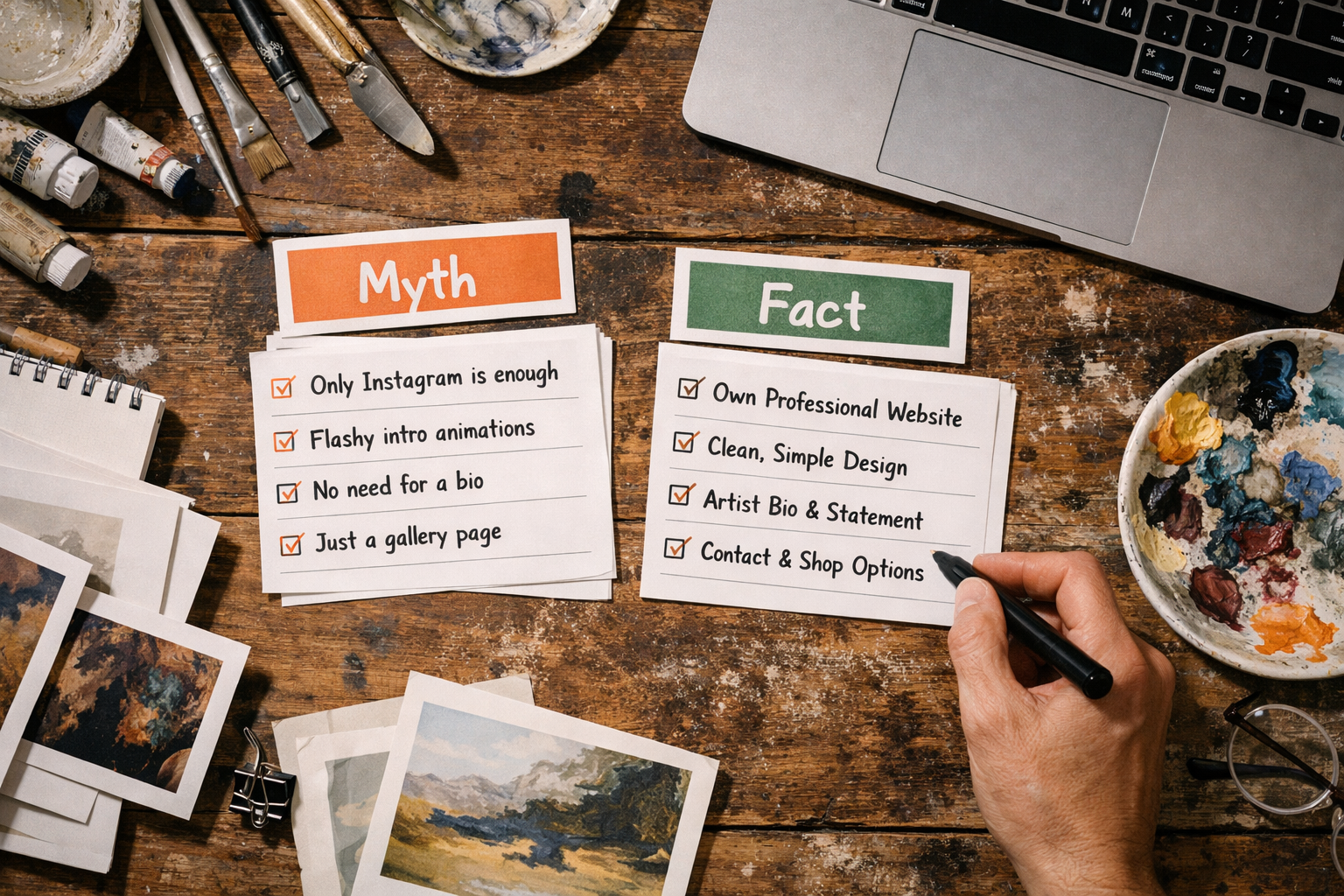
Myth vs Fact: Choosing a Website Creator for Artists
Myth: All site builders are the same. Fact: creative work needs nuanced control: visual curation, high‑quality image handling, and effortless ways to sell originals, prints, workshops or memberships. A website creator for artists should start with your words, not a blank page—so you describe your practice and it drafts pages, navigation and copy you can edit visually. That’s faster, and it keeps your voice front and centre.
Myth: “AI makes everything sound alike.” Fact: good systems propose structure and starter copy, then get out of your way. You keep authorship—editing tone, swapping images, adjusting layout—while automation handles the tedious bits like alt text prompts, meta tags, internal links, and consistent spacing. Think of it as a studio assistant, not a ghostwriter.
Myth: “One gallery page is enough.” Fact: if you sell, teach or take commissions, you’ll likely need product pages, booking forms, and short landing pages for exhibitions or drops. Platforms that bundle ecommerce, appointments and memberships reduce plugin sprawl and stop you re‑entering the same details in five places.
Finally, prioritise the boring but critical: accessibility, performance and security. An artist’s site fails if collectors can’t load it on a train, a student can’t book a class on mobile, or a gallery’s firewall blocks flaky third‑party scripts. Look for ISO‑aligned hosting, UK‑based support, and tooling that nudges you to do the right thing by default.
Do You Really Need Code to Build an Artist Website?
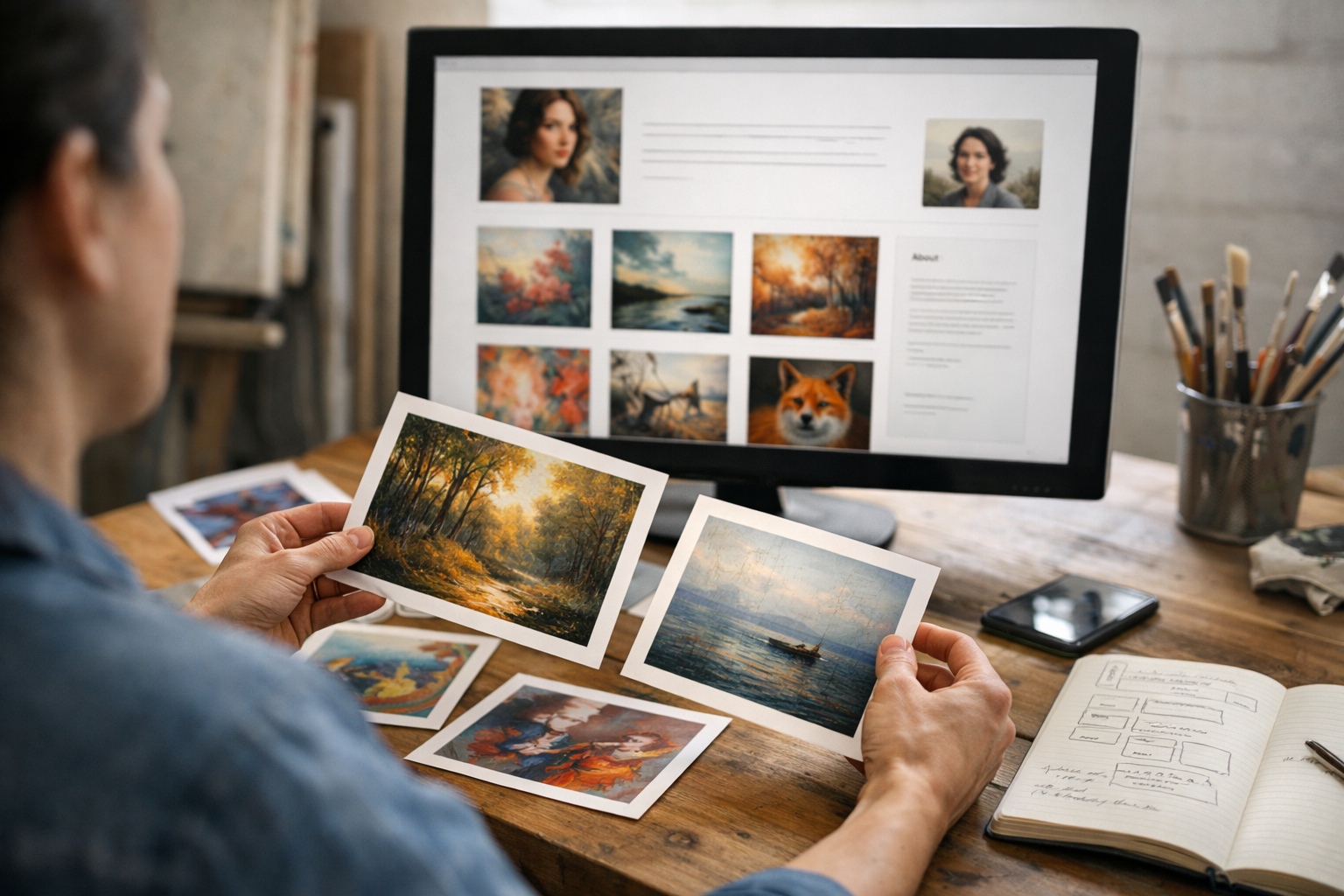
Myth: “To look professional, you must hire a developer.” Fact: code is powerful, but most independent artists, photographers and illustrators don’t need a custom framework. You need tasteful templates you can shape without developer hours, and the ability to add or switch sections as your practice evolves—say, when you start workshops, introduce limited editions, or spin up a members‑only critique group.
What separates a good no‑code platform from a bad one is design flexibility without chaos. You want pre‑designed blocks that behave well together—grids that align, type scales that balance, colour systems that pass contrast checks—while still letting you change image crops, captions, and hierarchy. If you can preview mobile and desktop side‑by‑side, you’ll avoid the classic mistake of a beautiful desktop grid that turns into a scroll marathon on phones.
There’s also the question of time. A common pattern: an artist spends weeks researching plugins, then delays publishing because a lightbox and a booking form are arguing. A well‑considered builder packages these flows so you can soft‑launch in hours, share the link with a friend or mentor, then iterate in public. The confidence boost of seeing your work live often matters more than squeezing one more pixel out of a custom CSS tweak.
If you later outgrow the no‑code layer, many platforms still allow custom snippets for analytics, embeds and checkout pixels. That means you can add the specialist tools you need (e.g., a newsletter integration or a shipping calculator) without rebuilding the entire site.
Will Templates Make Your Portfolio Look Generic?
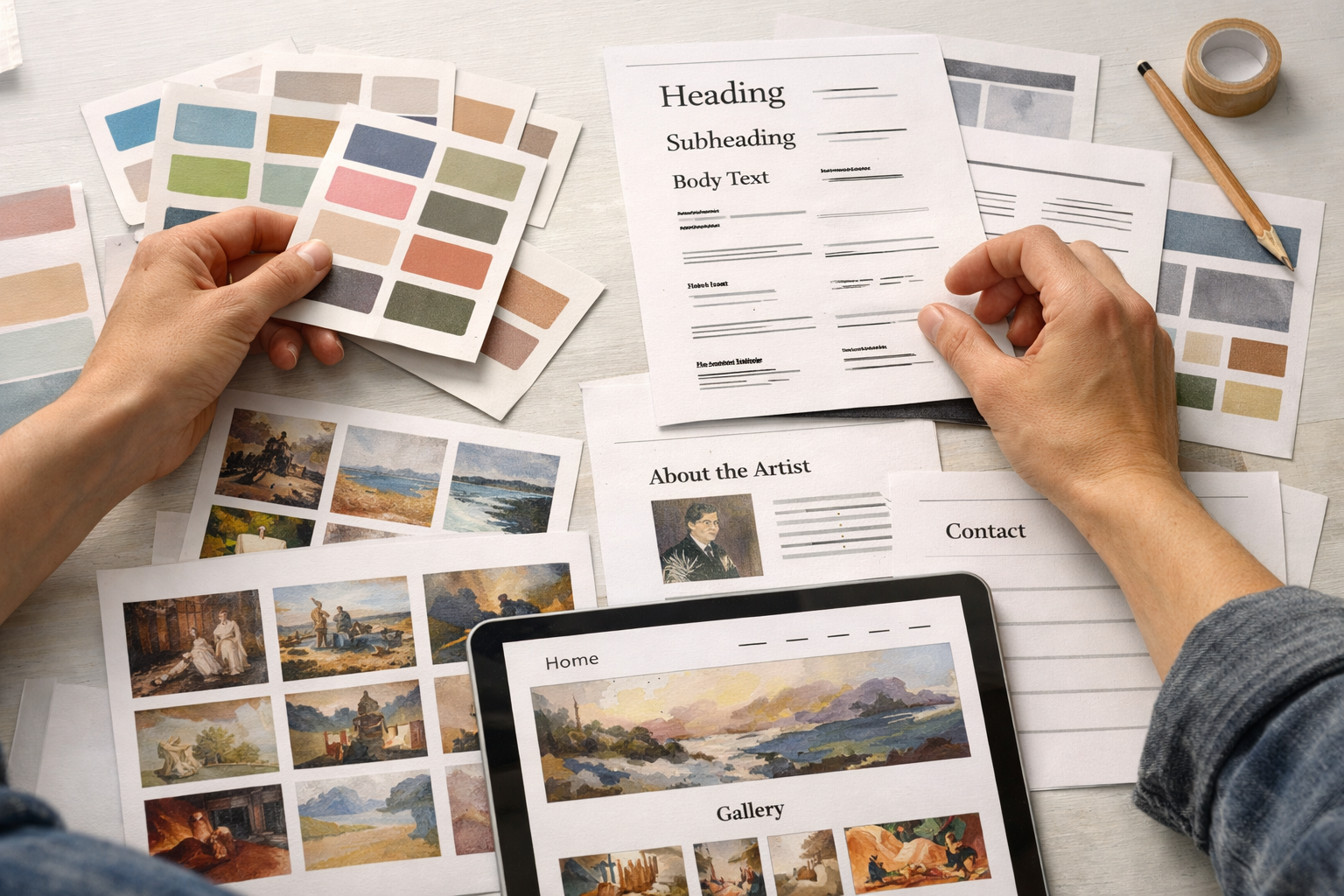
Myth: “Using a template means my site will look like everyone else’s.” Fact: strong templates are starting points, not cages. Think of them as gallery walls and plinths—you choose how to hang the show. Variation comes from your image selection, sequencing, copy, and subtle layout changes: alternating full‑bleed works with detail crops, pairing a process shot with a finished piece, or inserting a short artist statement between series.
Here’s a reliable sequencing tactic: open with one unmistakable piece; follow with two to three supporting works that echo its palette or concept; then shift to a contrasting series to show range. Use captions to tell micro‑stories (“Ink and graphite on cotton rag, developed during a residency in winter 2025”) rather than listing every material and size. The same template, sequenced differently, reads as an entirely new site.
Most modern systems also let you tweak typographic voice—serif for editorial calm, geometric sans for crisp minimalism—without breaking accessibility contrast. If your platform includes a “style presets” library, try a restrained set first. Loud display fonts can drown quiet work. Finally, let whitespace breathe: a short artist bio and a lean navigation often says “confident and curated.”
Can AI Write Artist Bios and Product Descriptions Well?
Myth: “AI can’t capture my voice.” Fact: raw outputs can be bland, but guided systems can mirror tone if you provide context. Feed three short samples of your writing, list five adjectives you like (“spare, candid, observational, wry, precise”), note words to avoid, and give a one‑line brief per page (“Explain process for non‑artists; invite commissions.”). The draft becomes a scaffold you refine, not text you accept blindly.
For product descriptions, think outcomes and provenance more than listing specs. Instead of “A3 giclée print on archival paper,” lead with what the piece does in a space: “Soft graphite textures add calm to small rooms; printed on archival cotton rag for long life.” You can keep specs below for collectors. AI can help propose these angles at speed.
Be pedantic on facts: edition sizes, materials, shipping timelines, framing options. If in doubt, remove claims rather than risk misleading buyers. When tools generate image alt text, read it aloud: does it help someone who can’t see the work imagine it? Balanced tools will also flag too‑short or too‑long meta descriptions, duplicate headers, and missing captions, so you avoid common SEO drift.
A final point: your voice improves with iteration. Publish a “good enough” bio, share it with a trusted peer, and revise. A platform that recognises this—saving versions and letting you test alternatives—beats a blank page every time.
How Do Bookings, Shops and Memberships Fit an Artist’s Site?
Myth: “A portfolio should be separate from commerce.” Fact: for many artists, the shopping cart, booking calendar and members’ area are extensions of the practice. Workshops, one‑off studio visits, limited print runs and behind‑the‑scenes diaries all deepen engagement. When these live on the same domain, you avoid context switching and keep trust signals (SSL, branding, contact info) consistent.
Look for frictionless flows: add‑to‑cart without page reloads, booking with calendar sync, memberships that unlock private posts or critique slots. If you teach, use variants to set class sizes and dates. If you sell originals, inventory tracking and “notify me” waitlists stop disappointment. A good platform will generate structured data for products and events, so search engines understand your offer.
Shipping and tax need sanity too. For UK artists, flat‑rate options for domestic/International and clear lead times often beat complex calculators. Provide a visible returns policy and manage expectations on framing. If you run patrons‑style memberships, define benefits precisely—e.g., “Monthly studio note, early access to drops, and one annual studio visit”—and schedule posts in advance so the rhythm is dependable.
When your system bundles these features, you also retain design continuity: the product page feels like your portfolio, not a bolt‑on shop skin. That’s especially important on mobile, where buyers make snap judgements about trust.
For hands‑on help setting this up, you can book a free training session with Avantiy’s UK‑based team and get your shop, bookings or memberships tuned to your workflow.
Myth vs Fact Quick Reference
Use this at a glance when comparing platforms. Each myth includes a countering fact and a practical next step.
| Myth | Fact | Practical Action |
|---|---|---|
| All builders look generic | Curated imagery, sequencing and typographic tweaks create unique tone | Draft two sequences of 8–12 works; test with different type presets |
| AI will overwrite my voice | Guided prompts produce editable scaffolds; you keep authorship | Provide 3 writing samples + 5 tone adjectives before generating |
| Shops should be separate | Integrated commerce maintains trust and reduces friction | Enable products/bookings on your main domain with consistent design |
| Accessibility is optional | It’s essential for reach and often a legal expectation | Run WCAG checks and add descriptive alt text and headings |
| Speed only matters for tech sites | Slow images kill conversions on mobile | Use modern formats, lazy‐load, and compress without visible artefacts |
| Security is the host’s problem | Shared responsibility: platform + your account hygiene | Enable 2FA and follow NCSC small business guidance |
What Makes a Website Creator for Artists Different?
Three traits stand out: speed to first publish, creative control without chaos, and growth paths that respect how artists work. Speed means you can describe your practice in plain English and watch draft pages, navigation and product shells appear instantly—then refine in a no‑code editor. Control means layouts that understand images, captions and white space. Growth means toggling on bookings or memberships when you need them, not rebuilding.
Avantiy was built around this flow. You can open a free account (no card) and keep the site private until you publish. The AI drafts your homepage, portfolio categories, an artist bio and, if you choose, a shop with placeholder products that use your language. Built‑in SEO and accessibility prompts nudge you to add alt text, headings and meta without leaving the editor.
Crucially, support matters. When you’re deep in exhibition prep, you don’t want a forum thread; you want a clear answer. UK‑based guidance, plus ISO 27001 and SOC 2 certified infrastructure, help keep client and collector data where it belongs—secured. If you prefer to learn by doing, Avantiy’s knowledge base and on‑platform tips minimise context switching.
The right tooling also respects your future self: series you create today should reflow elegantly when you add five new pieces next month, and a shop started with three products should handle fifty without turning into a maze. That’s what distinguishes a thoughtful artist‑first platform from a generic site maker.
What About SEO, Accessibility and Speed in 2026?
Myth: “If my work is strong, discovery will take care of itself.” Fact: search engines can’t appreciate a brushstroke; they parse structure. Clear headings, descriptive alt text, readable URLs, and structured data for products and events make a difference. Tools that surface on‑page suggestions help you fix weak titles or duplicate text before they sink visibility.
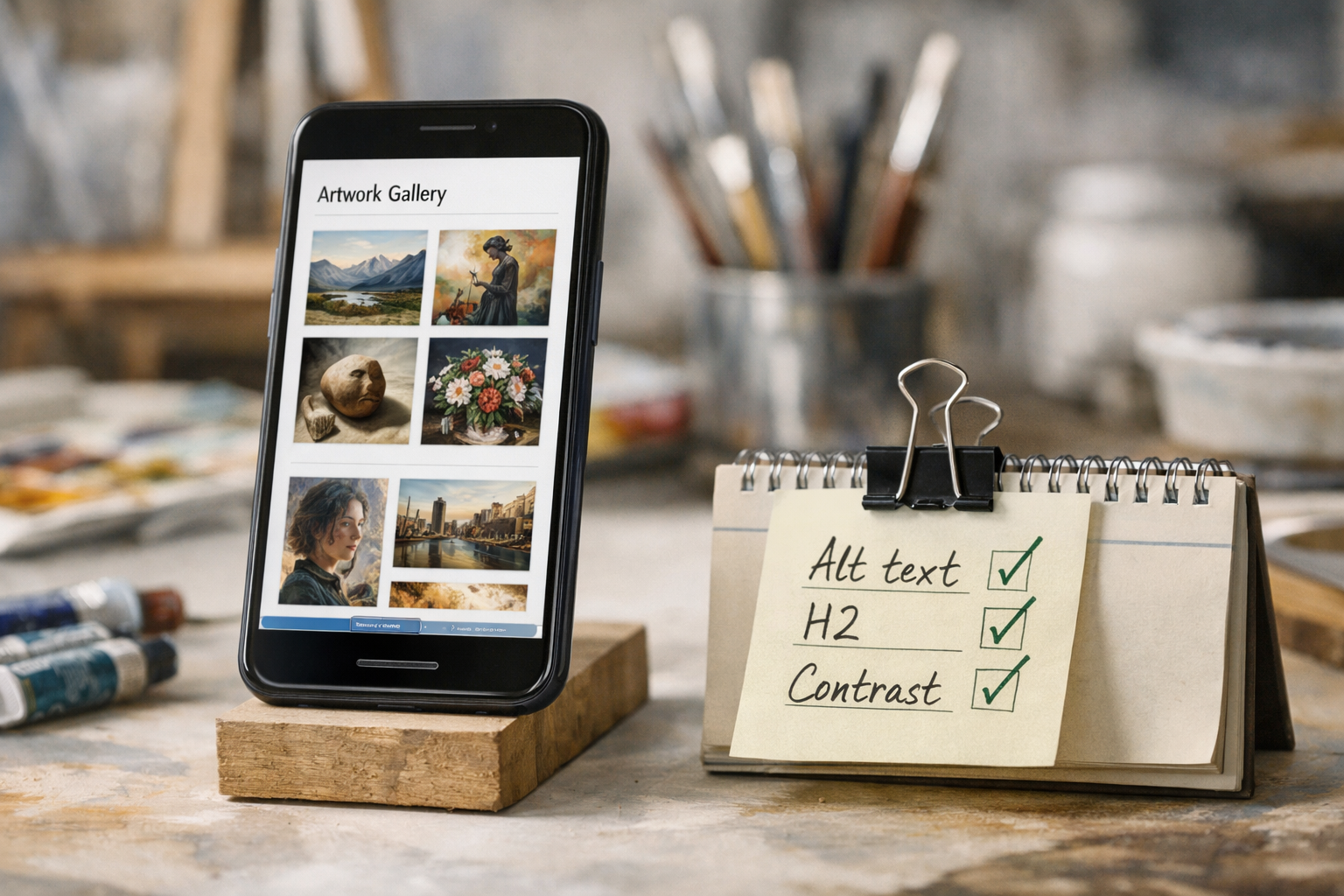
Accessibility is not optional. The W3C’s WCAG guidance provides the standard: sufficient contrast, keyboard navigation, meaningful link text and alt descriptions. Building access in from the start broadens your audience and reduces rework. Platforms that generate alt text prompts and flag contrast issues help you stay on track without specialist knowledge.
Performance still wins on mobile. Large images are the usual culprit; your platform should offer smart compression, modern formats and lazy loading. Beyond user patience, speed affects conversions on shops and bookings. Consider using a content delivery network by default and trimming anything that auto‑plays. If you want to dig deeper into performance metrics, Google’s Core Web Vitals overview at web.dev/vitals is a solid primer.
Finally, be transparent about data. If you’re collecting emails for a studio newsletter or booking forms, follow the UK GDPR principles explained by the Information Commissioner’s Office. A clean privacy policy and cookie choice make visitors more comfortable sharing details with you.
Pricing, Ownership and Data: What’s the Catch?
Myth: “Free means hidden fees later.” Fact: a credible platform tells you what’s free and when charges apply. With Avantiy, you can create an account without a card and keep the site free until you publish. That’s ideal for unhurried curation. When you’re ready to go live, you pick a plan that fits—typically driven by custom domains, ecommerce and memberships.
Ownership is about export and control. Explore how you can download content or move domains if you ever need to. You’ll also want clarity on data security: ISO 27001 and SOC 2 aligned infrastructure is a reassuring signal that access and storage are audited and controlled. Security is a partnership too; enable two‑factor authentication and use strong passwords. The UK’s NCSC small business guide is an excellent, plain‑English checklist.
Fees for payments and bookings should be no surprises. Understand the platform’s transaction fees and your payment provider’s rates. For shipping, factor materials and time, not just postage. If membership is part of your practice, think about VAT handling and how you’ll communicate value consistently—monthly posts, early access, or periodic feedback sessions.
As you compare costs, measure value in hours saved. If a system drafts structure, optimises images automatically, and prevents common SEO mistakes, it can pay for itself quickly—especially around exhibition deadlines, launches or seasonal sales.

Step-by-Step: From Idea to Published Site in a Weekend
Here’s a practical, time‑boxed plan you can adapt. The goal is to publish confidently, then iterate in public—not to chase pixel perfection.
- Friday evening: write your brief (45 minutes). In plain English, describe your practice, audiences and goals. Paste three short writing samples and five tone adjectives. List two series you’ll showcase first. This primes the generator and keeps voice consistent.
- Friday night: generate and shape (60–90 minutes). Use the AI flow to draft homepage, portfolio sections and a concise bio. Swap the hero image for a signature piece; adjust headings so each page has a clear promise. Shorten anything that meanders. Add image alt text as you go.
- Saturday morning: add commerce or bookings (60 minutes). Create three example products (e.g., two prints and one original) or a test workshop. Set clear lead times and delivery notes. Check mobile checkout for friction.
- Saturday afternoon: polish structure (60 minutes). Review navigation. Keep it lean: Work, Shop or Book, About, Contact. Add a simple, human contact page—location, email, socials, and a plain form.
- Saturday evening: accessibility and speed pass (30 minutes). Run built‑in checks for headings, contrast and descriptions. Compress large images the platform flags. Remove any auto‑play embeds you don’t need.
- Sunday morning: publish preview to a trusted peer (30 minutes). Ask them to test on mobile and desktop. Are captions readable? Is checkout or booking intuitive?
- Sunday afternoon: go live (15 minutes). Connect your domain if you’re ready, or publish on the platform domain with a custom URL slug. Share one post on your preferred channel introducing the site and what’s next.
Want more practical depth? See Avantiy’s step‑by‑step AI website builder guide for small businesses and creatives. It expands on prompts, voice control and page structure with examples.
Frequently Asked Questions
How can I keep image quality high without slowing my site?
Start with high‑resolution originals, then let your platform create responsive versions and lazy‑load them. Avoid oversized hero images; compress until artefacts become visible, then step back one notch. Prefer modern formats and test on 4G. Balance sharpness with speed; a fast site helps visitors reach your work, shop and booking flows.
What should I include on an artist homepage?
Lead with a signature image and a single‑sentence promise about your work. Add links to one or two series, a concise bio line, and a clear next step: view work, shop prints, or book a studio visit. Keep navigation light. A newsletter or updates box helps regulars track exhibitions, drops or new classes without social algorithms in the way.
Is it okay to mix portfolio, shop and teaching on one site?
Yes—many creatives thrive with a single home. Keep navigation concise, and make each path clear: Work, Shop, and Book or Learn. Use consistent design so the experience feels intentional, not bolted on. If you need member posts or critiques, a private area can sit under the same domain to retain trust and simplify maintenance.
How do I handle privacy and cookies properly in the UK?
Collect only what you need, use plain‑English policies, and offer clear consent choices. If you gather emails or booking details, follow UK GDPR guidance from the ICO and keep data secure. Avoid unnecessary trackers. Most platforms provide simple cookie banners and form settings; review them so they reflect your actual data practices in 2026.
What’s the best way to write an artist bio that doesn’t feel stiff?
Draft three short versions: a one‑liner, a paragraph, and a 150‑word event intro. Lead with themes and materials, then offer a human detail or influence. Avoid jargon and inflated claims. Let AI suggest structure from your samples, then edit for rhythm and clarity. Read aloud. If it sounds like you, it will read like you.
If you’re ready to launch or refine your site with friendly, UK‑based help, you can book a free 1:1 setup session or explore practical tips for choosing an artist‑friendly builder on the Avantiy blog.