A website builder for restaurants should help you do three things well: show your menu clearly, make booking or enquiries easy, and improve your visibility in local search. That is exactly why restaurant owners need more than a generic template. They need a simple way to publish opening hours, location details, photos, and trust signals without hiring a developer. With Avantiy, you can build that kind of site faster and keep it easy to update as your menu changes. If you are still choosing a starting point, explore professional website templates and domain name search and registration to get the right foundation in place. For a restaurant, that foundation matters. A good site should look polished on mobile, load quickly, and help nearby customers take action right away. In this guide, we will cover what your restaurant website should include, how a website builder for restaurants supports local SEO, and how Avantiy helps you launch with less friction and more control.
Build a restaurant website quickly with a website builder for restaurants
A website builder for restaurants gives you a practical way to launch a site fast. It is designed for owners who need a professional result without coding, delays, or a long agency process. With Avantiy, you can create pages for your menu, bookings, location, and contact details in one workflow. You can also connect a custom domain, publish your site, and update content whenever your hours or dishes change.
This matters because restaurant customers decide quickly. They often want to see the menu, check if you are open, and find the easiest way to reserve a table. A website builder for restaurants should therefore make those actions obvious on every device. It should also support local search basics, so people nearby can discover your business when they search for dining options in your area.
If you want a broader foundation, the AI website builder and website builder with SEO tools pages explain how Avantiy brings content creation, SEO, and publishing together. That combination is useful for restaurants, because it reduces the number of tools you need to manage.
A good launch plan usually includes these steps:
- Pick a restaurant template or start from a clean layout.
- Add your menu sections and highlights.
- Include a booking or enquiry form.
- Add opening hours, address, and service area details.
- Connect your domain and publish.
Meanwhile, you can keep improving the site after launch. Add seasonal dishes, new photos, and special offers as your business changes. That is one reason a website builder for restaurants works so well for busy owners. It keeps the site manageable, even during service hours.
What is the best website builder for restaurants?
The best website builder for restaurants is one that helps you launch quickly, edit easily, and support local discovery. It should include templates, SEO tools, hosting, and domain setup in one place. For many small business owners, that means choosing a platform that keeps everything simple enough to manage without a developer.
A restaurant site also needs flexibility. You may change menus often, run tasting events, or update opening hours during holidays. Therefore, the builder should make those changes fast. If you need a broader small business setup, small business website builder resources can also help you compare what matters before you launch.
What your restaurant website should include with a website builder for restaurants
A website builder for restaurants works best when your site includes the right essentials. Customers should not have to search for basic information. They should see it within a few seconds.
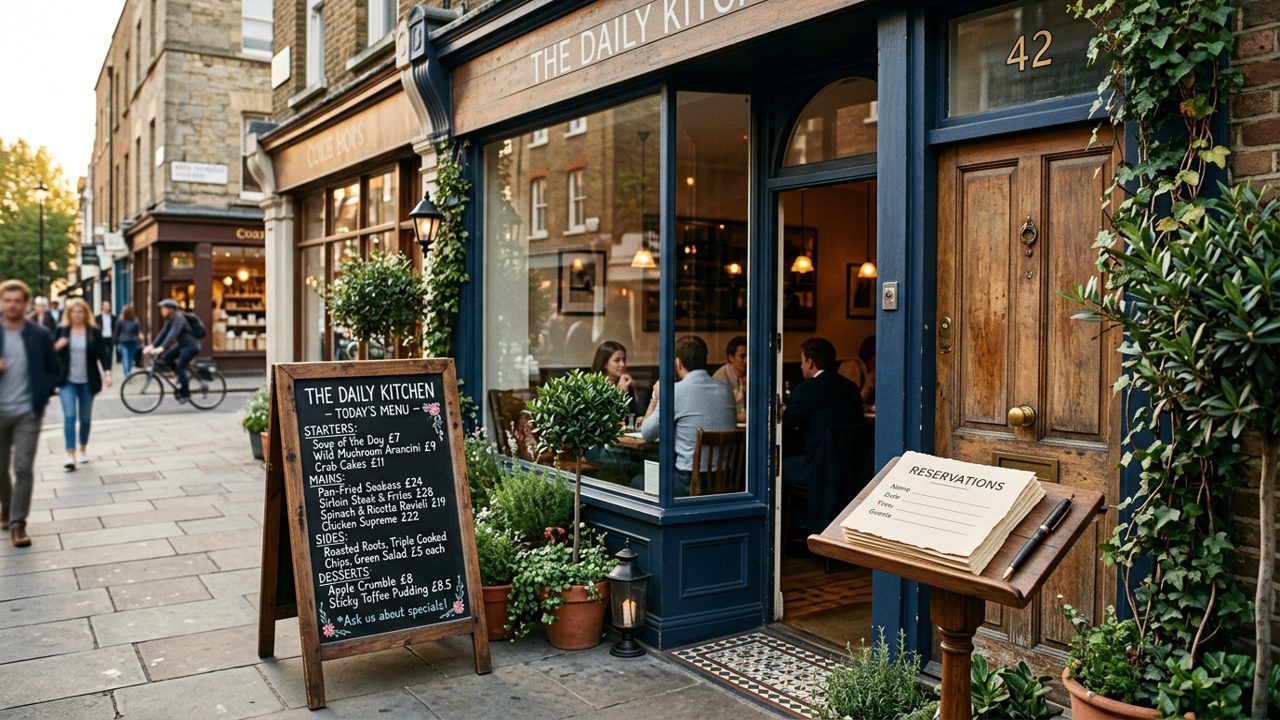
Your restaurant website should answer the main visitor questions immediately: What do you serve? When are you open? Where are you located? Can I book a table? The more clearly you answer those questions, the more useful your site becomes.
For practical design ideas, this overview from Steve Builds Websites is a helpful reference before you choose your structure:
A restaurant website should also feel current. Old menus, missing hours, and broken links create doubt. That is why an all-in-one website builder for restaurants is useful. It makes updates easier and helps you keep the site accurate.
Menu page
Your menu page should be easy to scan. Group dishes by starters, mains, desserts, and drinks. Add simple descriptions and clear pricing where needed. A website builder for restaurants should let you edit this page quickly, because menus change often.
You can also create separate pages for brunch, lunch, or private dining. If your restaurant sells takeaway items, you may also want to connect an online store builder for product-style ordering or gift cards.
Booking or enquiry section
Your booking or enquiry section should be visible from the home page. Many diners will not hunt for a contact form. They want a quick path to reserve or ask about larger groups.
A website builder for restaurants should support clear calls to action, simple forms, and contact details that work on mobile. If you offer events, private bookings, or catering, add those options too.
Opening hours and location
Opening hours and location details are essential for local intent. Put them in the footer, the contact page, and near the top of the home page. That improves usability and supports local SEO.
A website builder for restaurants should also make it easy to add your postcode, parking notes, and nearby landmarks. Those details help real visitors and search engines alike.
Photos and reviews
Photos create trust faster than long copy. Use images of your interior, signature dishes, and team. Keep the gallery current and avoid heavily edited shots that feel misleading.
Reviews help too. You can feature a short testimonial section or quote customer feedback. Many restaurant owners also link out to trusted business information sources, such as Builder.ai for general AI product context, or Microsoft's AI Builder overview when exploring how AI tools support business workflows.
Local SEO basics
Local SEO starts with accurate location details, consistent business information, and pages that match what nearby diners search for. A website builder for restaurants should help you write clear page titles, meta descriptions, and alt text.
That is why Avantiy's SEO website builder and AI SEO tools are useful. They help you publish search-friendly pages without doing the technical work manually.
How Avantiy helps restaurants get online with a website builder for restaurants
Avantiy is built for non-technical owners who want speed, clarity, and control. As a website builder for restaurants, it helps you create a professional site, update it easily, and manage the technical parts in one place. That includes hosting, publishing, SEO support, and domain registration.
The process is straightforward. Start with a template, add your content, and shape the pages around your service style. You might need a simple cafe site, a fine dining booking page, or a takeaway-focused layout. Avantiy gives you the flexibility to build for each use case without starting from scratch.
It also helps with the details that matter after launch. You can register a domain, connect professional email, and improve page structure over time. If you want a restaurant brand that feels established from day one, professional email with domain is a smart next step. It makes reservations and customer replies look more credible.
For owners who want to compare setup styles, the video below shows a fast AI-led launch workflow you can adapt to a restaurant site:
This is where a website builder for restaurants becomes a business tool, not just a design tool. It helps you publish quickly, then keep improving the site as your menu, offers, and local search needs change. If you want to start with a launch-ready structure, the AI landing page builder can also help you create focused pages for special events, tasting menus, or seasonal promotions.
How much do AI website builders cost?
AI website builders usually offer different plan levels depending on publishing, hosting, domain, and SEO tools. The price depends on what you need to go live and what features matter most.
For restaurants, it often makes sense to choose a plan that includes editing, hosting, and SEO in one place. That keeps your monthly setup simpler and avoids juggling multiple services.
Can I create a website for free for my business?
Yes, you can often start building for free. However, publishing a full business site usually requires a paid plan for the domain, hosting, and advanced features.
If you want to test the workflow first, Avantiy's free website builder no credit card and AI website builder free pages explain what you can do before upgrading.
Frequently asked questions about a website builder for restaurants
A website builder for restaurants should make common decisions easier, not harder. These answers cover the questions many owners ask before they launch.
If you are still comparing tools, think about the end result first. Your site should help people find you, trust you, and book or visit quickly.
Is there a free AI website builder available?
Yes, some platforms offer free starter options. A free plan can be useful for testing layouts and writing your first pages.
However, a serious restaurant site usually needs publishing features, a custom domain, and SEO tools. That is why many owners start free, then upgrade when they are ready to go live.
What is the best website builder for restaurants?
The best website builder for restaurants is the one that helps you launch a clear, mobile-friendly site with menu, booking, location, and SEO features.
Avantiy is a strong fit if you want an easy setup, editable templates, and domain plus publishing tools in one place.
Can I update my restaurant menu after publishing?
Yes, and you should. Menu updates are one of the main reasons restaurants benefit from a flexible website builder for restaurants.
You can change dishes, prices, opening times, and seasonal offers whenever needed, without waiting for a developer.
Key Takeaways
- A website builder for restaurants should make menus, bookings, hours, and location easy to find.
- Local SEO matters because nearby diners often search with intent to visit soon.
- Avantiy helps restaurant owners launch quickly with templates, domains, SEO tools, hosting, and publishing in one place.
- Free tools can help you start, but a custom domain and live publishing usually require an upgrade.
- A strong restaurant site should stay easy to update as menus, hours, and promotions change.
Frequently Asked Questions
What is the best website builder for restaurants?
The best website builder for restaurants is one that makes it easy to publish a menu, booking details, opening hours, and location information. It should also support SEO, domain setup, and simple editing so you can keep the site current as your business changes.
Can I create a website for free for my business?
Yes, you can usually start building a business website for free. However, if you want a custom domain, hosting, and full publishing features, you will typically need a paid plan.
How much do AI website builders cost?
AI website builders vary by plan and feature set. Costs usually depend on whether you need hosting, a domain, SEO tools, email, and ecommerce or booking features.
Is there a free AI website builder available?
Yes, some tools offer free AI website builder options. They are useful for testing, but many restaurant owners upgrade when they are ready to publish a branded site and connect their own domain.