
If you’ve typed avantia into a search bar while hunting for an AI website builder, you’re in the right place. Many people use avantia as shorthand for smart site builders that write and structure pages for you. This guide distils what actually matters when you’re choosing and using an AI-first platform to launch a professional website or shop—fast, without code. We’ll use Avantiy as the working example, but the tips are platform-agnostic so you can apply them anywhere.
Quick-Reference: What to Check Before You Commit
If “avantia” sent you here, run through these essentials before you invest time moving content or connecting your domain.
| Area | What to Look For | Why It Matters | How Avantiy Handles It |
|---|---|---|---|
| AI generation quality | Industry-aware prompts, editable sections, multi-page scaffolding | Good scaffolding halves build time and prevents blank-page syndrome | Generates pages, navigation, and draft copy you can refine in a visual editor |
| Visual, no-code editor | Drag-and-drop, section presets, global styles | Consistency and speed; anyone on your team can update content | Live preview editor with reusable blocks and brand styles |
| Ecommerce & bookings | Products, subscriptions, appointments, memberships | Everything in one place avoids costly plug-in sprawl | Online store, bookings and memberships are built in |
| SEO tools | Titles, meta, schema, redirects, sitemaps, 301s | Search visibility from day one | AI-assisted SEO, automatic sitemaps and structured data helpers |
| Accessibility | Alt-text prompts, contrast checks, keyboard navigation | Inclusive by default; better UX and legal resilience | Built-in checks plus prompts to fix common issues |
| Security & compliance | ISO 27001, SOC 2, GDPR-friendly hosting | Protects customer data and builds trust | ISO 27001 & SOC 2 certified infrastructure |
| Support | Real human help, learning resources, onboarding | Shortens your time-to-value | UK-based support plus optional training sessions |
| Pricing & free plan | Try before you publish, no card required | De-risks your decision | Create a free account and keep your site free until you publish |
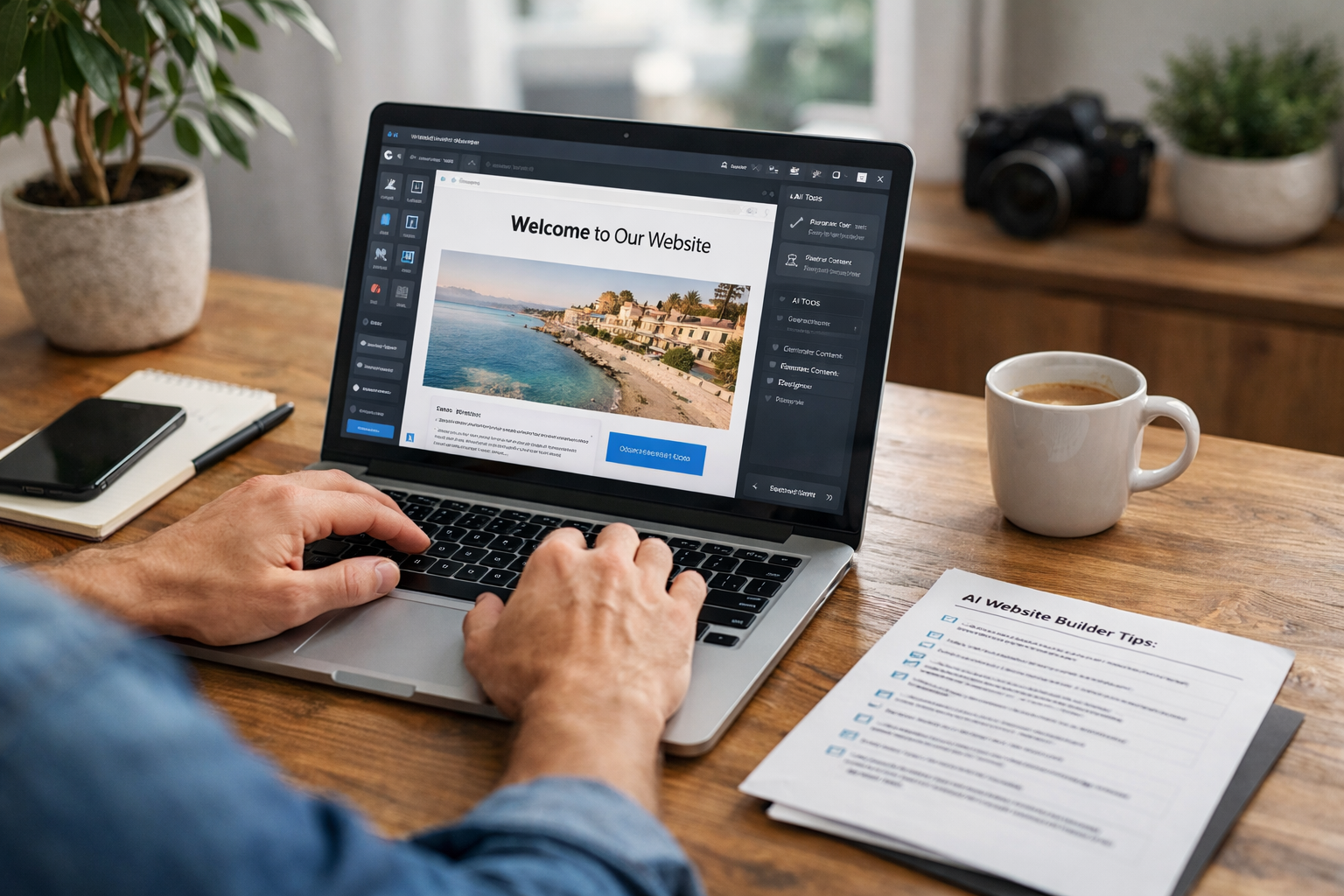
What People Mean by avantia (And How to Choose Smartly)
Searches for avantia often reflect a desire for an AI website builder that takes the heavy lifting out of structure, copy and setup—so you can go from idea to live site quickly. Instead of fixating on brand names, compare how well the tool turns your plain-English description into useful pages and whether you can easily refine the output without code.
When you evaluate any “avantia-like” tool, prioritise a fast start (AI page generation), a safe finish (security, accessibility, performance), and an easy middle (visual editing, ecommerce or bookings as needed). Platforms such as Avantiy combine these, backed by ISO 27001 and SOC 2 certified infrastructure and UK-based support—so you get speed without cutting corners.
17 Practical Tips to Launch Faster and Rank Better
1) Write a 3‑sentence brief before you click “Generate”
Before using any AI generator—be it Avantiy or the avantia tool you had in mind—write three sentences that cover: who you serve, what you sell, and why you’re different. Paste that into the AI prompt. Add your location and one proof point (years in business, accreditation, or average review score). This primes the model to create relevant navigation and on-brand copy.
- Sentence 1: Value proposition in plain English
- Sentence 2: Top 3 services/products
- Sentence 3: Audience and location
2) Pick one core conversion goal per page
Each page should ask a visitor to do one thing: book, buy, call, or subscribe. If you need multiple actions, prioritise and demote the rest to secondary CTAs (e.g., header and footer).
3) Choose single‑page vs multi‑page with intent in mind
Single-page sites are great for focused campaigns; multi-page works for SEO and complex offers. For a balanced approach, start with a lightweight multi-page setup (Home, About, Services/Shop, Contact) and add service subpages over time. For a deeper dive, see our guide Myth vs Fact: The Single Page Website Builder. If you originally searched avantia for “fastest way to publish”, this intent-led structure keeps speed without sacrificing depth.
4) Treat AI copy as a draft—add specifics only you can know
AI is excellent at shaping pages but can sound generic. Layer in details the model can’t guess: your pricing model, turnaround times, delivery radius, supplier brands, testimonials, and guarantees. Even if you arrived via an avantia query, uniqueness is what helps you stand out and convert.
5) Switch on only the built‑ins you need (but plan for growth)
Enable ecommerce, bookings, or memberships according to your primary offer. Keep it lean at launch—then expand. For example:
- Shops: Start with 10 bestsellers and 2 shipping zones
- Service providers: Add 3 bookable services and a cancellation policy
- Communities: Offer a single starter membership tier, upgrade later
6) Lay your SEO foundations in 30 minutes
Set page titles, meta descriptions, headings, and slugs. Ensure one H1 per page (your editor handles this), add internal links between related pages, and generate a sitemap. Follow Google’s SEO starter guide for fundamentals. Whether you’re using Avantiy or an avantia-style trial, ensure your platform supports structured data, redirects, and fast load times out of the box.
- Title: Problem + Solution + Brand
- Meta: 140–155 characters, include location if relevant
- URL: short, descriptive, hyphenated
7) Create a page per intent—and link them
Give each high-intent query its own page: “Boiler Servicing”, “Boiler Repair”, “New Boiler Installation” rather than one catch-all page. Cross-link them and add an FAQ at the bottom that handles objections (price, availability, qualifications).
Rule of thumb: one page per intent; one intent per page.
8) Performance: optimise images, scripts and layout
Compress and resize images, minify CSS/JS, and lazy-load non-critical media. Avoid heavy third-party widgets. Test with speed tools and fix bottlenecks early. Faster sites rank and convert better.
9) Accessibility first, not last
Write descriptive alt text, use proper heading order (H1 then H2/H3), ensure sufficient colour contrast, and make everything keyboard accessible. The UK Government Service Manual has practical guidance: Helping people to use your service. Accessible design is good design—and it broadens your audience.
Need a hand applying these steps to your site? You can get personal guidance from our team. Book now.
10) Trust and compliance: policies, cookies, and security
Add clear privacy, cookies, terms, returns/refunds, and accessibility statements. Use human-readable language and make policies easy to find. Follow the ICO’s guidance on cookies: Cookies and similar technologies. If your chosen avantia alternative offers ISO 27001 and SOC 2 certified hosting (as Avantiy does), highlight it on your site for reassurance.
Use strong passwords and MFA for admin accounts—see the UK National Cyber Security Centre’s advice on passwords and MFA: NCSC password guidance.
11) Use real photography and consistent brand styles
Mix authentic images with high-quality stock. Keep colours, fonts, and button styles consistent. Set brand tokens (logo, colours, typography) in your editor, then reuse them—consistency builds recognition and saves time.
12) Build an FAQ hub that answers high‑intent questions
Use an FAQ page and mini-FAQs on service/product pages to pre-empt objections. Include delivery areas, lead times, guarantees, pricing logic, and aftercare. If customers keep asking whether you’re open on bank holidays, answer it prominently. For UK-specific basics, browse Creating a Website UK: Honest FAQs. If people find you via an avantia query or misspelling, a strong FAQ helps them confirm they’ve landed in the right place.
13) Local SEO and bookings belong together
For service businesses, add your service areas and embed bookable slots on key pages. Use clear appointment types, durations, and prices. Add map embeds where relevant and maintain consistent NAP (name, address, phone) details across your site.
14) Track what matters (not everything)
Set up Google Search Console for index coverage and query insights; track form submissions, bookings, add-to-cart and checkout events. Build simple funnel reports to see where visitors drop off, then fix the leaks first.
15) Automate the boring bits (with guardrails)
Use AI to draft product descriptions, FAQs, email follow-ups, and snippets—but review before publishing. Automate stock alerts, booking confirmations, and abandoned-cart emails. Even if your journey began with an avantia search, the real win is using automation to create time for high-value work.
16) Run a pre‑launch checklist and dry run
Check links, forms, payment gateways, booking rules, tax/shipping, mobile layout, and 404s. Do a full test order or booking. Browse the site on a phone over 4G. If your avantia trial site is still unpublished, this is the moment to fix last-mile issues before going live.
17) Ship quickly, then iterate in sprints
Launch a usable version, then schedule two weekly sprints to improve based on data: add a service subpage, expand FAQs, refine headlines, or speed up image-heavy sections. Whether you started with avantia or any other tool name, momentum beats perfection.
Bottom line: the label avantia doesn’t matter—outcomes do. If your platform helps you publish quickly, sell or book easily, meet accessibility and security standards, and improve continuously, you’ve made the right choice.
Ready to Build with AI?
Create a free Avantiy account (no card required) and keep your site free until you publish. Prefer a walkthrough? Book now. If you’re comparing avantia-style tools, start here and see how fast you can go from idea to live.
Further reading: if you’re weighing single-page vs multi-page, don’t miss Myth vs Fact: The Single Page Website Builder.