Why Your Photography Website Matters in 2026
If you’re searching for the best website builder photographers can rely on, you’re likely juggling client shoots, edits and admin—and you need a site that looks beautiful, works on mobile and books work without hassle. This guide walks you through choosing and launching a pro website fast, without code, and with tools that lighten your workload, not add to it.
We’ll show you how to plan, build and optimise a site using AI, with ecommerce, bookings and client galleries baked in. We’ll also cover accessibility, security and legal essentials, so your photography brand looks polished and trustworthy from day one. If you want an all-in-one option built for small businesses, have a look at Avantiy—an AI-driven website builder with UK-based support, ISO 27001 and SOC 2 certified infrastructure.
What Photographers Should Look For in a Builder
Before you dive into templates, get crystal clear on what your site must do on day one and what you’ll likely add within the year. Prioritise:
- Clean, fast galleries with easy navigation and no vendor watermarking.
- Client proofing, private albums and optional downloads or print sales.
- Online bookings for sessions, mini shoots or workshops.
- Ecommerce for prints, presets, courses, gift vouchers or memberships.
- SEO tools that help you rank for local and niche terms.
- Accessibility features (alt text, keyboard access, colour contrast).
- Reliable hosting, backups and security certifications.
best website builder photographers
Below is a practical, 10-step process to pick and launch the platform that fits your goals. Follow it in order and you’ll avoid overthinking, ship sooner and have space to refine your craft.
- Define your goals, audience and must-have features
Write down who you serve (e.g., “Cambridge wedding couples”, “London portrait clients”, “UK wildlife print collectors”), what success looks like (enquiries per month, bookings, print revenue) and non-negotiables (private proofing, online booking, VAT receipts). This clarity makes it far easier to pick the best website builder photographers can actually grow with.
- Core pages: Home, Portfolio(s), About, Services/Pricing, FAQs, Contact/Book.
- Optional early: Blog or Journal, Store, Client Area, Workshops/Memberships.
- Decide tone: friendly and conversational or editorial and minimalist.
- Choose a platform that matches your workflow
List the tasks you want to automate: generating page copy, cropping and compressing images, creating SEO titles, sending booking confirmations, and collecting payments. The best website builder photographers choose should reduce manual work, not add more admin.
Consider these factors when comparing options:
What Matters Why It Matters How Avantiy Helps AI site generation Launch faster with on-brand pages and structure you can edit. Describe your business in plain English; AI drafts pages and copy. Client galleries & proofing Smooth client experience encourages selections and sales. Private albums, downloads, approvals and access control. Bookings & calendar Reduce email ping-pong and fill your schedule. Online booking with confirmations, reminders and availability. Ecommerce Sell prints, presets, workshops and gift vouchers. Built-in store, digital files, shipping rules and VAT invoices. SEO & performance Rank locally, load fast and convert on mobile. AI SEO prompts, meta guidance, CDN and image optimisation. Accessibility Reach more people and comply with best practice. Alt text prompts, heading checks and contrast guidance. Security & reliability Protect client data and keep uptime high. ISO 27001 & SOC 2 certified infrastructure and automated backups. If you’d like simple, actionable cyber basics while you evaluate tools, the UK’s National Cyber Security Centre has a helpful Small Business Guide: ncsc.gov.uk/collection/small-business-guide.
- Generate your first draft site with AI
On Avantiy, create a free account (no card required), then describe your business in natural language: who you serve, tone of voice, services, locations and any signature style. The platform will generate pages, copy and structure you can tweak in a visual, no-code editor—ideal when the best website builder photographers need to move quickly.
Tip: include local phrases clients actually search (venues, neighbourhoods, “family photographer in Bath”, “micro-wedding London”). For an honest, UK-specific primer on setup costs and steps, see Creating a Website UK: Honest FAQs.
- Shape your navigation, brand and portfolio structure
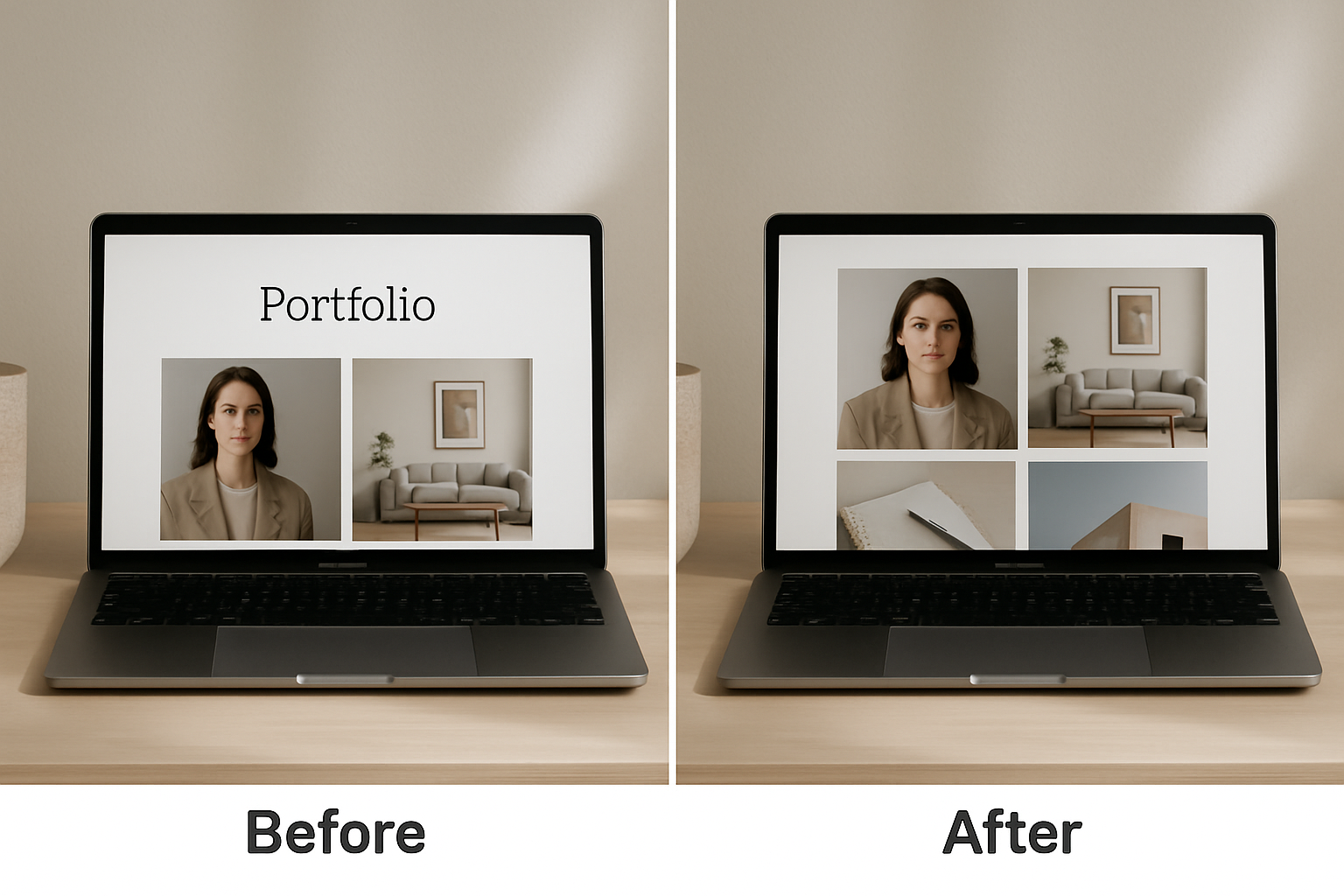
Keep navigation simple: Portfolio, Services, About, Blog, Contact/Book. Group galleries by intent (Weddings, Portraits, Commercial, Personal Projects) and lead with your strongest work. Customise your template’s fonts, colour palette and spacing so images breathe. This is where the best website builder photographers prove itself—by letting you refine the details without digging into code.
- Use consistent image ratios in hero blocks for rhythm.
- Write descriptive alt text (subject, location, mood) for every key image.
- Place clear calls to action at the top and bottom of key pages.
- Write concise copy that sells your value (and helps SEO)
A portfolio is powerful, but words close the deal. Use client-centred language: outcomes, process, what’s included, timelines and pricing ranges if you can. Add FAQs to pre-empt objections. The best website builder photographers pick should support headings, schema and fast page load—so search engines and humans both understand your offer.
Wondering if a single-page site could work at first? Our take is here: Myth vs Fact: The Single Page Website Builder Guide for Small Businesses.
Pro tip: Let AI give you three headline options for each page, then blend the best parts into one that fits your voice. Keep paragraphs short and scannable.
Book now: Prefer a friendly walkthrough? Book a free training slot with our UK-based team and get personalised setup feedback. It’s a quick win when evaluating the best website builder photographers can choose.
- Build galleries, client proofing and bookings
Create public showcase galleries and private proofing galleries (PIN or link access). Add straightforward curation options (favourites, comments, selections) and watermark previews if needed. Set up your booking flows for mini sessions, portraits or weddings with deposits and confirmations. When the best website builder photographers integrate proofing and bookings, clients move from discovery to decision faster.
- Switch on your store: prints, downloads and more
Decide what you’ll sell at launch: fine-art prints, framed options, digital downloads, presets, workshops or memberships. Configure taxes, delivery zones and fulfilment. Connect payment gateways and test an end-to-end order with a low-price item. The best website builder photographers rely on should make it easy to upsell (e.g., bundles, limited editions, gift cards) without extra plugins.
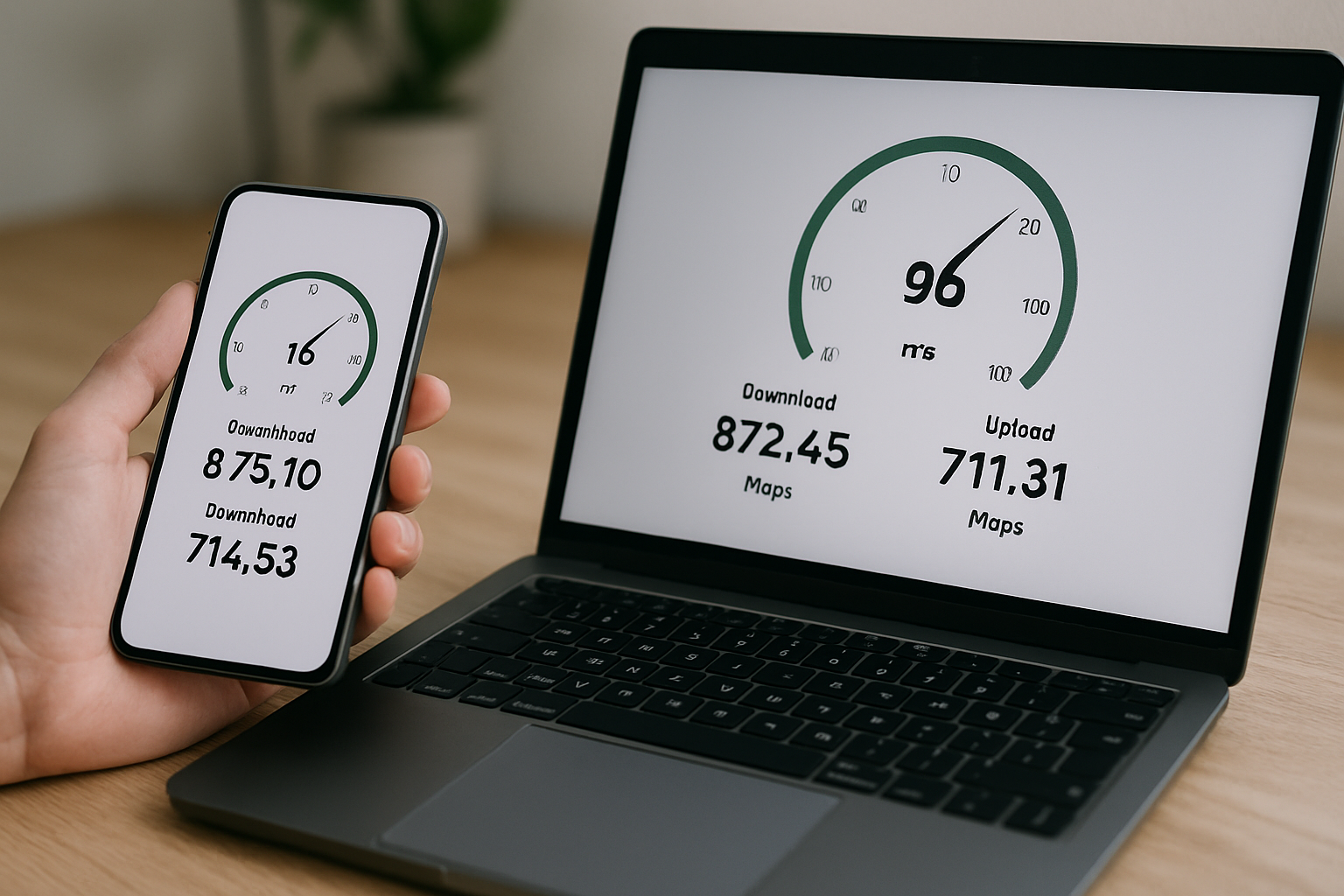
- Make it accessible and lightning fast
Accessibility helps everyone—clients browsing on mobiles, people using assistive tech, and search engines. Use clear headings, strong colour contrast and keyboard-friendly menus. Add accurate alt text and meaningful link labels. The best website builder photographers choose should guide you here. For reference, see the UK guidance on website accessibility: gov.uk/guidance/accessibility-requirements-for-public-sector-websites-and-apps.
- Compress and resize images; prefer modern formats (e.g., WebP) where available.
- Lazy-load below-the-fold images and avoid auto-playing video with sound.
- Test on 4G and older phones; refine until pages feel instant.
- Sort your legal basics and analytics
Add a Privacy Policy and Terms, and ensure your cookie banner is compliant. If you use analytics or ad pixels, give clear choices. The best website builder photographers adopt will make cookie consent and data handling straightforward, with secure hosting and regular updates (Avantiy runs on ISO 27001 & SOC 2 certified infrastructure).
Useful guidance on cookies: ico.org.uk/for-organisations/guide-to-pecr/cookies-and-similar-technologies. Set up privacy-friendly analytics and track key goals: contact form submissions, bookings started/completed, and add-to-cart events.
- Launch, test and iterate with real visitors
Preview on multiple devices, proofread and run a final image audit. Publish when it’s “good enough”—not perfect. The best website builder photographers use lets you iterate quickly: adjust copy, swap hero shots, refine CTAs and add new galleries as you shoot. Avantiy’s AI SEO and accessibility prompts help you spot quick wins each week.
- Create a simple launch checklist: DNS, SSL padlock, favicon, social links.
- Share a single “Start here” link to guide visitors to book or enquire.
- Review analytics weekly; improve one small thing at a time.
How Avantiy Fits Photographers
Avantiy is designed for small businesses and freelancers who want to move quickly. You can generate your site with AI, refine it in a no-code editor, and switch on ecommerce, bookings and memberships as you grow. Built-in AI-powered SEO and accessibility tools keep standards high without extra apps. UK-based support means you can hop on to ask a quick question, and your site runs on ISO 27001 & SOC 2 certified infrastructure. You can create a free account, no card needed, and keep your site free until you publish—ideal when deciding on the best website builder photographers ought to trust long term.
Wrap-up
Choosing the right platform is simpler when you focus on outcomes, not software features. Start with that clear 10-step plan, lean on AI for a fast draft, and refine with a light weekly cadence. With client galleries, bookings and a store ready from day one, the best website builder photographers pick will pay back time and effort quickly.
Ready to Build Your Photography Site?
Create your free Avantiy account, generate your first draft in minutes and refine with our visual editor. If you’d like a human nudge, remember you can book a friendly training slot—no pressure, just practical help to get live sooner.