The best AI website builder for your small business is one that turns a clear description into a useful starting site, then lets you edit it easily and add the features customers need. Look beyond the first design: check how the builder handles bookings, ecommerce, accessibility, ongoing costs and support before you commit.
What Should the Best AI Website Builder Do?
An AI website builder uses your instructions to help create a website. Depending on the platform, it may suggest a page structure, draft copy, select a design or help you refine content. The result is a starting point, not a finished business plan: you still need to check the information and decide how visitors should use the site.
For a small business, the most useful builder is not necessarily the one that produces the most striking first draft. It is the one you can maintain after launch, whether that means changing opening hours, adding a product or updating a booking policy.
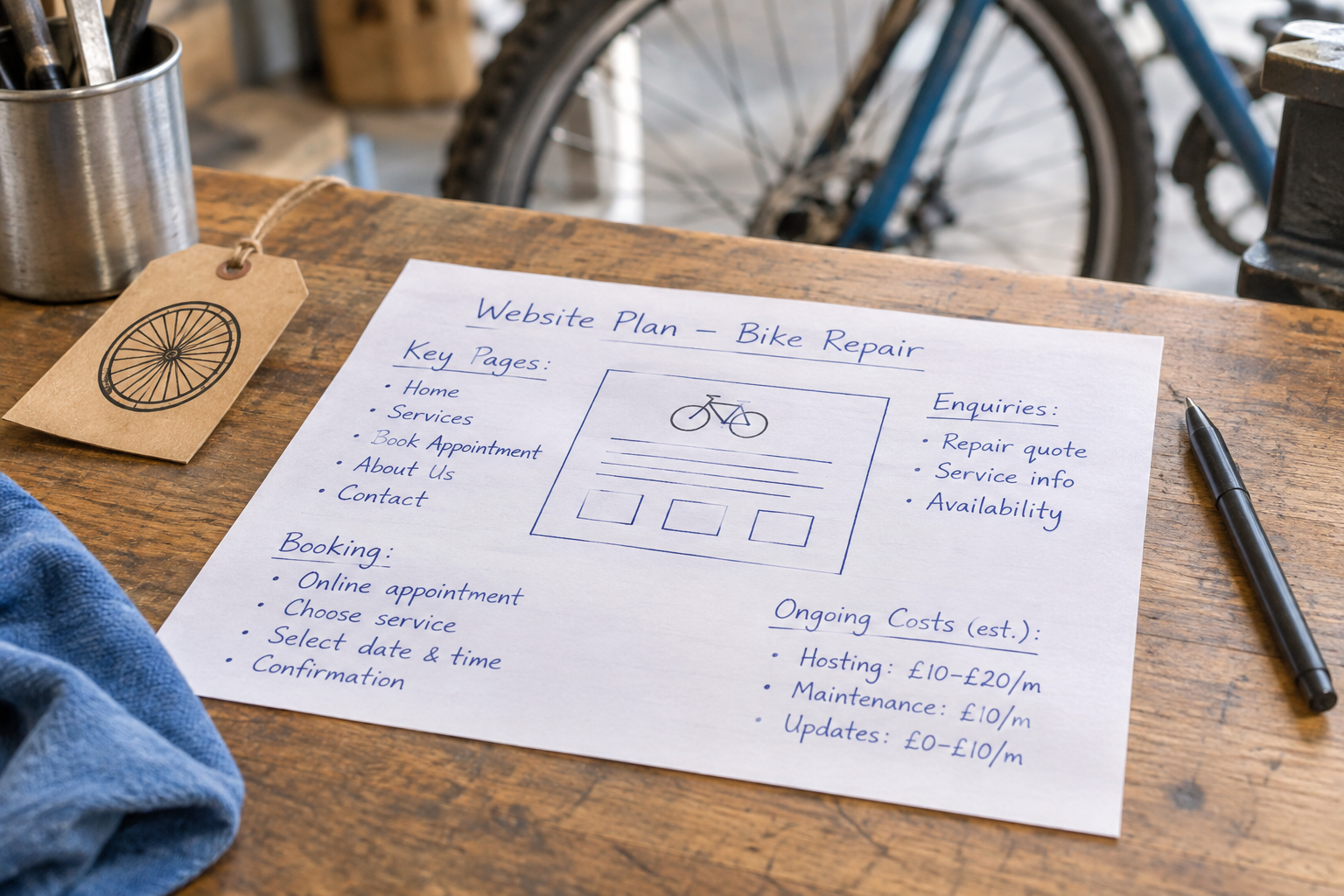
Before comparing platforms, write down your main goal and the action you want visitors to take. A local consultant might need an enquiry form and booking page; a retailer may need product pages, delivery settings and checkout. Those requirements should guide your choice more than a template preview.
1. Start With a Quick-Reference Checklist
Use this checklist to compare builders against your own requirements. Ask to see each feature in the editor or relevant documentation, and check whether it is included in the plan you expect to use.
| What to check | Why it matters | Practical test |
|---|---|---|
| AI-generated draft | Helps you get a workable starting point | Describe your business and inspect the resulting pages and copy |
| Visual editing | Lets you make changes without relying on code | Change a heading, image and button destination |
| Business features | Supports the actions visitors need to take | Set up a sample product, booking or member area |
| Costs | Shows what you will pay to publish and operate | Check plan, domain, transaction and renewal terms |
| Search and accessibility | Helps people find and use the site | Inspect page titles, mobile layout and keyboard navigation |
| Support and security | Helps you resolve problems and manage risk | Review support channels, account controls and backup options |
Make a separate note of anything you cannot verify during the trial. A feature mentioned on a sales page may have limits, require a higher plan or work differently from what you expect. Ask the provider before making it central to your launch.
2. Give the AI a Useful Brief
A vague prompt such as “make me a business website” leaves the builder to make broad assumptions. A better prompt explains what you offer, who you serve, where you work and what visitors should do next. Include a preferred tone and the pages you already know you need.
For example, a hypothetical dog groomer could describe mobile grooming services, a local service area, a friendly tone and a preference for booking enquiries. The owner could also request a services page, an about page and a contact page. They should supply actual prices, availability and policies rather than asking the AI to invent them.
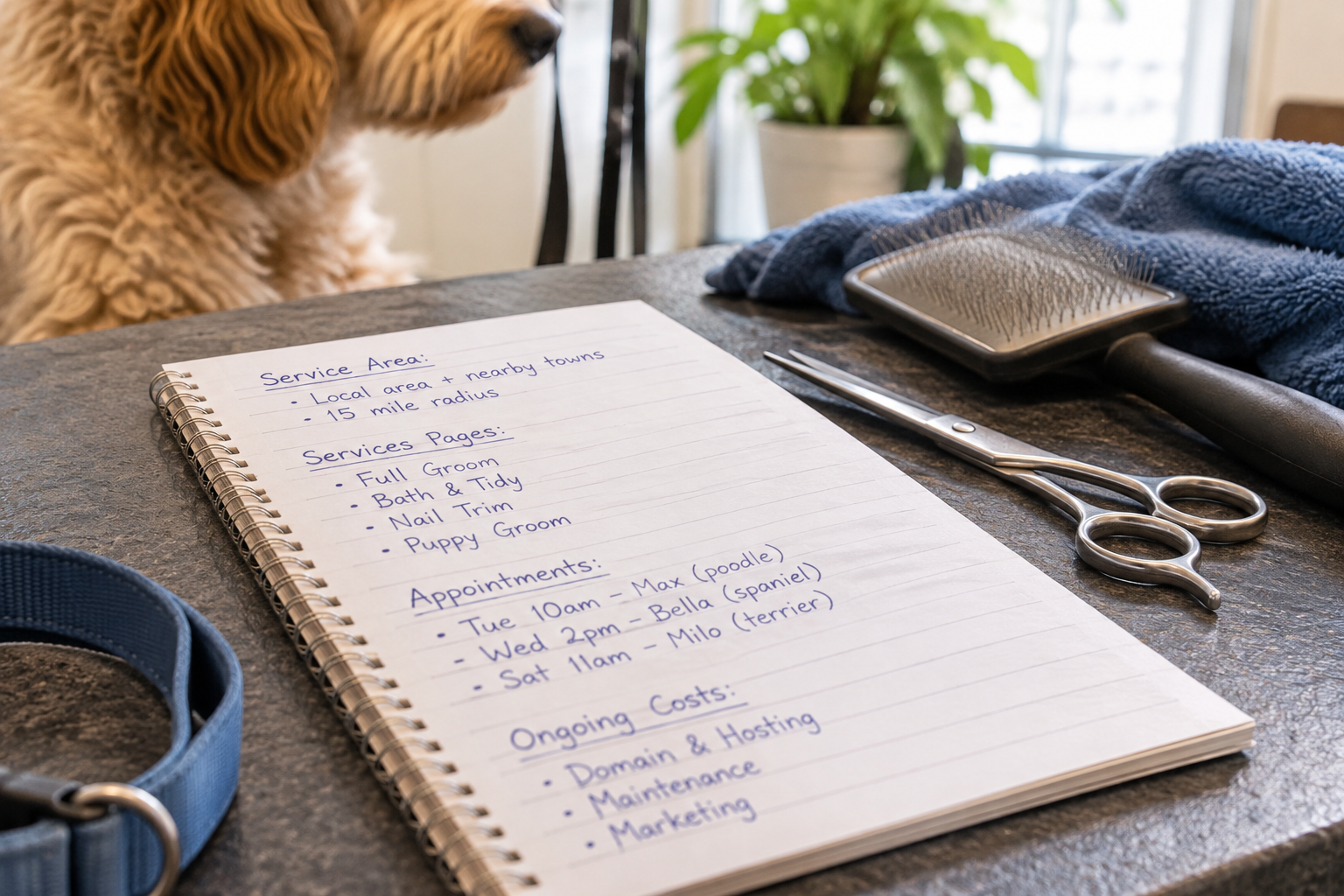
Review the draft for claims that sound plausible but have not been supplied. AI-generated copy may introduce unsupported experience, guarantees or service details. Replace those with accurate information, and check names, contact details and opening hours against your own records.
Keep your brief and verified details together so you can refer back to them while editing. If the first draft misses an important service or suggests the wrong next step, revise the instructions or make the correction in the editor. Check the revised pages again rather than assuming the change is accurate everywhere.
Avantiy lets users describe their business in plain English to generate pages, copy and structure. Its visual editor can then be used to refine the result. For a fuller walkthrough of the initial process, see how to build a small business website with a free AI website builder.
3. Test the Editor Before You Settle on a Design
The first draft is only useful if you can change it. Try the tasks you expect to repeat: rewrite a headline, swap an image, reorder a section, add a page and edit a button. Notice whether you can find the controls without searching through several menus.
Then check how much freedom you have. Can you adjust the navigation when your business grows? Can you change the layout without damaging the mobile version? Can you add the information your customers need, rather than squeezing it into a template that was designed for a different type of business?
- Homepage: make the offer and next step clear near the top.
- Service or product pages: include relevant details, prices where appropriate and answers to common questions.
- Contact page: provide accurate contact options and set expectations about replies.
- Navigation: use labels that customers will understand without guessing.
Ask someone unfamiliar with your draft to find a service, contact you or locate a delivery policy. Watch where they hesitate. You do not need a formal research programme to spot a confusing label or a missing link, but you do need to act on what you find.
4. Match Ecommerce, Booking and Membership Tools to Your Work
The best AI website builder for a shop may not be the best fit for a service business. Start with the transaction or interaction you need to support, then test the full journey rather than simply checking that the feature exists.
For an online shop, examine product options, stock management, payment methods, delivery settings and order notifications. Check what happens when an item is unavailable and how you would update a product description. Read the provider's current terms for transaction charges and payment processing before estimating costs.
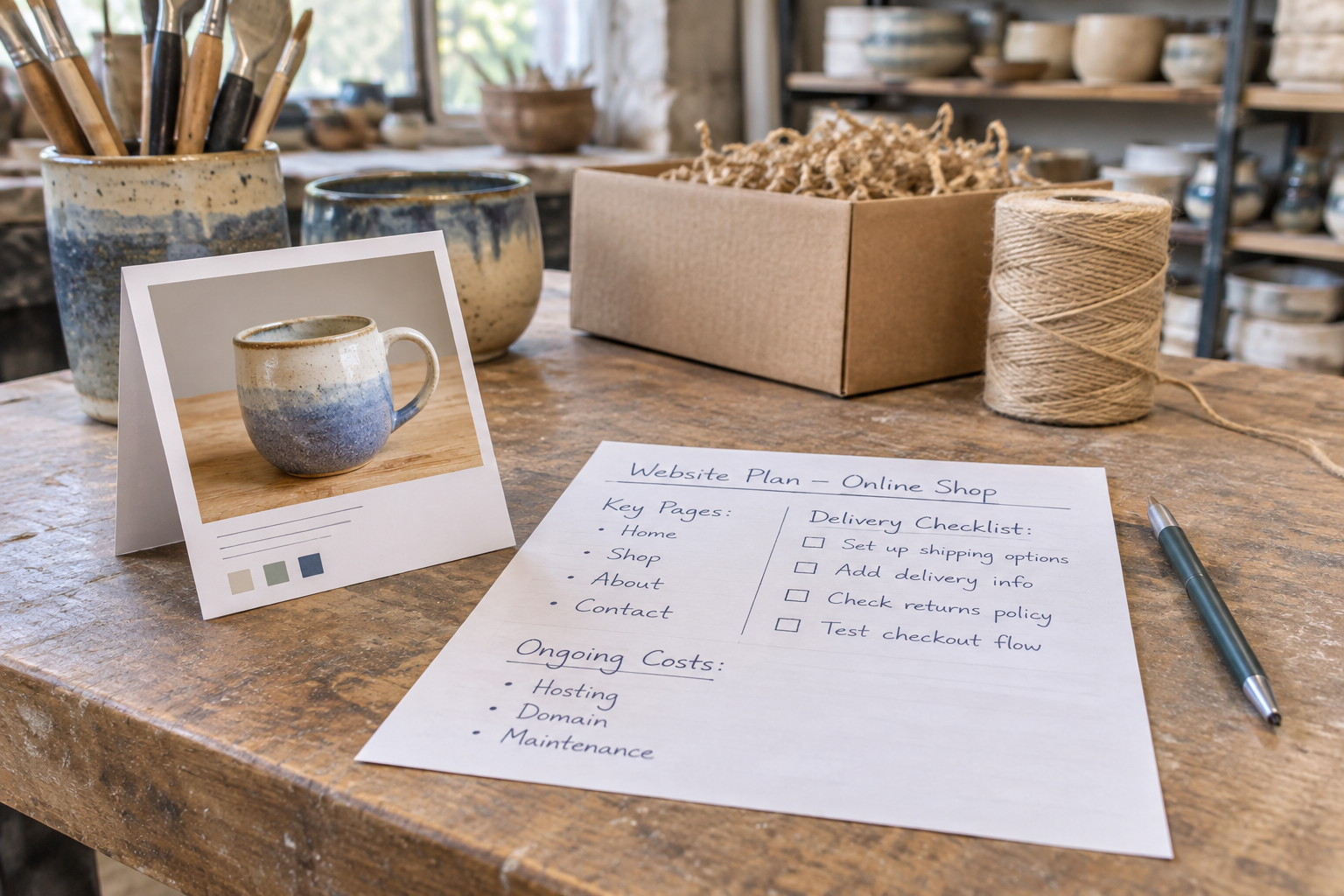
For bookings, consider appointment duration, availability, confirmation messages, cancellations and whether customers pay in advance. For memberships, check how people join, what content or services they can access, and how you manage changes or cancellations. The exact options available can vary by plan and provider.
Map the journey from both sides: what the customer sees when making a request or purchase, and what you need to do afterwards. For example, check where a booking notification appears and how you would change an appointment. Note any manual steps so you can judge whether the process will remain manageable.
Avantiy includes ecommerce, online booking and memberships. Confirm the current plan details and whether the setup suits your particular workflow before publishing. If selling online is your priority, use the small business ecommerce platform buyer’s guide to develop a more detailed shortlist.
Want help working through your site requirements? Book training with Avantiy to discuss your next steps.
5. Work Out the Cost of Publishing and Running Your Site
A free draft is useful for testing, but it is not the same as a free published website. Avantiy says you can create an account without a card and keep your site free until you publish. Check the current publishing plans and terms before deciding what fits your budget.
When comparing providers, write down both the initial cost and the ongoing cost. Avoid assuming that a promotional price continues indefinitely or that every business feature is included in the lowest-priced plan.
- Website plan and renewal terms.
- Domain registration and renewal, if charged separately.
- Payment processing or transaction charges for sales.
- Costs for booking, memberships or other features you need.
- Paid integrations, email services or other tools outside the builder.
Ask what happens if you upgrade, downgrade or stop using the service. In particular, check whether you can export content, access customer records and keep control of your domain. Moving a site between platforms may involve rebuilding its design or functionality, so understand the process before you depend on it.
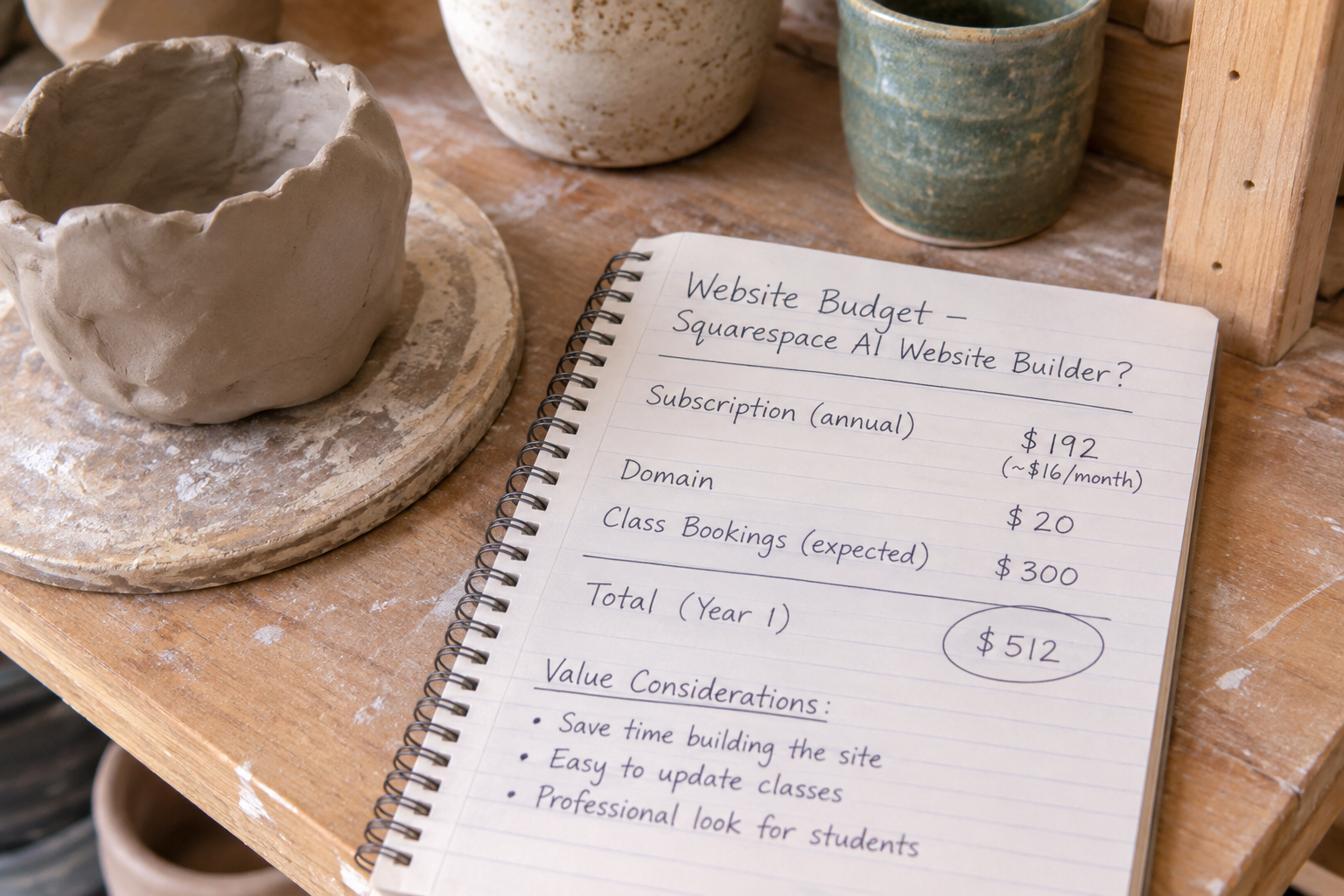
For a fair comparison, list the features you need alongside the plan that includes them, then note the renewal price and any separate charges. If a cost depends on sales or bookings, use your own expected activity to make an estimate. Keep the assumptions visible so you can revise them as your needs change.
6. Check Search, Mobile Usability and Accessibility
AI can help draft search-friendly content, but it cannot guarantee rankings. Focus first on a clear site that answers real customer questions. Give each important page a descriptive title, explain the service or product in straightforward language and use links that tell people where they will go.
Check whether the builder lets you edit page titles and descriptions, manage page addresses and add useful image alternative text. Avantiy includes AI-powered SEO and accessibility tools; review their suggestions rather than accepting every change automatically. For general guidance on making content useful to searchers, consult Google Search Central’s guide to helpful content.
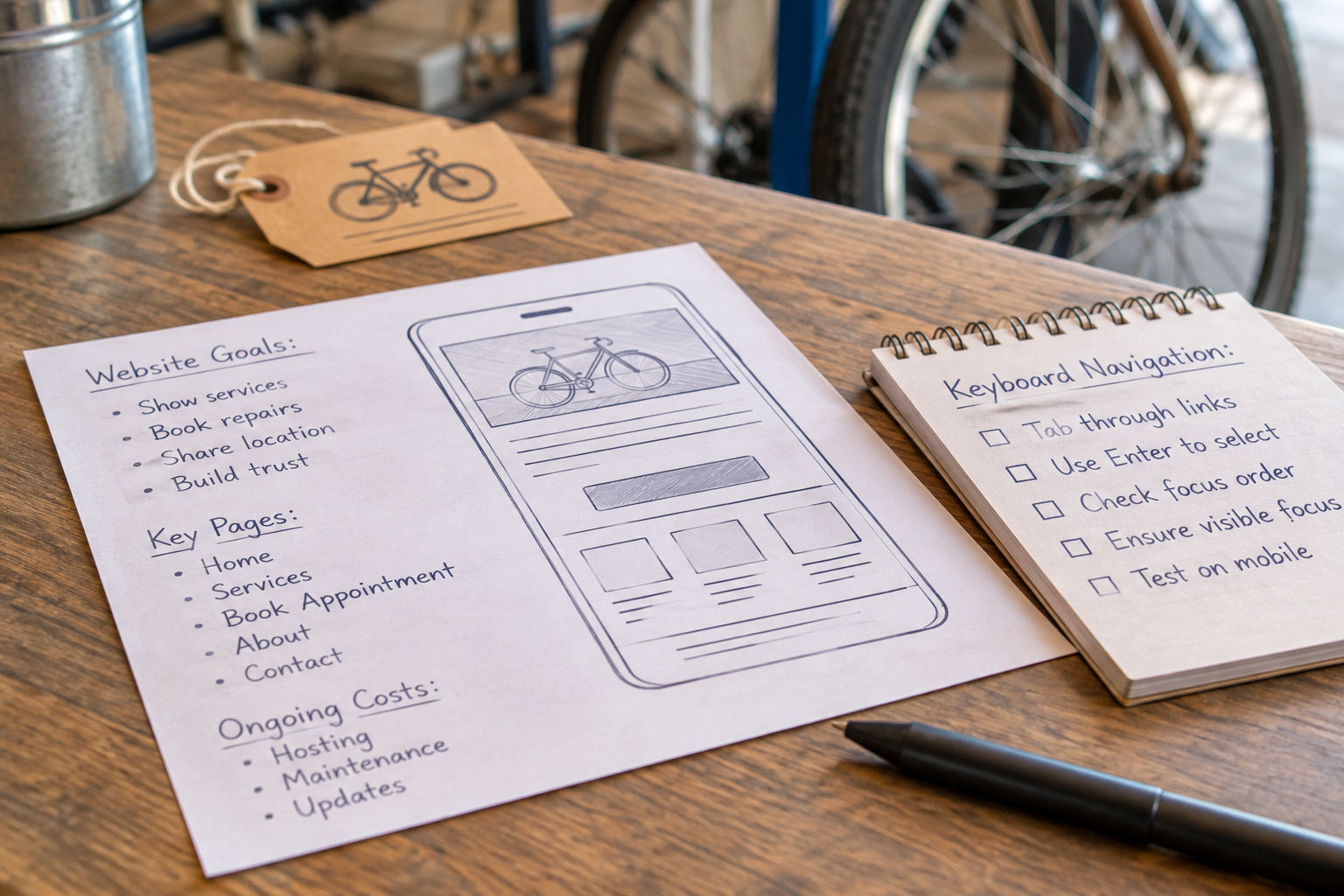
Test the site on a phone as well as a larger screen. Check that text is readable, buttons are easy to use and important information does not disappear or become awkwardly ordered. Try moving through links and form fields using a keyboard, and make sure form instructions and errors are understandable.
Automated checks can flag some issues, but they do not replace human review. The W3C introduction to web accessibility explains the principles to consider. If your site has specific accessibility obligations, seek advice appropriate to your circumstances and test with relevant users and assistive technologies.
7. Review Support, Security and Day-to-Day Ownership
When something goes wrong, the quality of support can matter as much as the editor. Check how to contact the provider, when support is available and whether help is included in your chosen plan. If you are working to a deadline, ask how training or onboarding works rather than assuming it is immediate.
Also review who can access the site and what they can change. Consider using separate accounts for team members where available, protecting account credentials and removing access when someone no longer needs it. Check backup and recovery arrangements, including what you can restore yourself and when you need support.
Avantiy offers UK-based support and states that its infrastructure is ISO 27001 and SOC 2 certified. Ask for current documentation and the scope of those assurances if they matter to your procurement or risk assessment. Infrastructure credentials do not remove your responsibility to manage account access, customer data and the content you publish.
Think about ownership after launch too. Decide who will check enquiries, update prices, review availability and maintain policies. A simple monthly review can help you spot outdated information before it causes confusion.
Make the review actionable by assigning each task to a person and recording where updates are made. Include a check of contact forms and key links, especially after changing a page or policy. If someone else maintains the site, agree how they will receive approved changes and who will check them once published.
8. How Can You Compare Builders Fairly?
Give each shortlisted platform the same realistic task. Use the same business brief, create the same essential pages and attempt the same customer action. This makes it easier to distinguish a genuinely useful workflow from a polished first impression.
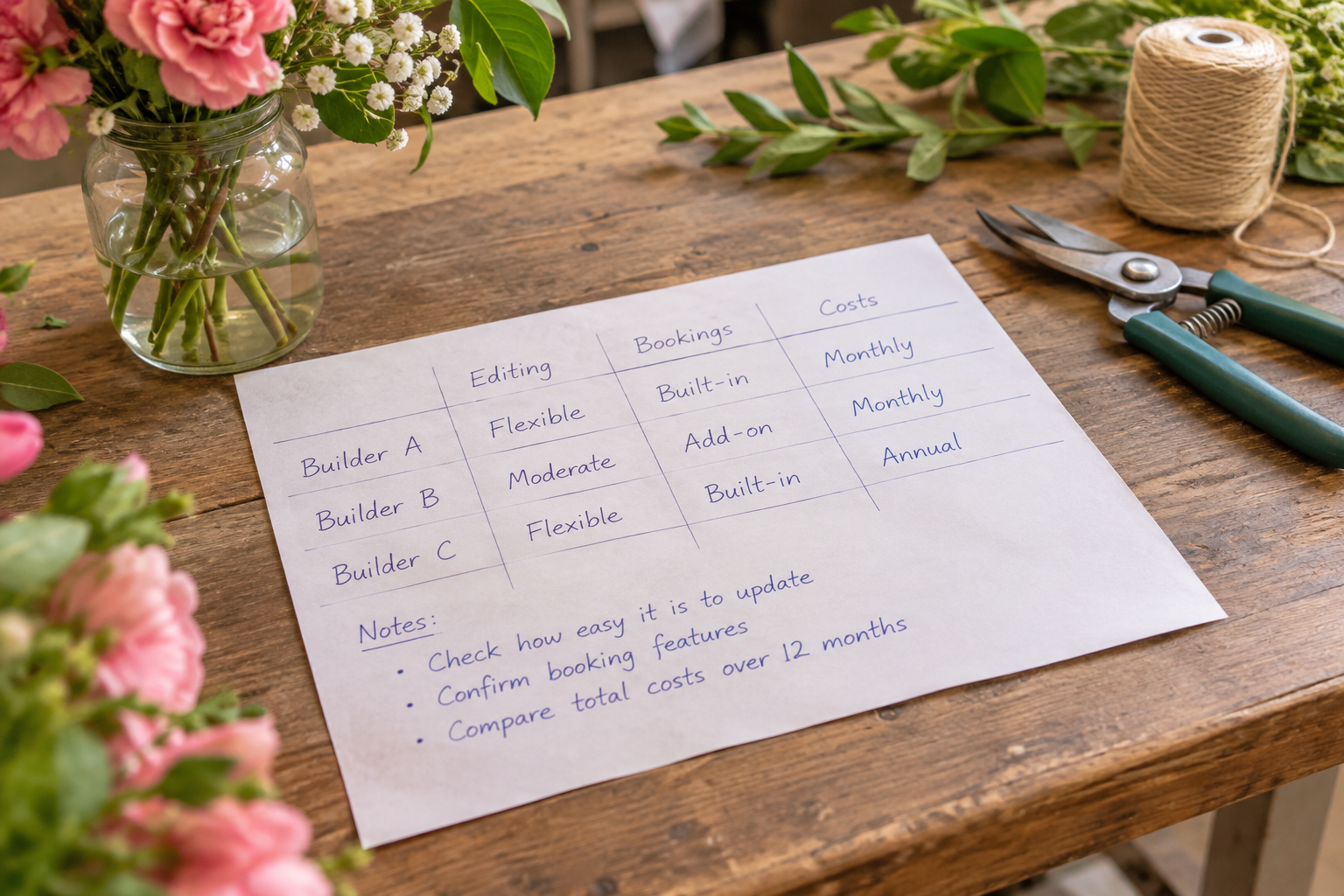
Record what you could do independently, what required help and what remained unclear. If a builder offers a trial or free account, use it to test changes as well as generation. Do not enter real customer details or take live payments while experimenting unless you have deliberately configured the site for that purpose.
- Write down your must-haves and the features you can add later.
- Generate a draft using the same brief for each contender.
- Edit a page and test the main customer journey on mobile.
- Check publishing costs, support, security information and any plan limits.
- Choose the platform you can confidently maintain, not just the one with your favourite initial design.
For a broader set of checks before launch, use the no-code website builder checklist. Keep your notes after choosing: they can become a practical list of tasks for the person maintaining the site.
See the Process in Action
A walkthrough can help you recognise the steps involved, from supplying a business description to reviewing a generated page. Look for a recent demonstration that shows editing and publishing as well as the initial AI prompt; interfaces and plan details can change.
Use any video as a starting point, then verify current features and costs directly with the provider before making a decision.
Frequently Asked Questions
Can I build a website with AI if I have no coding experience?
Yes. Many AI website builders generate a starting site from a written description and provide a visual editor for changes. You will still need to supply accurate business information, review the draft and test the site. Try editing a page during the free stage to see whether the workflow feels manageable.
Is a free AI website builder enough for a small business?
A free account can be useful for creating and testing a draft, but publishing or using particular business features may require a paid plan. Check the provider’s current terms, including domain and transaction costs. Avantiy lets you create an account without a card and keep the site free until publication.
Should I use AI-generated copy without editing it?
No. Treat generated copy as a draft and check every factual claim against your own information. Pay particular attention to prices, qualifications, policies and promises about your services. Edit the wording so it sounds like your business and answers the questions your customers actually ask.
Can an AI-built website appear in search results?
It can, but using AI does not guarantee indexing or rankings. Make sure important pages are accessible to search engines and provide useful, accurate content. Review page titles, navigation and mobile usability, and follow current search guidance. Results depend on many factors beyond the tool used to create the site.
What should I prepare before creating my site?
Gather your business description, contact details, service or product information, and any images you have permission to use. Decide which action matters most, such as an enquiry, booking or purchase. You should also prepare relevant policies and check which details need to be confirmed before publication.
Ready to turn your requirements into a working site? Book now for help getting started with Avantiy.