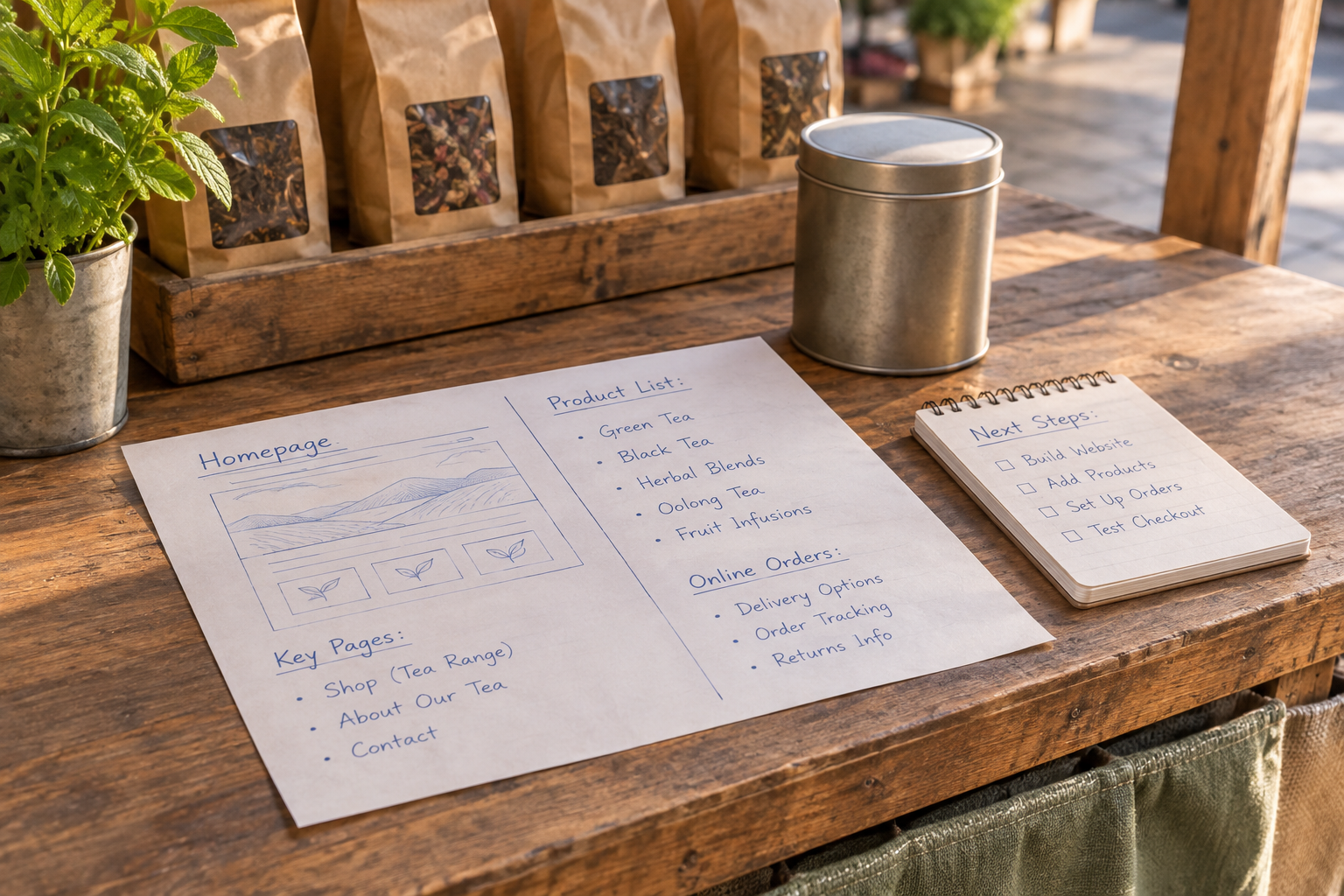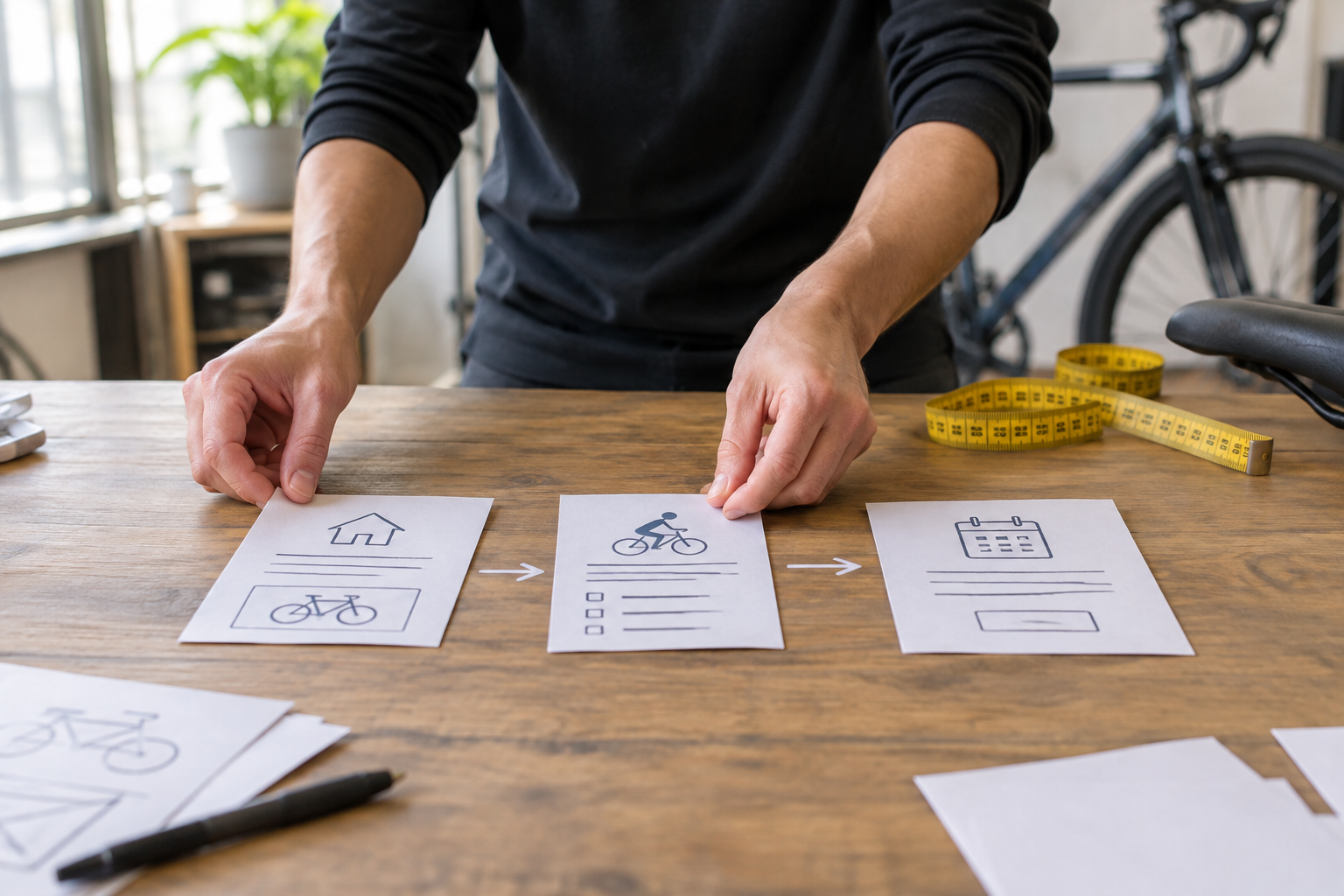
Searching for a website builder AI free option? You can use AI to create a draft website without coding, but free access does not always mean a published site, custom domain or online shop is included. The important distinction is between building and launching: check what you can create for free, then review the costs and features you need before publishing.
What Does Website Builder AI Free Actually Mean?
An AI website builder typically asks for a description of your business and uses it to produce a starting point: page layouts, suggested copy and a structure you can edit. Some also suggest images or design elements. The result is a draft, not a substitute for checking your business details or making decisions about what customers need.
Free access can take several forms. A provider might let you build a site before paying, offer an ongoing free published site with restrictions, or provide a trial that ends after a set period. These are different offers, so read the terms rather than assuming that every free builder works the same way.
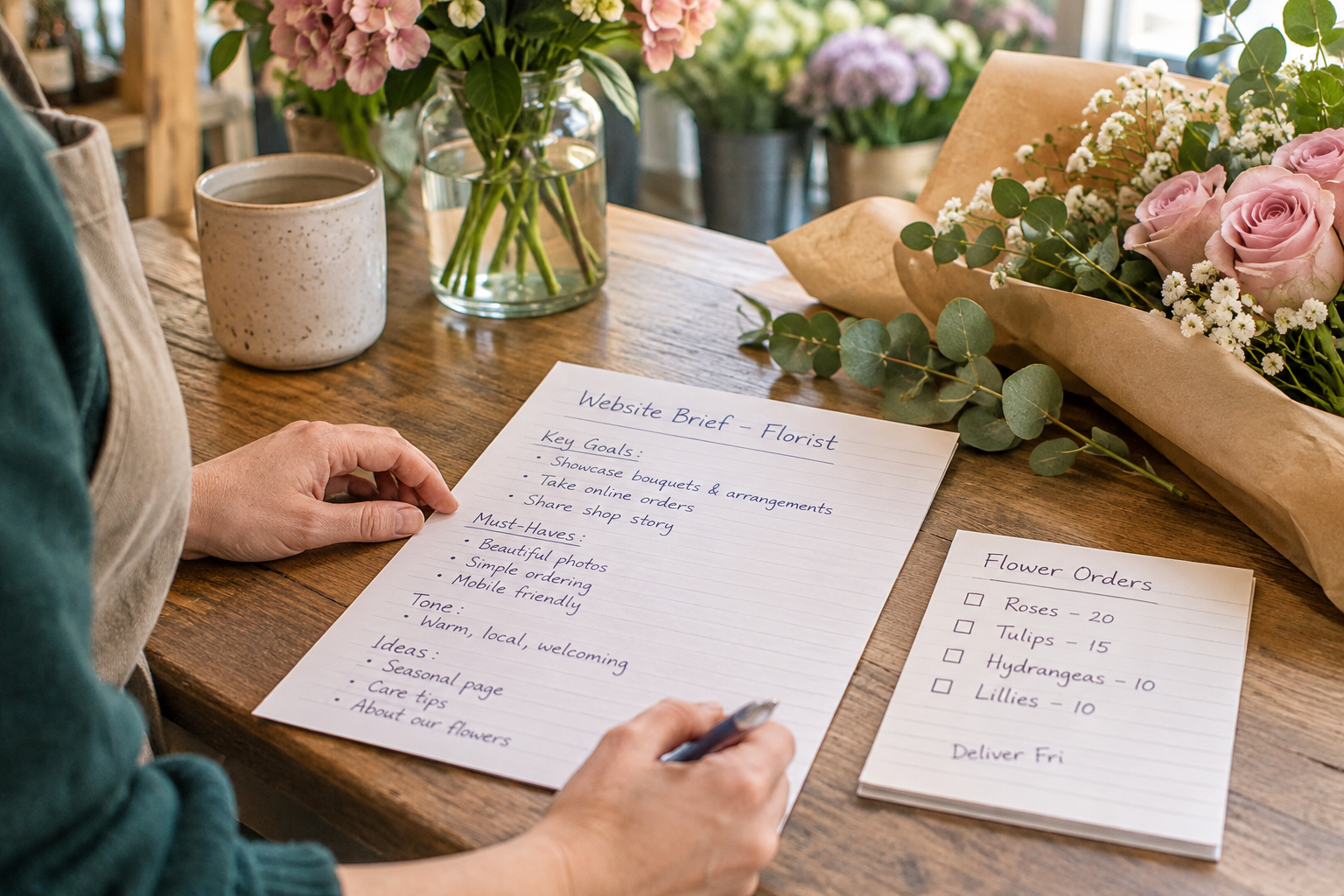
Avantiy lets you create a free account without a card and keep your site free until you publish. Check current publishing costs and included features before committing, especially if you need ecommerce, booking or memberships.
A sensible comparison starts with the job your site must do. A freelancer may only need a services page and contact details; a shop may need product pages, payments and delivery information. The right free starting point is the one that lets you evaluate those essentials before you pay.
Which Claims About Free AI Website Builders Hold Up?
The word free is useful when it describes what you can try, but it can hide important differences. Use this table as a checklist when comparing providers.
| Claim | What to check | Why it matters |
|---|---|---|
| “Free” means everything is included | Whether publishing, a domain and business features cost extra | Your launch budget may be different from your building budget |
| AI writes a finished website | Whether you can edit every important page and statement | You remain responsible for accuracy and tone |
| No code means no control | Available layout, content and navigation controls | You need to adapt the draft to your business |
| SEO tools guarantee rankings | Editable page titles, descriptions and page content | Tools support the work but cannot promise search placement |
| All online shops work the same way | Payment, delivery, product and order-management options | Your customers need a workable route from product to purchase |
| Publishing is the final step | How to update content and test customer journeys | A site needs attention as your business changes |
Keep a note of what you find, including any limits that affect your plans. If a provider’s terms are unclear, ask support before investing time in a detailed build.
Myth: AI Builds a Finished Site Without Your Input
Fact: AI can create a useful first draft, but you need to supply context and review the result. A short prompt such as “make me a business website” gives the tool little to work with. A clearer brief helps you judge whether the generated pages are relevant.
Start by describing what you sell, whom you serve and what you want visitors to do. Add your location or service area if it matters, along with your preferred tone and the pages you expect to need. Avoid entering private customer information or other sensitive material into a prompt.
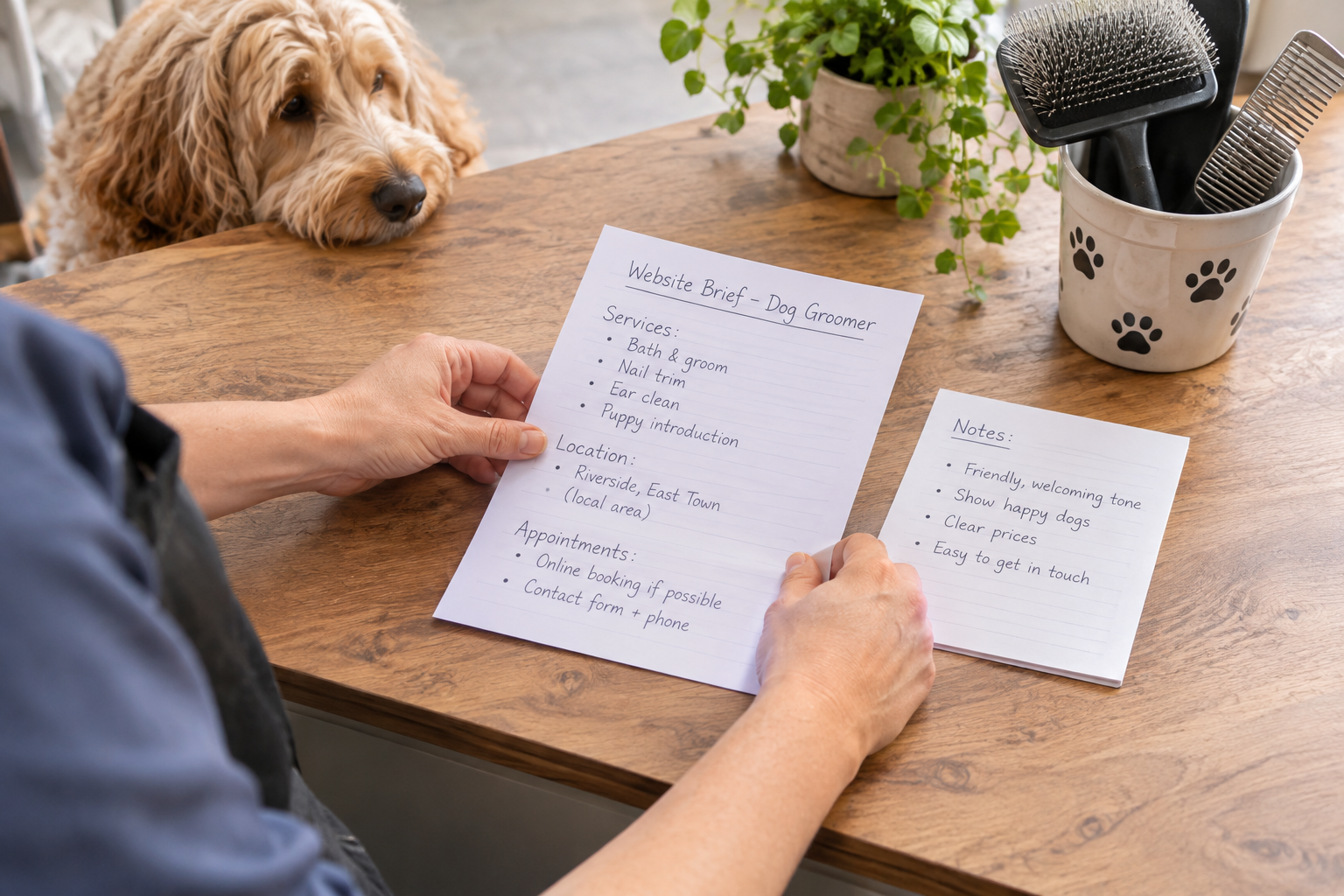
For example, a hypothetical dog groomer might ask for a friendly site explaining grooming services, the area served and how to request an appointment. The draft could provide a useful structure, but the owner would still need to check service descriptions, availability and contact details.
Before publishing, review the following:
- Names and details: Check your business name, opening hours, contact information and service area.
- Claims: Remove any invented experience, qualifications, testimonials, guarantees or offers.
- Prices and policies: Add accurate information where it helps customers make a decision.
- Voice: Replace generic wording with language that sounds like your business.
- Images: Make sure you have the right to use them and that they accurately represent what you offer.
Read the copy as a customer would. Can someone quickly understand what you do, whether you can help them and what to do next? If not, simplify the page before adding more content.
Myth: A Free Builder Cannot Make a Professional Site
Fact: A professional-looking draft is possible without coding, but its quality depends on the content, design choices and features available. An editable template can give you a consistent starting point; it will not automatically make unclear copy or inaccurate information useful.
Prioritise a clear heading, readable text and straightforward navigation. Use consistent colours and images that suit the business. Give each page a purpose rather than adding pages just to fill a menu. For a service business, that may mean explaining the service, answering common questions and making contact easy.
Avantiy combines AI-generated pages, copy and structure with a visual no-code editor, so you can refine the initial draft. When comparing editors, try changing a heading, rearranging a section and updating navigation. A tool that feels manageable during those basic tasks is more likely to suit you when the site needs regular updates.
Also check the site on a phone as well as a larger screen. Look for text that is hard to read, buttons that are difficult to tap and important information buried below unnecessary content. For a broader assessment, use this no-code website builder checklist.
What Costs and Limits Should You Check Before Publishing?
Myth: If creating the site is free, running it will be free too. Fact: The costs and limits depend on the provider and the features you choose. Review them before you publish, not after you have built your entire business plan around an assumption.

Look beyond the headline price and ask:
- Is the site free only while it is being built, or can it remain published for free?
- Does the plan include a custom domain, and are domain registration or renewal separate?
- Are ecommerce, bookings or memberships included in the plan you would need?
- Are there charges from payment providers or limits on products, storage or usage?
- What happens to your site and domain if you change plans or leave?
- What support is available, and when can you contact the team?
These questions are especially important if your first draft is simple but your launch plan is not. A shop may need payment processing and delivery settings; a tutor may need an appointment journey. Confirm that each essential feature is available at the point you intend to use it.
Avantiy offers UK-based support. If you would like help discussing your site, book training with Avantiy. Before the session, make a short list of the pages and features you need so you can ask specific questions.
Can a Free AI Website Builder Support a Shop or Bookings?
Myth: AI builders are only suitable for simple brochure sites. Fact: Some platforms include ecommerce, booking or membership tools, but the details vary. The key question is whether the available workflow fits the way your business operates.
For an online shop, consider the whole customer journey: browsing products, understanding prices and delivery, paying, and receiving order information. Check how you will manage stock, update product details and deal with returns. You should also understand any charges associated with your chosen payment method.

For bookings, think about how customers select a service and time, what information you need from them and how you will handle changes. For memberships, identify what members should be able to access and how you will maintain that content. Ask the provider about any details that are essential to your process.
Avantiy includes ecommerce, online booking and memberships. Check the current terms and configuration options for the features you plan to use. If you are still working out what a shop needs, the guide to starting a small ecommerce business covers the wider planning process.
Before sharing a new site widely, test the relevant journey yourself. Follow links, submit a test enquiry where appropriate and check the information a customer sees at each step. For payments or bookings, use any safe test process available from the provider and confirm how to avoid creating unintended live transactions.
Myth: Built-In SEO and Accessibility Tools Do All the Work
Fact: Tools can help you identify and make improvements, but they do not guarantee search visibility or an accessible experience. You still need useful content, clear structure and testing with the people who use your site.
Avantiy includes AI-powered SEO and accessibility tools. Treat their suggestions as prompts for review. For search, write page titles and headings that describe the page, explain your services in plain language and keep important information up to date. Google’s SEO starter guide explains the fundamentals and makes clear that changes do not guarantee a particular outcome in search results.
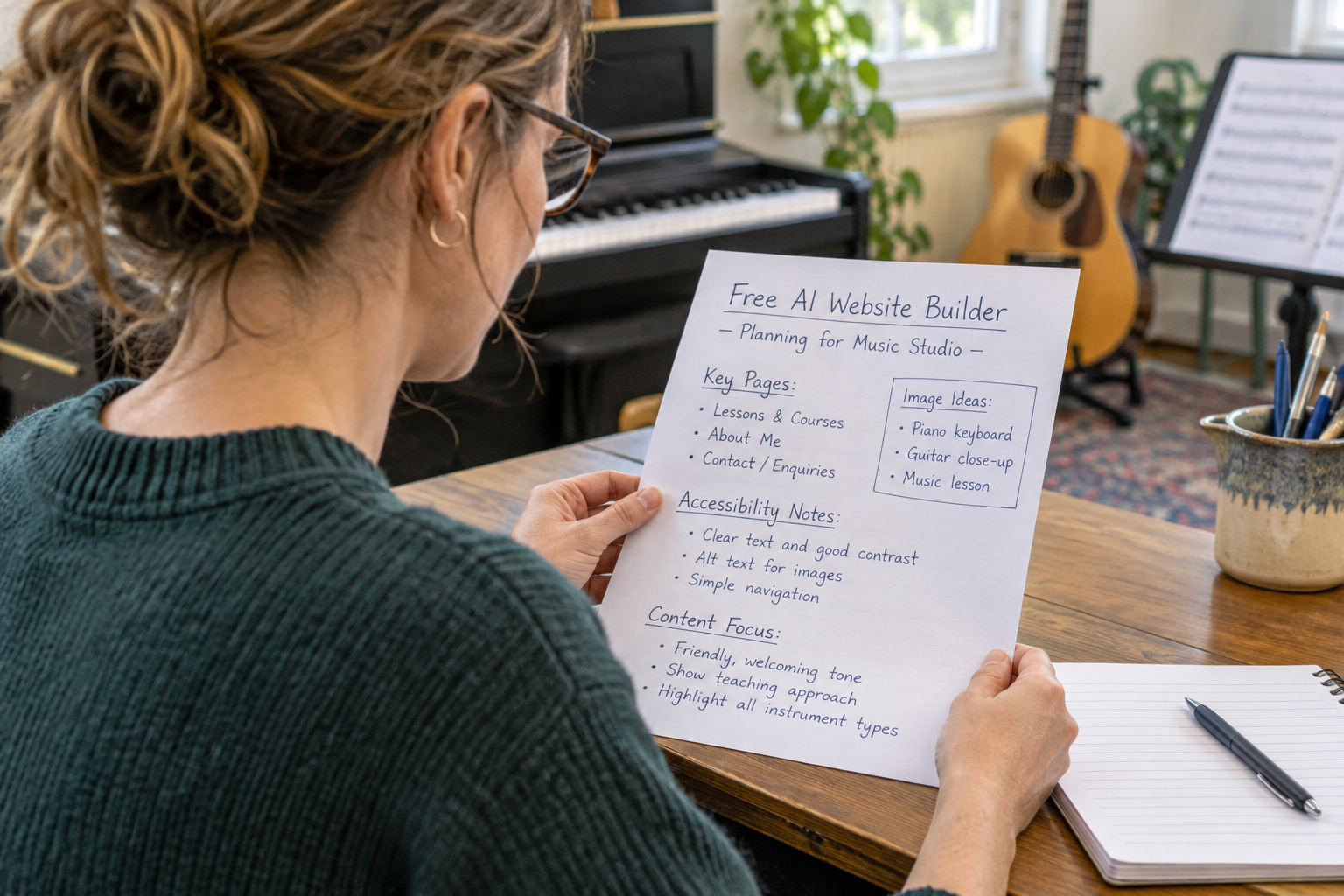
For accessibility, use meaningful headings, descriptive link text and sufficient contrast. Provide useful alternative text for informative images, and check that a visitor can navigate important controls with a keyboard. Avoid relying on colour alone to explain an action or status. Automated suggestions are helpful, but they cannot replace reviewing the actual experience.
Finally, consider the information you collect. If your contact form, booking process or shop handles personal data, explain how you use it and review your responsibilities. The Information Commissioner’s Office guidance for organisations is a useful starting point for UK businesses. Avantiy states that its infrastructure is ISO 27001 and SOC 2 certified; that does not remove your responsibility to handle customer information appropriately.
How Can You Turn an AI Draft Into a Site Ready to Launch?
Use the free building stage to make decisions, not just to generate variations. A practical sequence keeps the work focused:
- Define the main action. Decide whether visitors should enquire, book, buy or learn about your organisation. Make that action easy to find.
- Write a clear brief. Include your audience, services, location where relevant and the pages you need. Generate a draft, then identify what is missing.
- Edit the essentials. Correct names, prices, policies and contact details. Remove unsupported claims and replace generic copy with useful specifics.
- Build the customer journey. Add the relevant product, booking or contact information. Check that links lead to the right places.
- Review on different screens. Test readability and navigation on a phone and a larger screen, including keyboard navigation.
- Check the launch terms. Confirm publishing costs, domain arrangements and any feature limits before going live.
- Plan updates. Decide who will maintain opening hours, prices, products and other time-sensitive information.
If you are comparing approaches as well as platforms, the Framer AI website builder guide for small businesses offers another perspective on what to evaluate.
Watch a Practical Walkthrough
If you prefer to see the process before trying it, search for a walkthrough that shows both the initial AI draft and the editing steps. Check the publication date and confirm any pricing or feature claims with the provider, as plans can change.
Frequently Asked Questions
Can I build an AI website without a credit card?
Some providers allow it, but account requirements vary. Avantiy lets you create a free account without a card and keep your site free until you publish. Check the current terms for publishing and any features you need before making a decision, rather than assuming the free building stage includes a live site.
Do I need coding skills to edit an AI-generated site?
Not necessarily. A no-code visual editor lets you make changes through its editing controls rather than writing code. Test the tasks you expect to do regularly, such as changing text, updating images and rearranging sections. The amount of control available will depend on the platform and template.
Can I use my own domain name?
Many website builders support custom domains, but availability, setup and cost depend on the provider and plan. Check whether registration and renewal are included or billed separately. If you already own a domain, ask how to connect it and make sure you retain access to the account where it is registered.
Will AI-generated pages appear in Google?
A published page may be discovered and indexed, but neither AI generation nor an SEO tool guarantees indexing or a particular ranking. Make the site accessible to search engines, provide useful original information and check the provider’s SEO settings. Google’s guidance linked above explains the basics.
What should I do if the AI gets my business details wrong?
Edit the draft before publishing and check every factual claim against your own records. Pay particular attention to prices, contact details, qualifications, policies and descriptions of services. If the draft invents testimonials or promises, remove them. You are responsible for the information presented to visitors.
Ready to turn a draft into a site that fits your business? Use the training link above to book time with Avantiy and discuss your next steps.