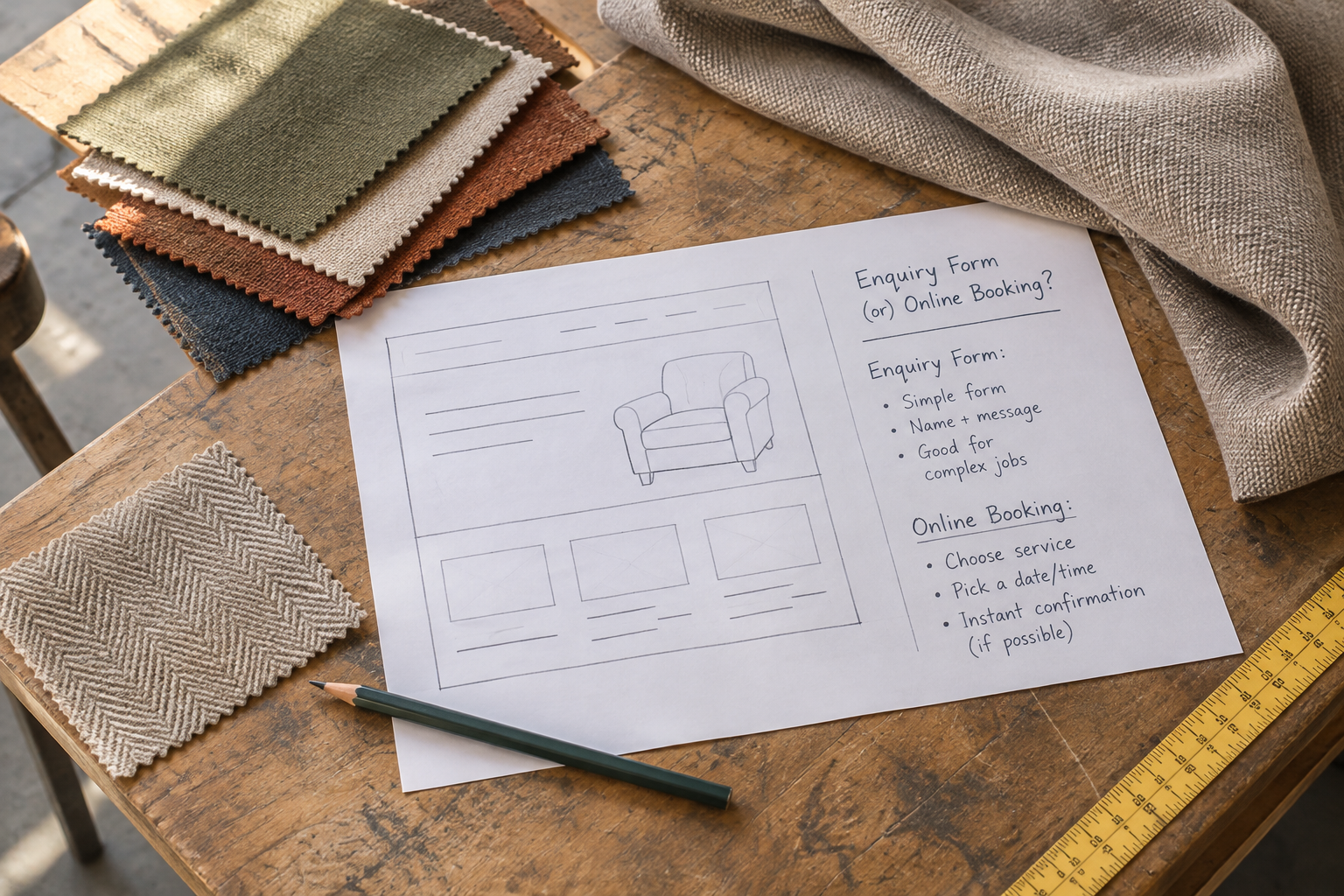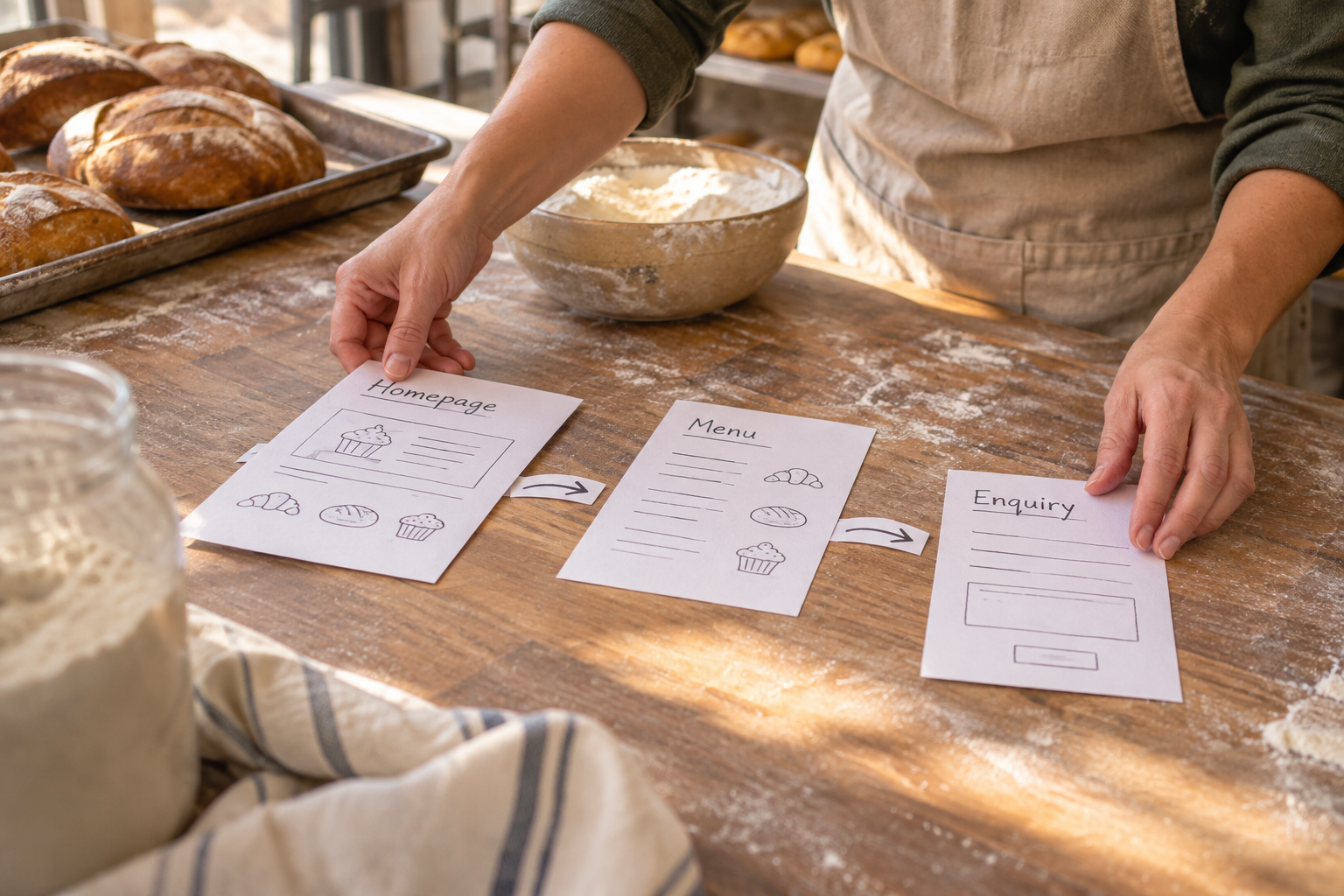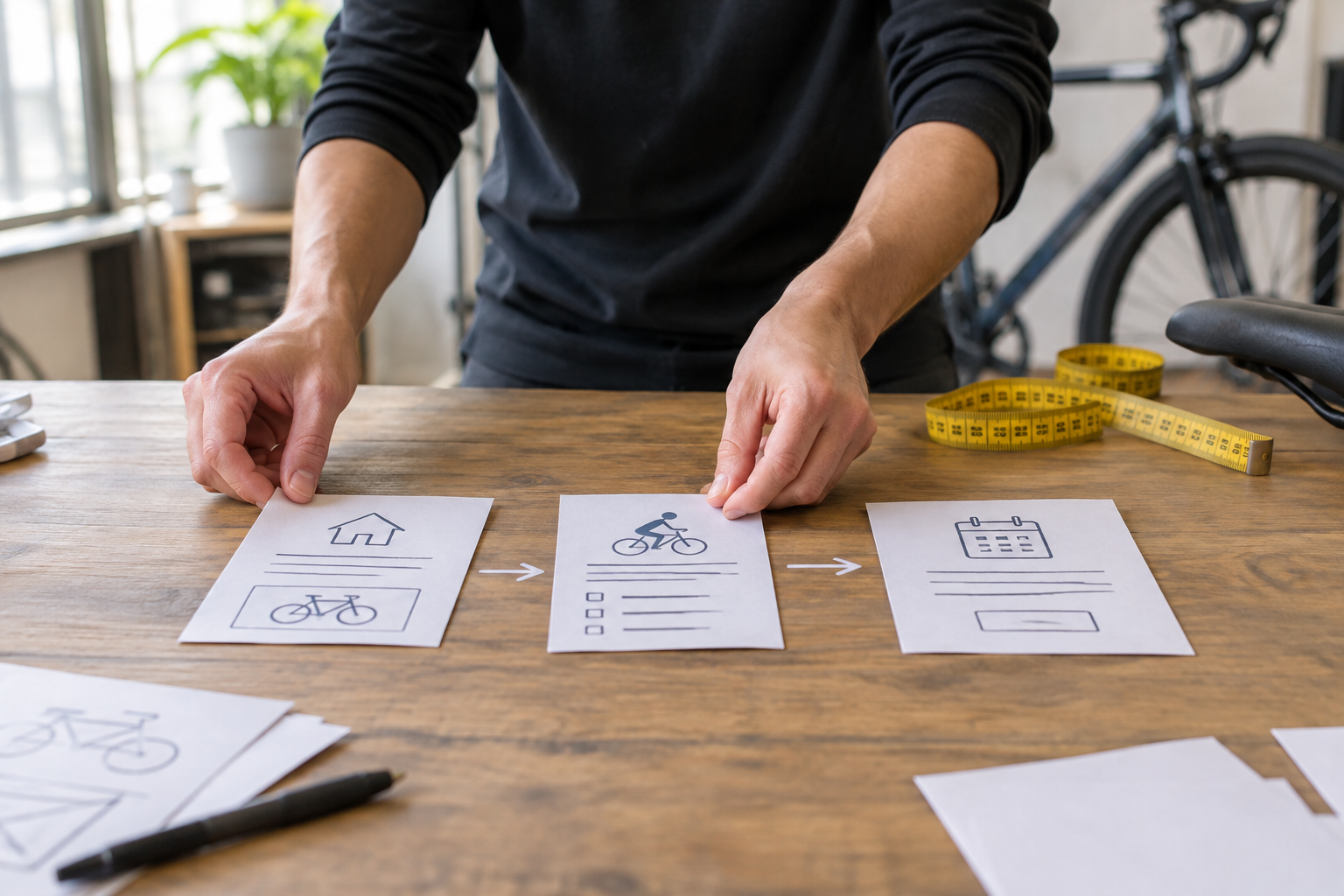
A no-code website builder lets you create and update a website through visual tools rather than writing code. For a small business, it can provide a practical route from an idea to a professional-looking site, with features such as online sales or bookings available on some platforms. The important part is choosing tools that fit how your business actually works.
What Is a No-Code Website Builder?
A no-code website builder is a platform for assembling web pages using templates, editable sections and visual controls. Instead of writing HTML or configuring a server yourself, you choose a starting point, add your content and adjust the layout in an editor.
Most builders combine several jobs in one place: page design, hosting and publishing. Depending on the provider and plan, they may also offer a custom domain, forms, ecommerce, booking or integrations with other services. Check what is included rather than assuming every feature comes as standard.
Some platforms add AI to the process. You describe your business in plain English, and the tool suggests a site structure, page copy or design. That can give you a useful first draft, but you remain responsible for checking the details, replacing generic wording and making sure the finished site represents your business accurately.
No-code does not mean no decisions. You still need to decide what visitors should do, what information they need and who will keep the site current. The advantage is that you can concentrate on those decisions without needing to build every page from scratch.
How Does Building a Site Without Code Work?
The process varies between platforms, but the basic journey is usually straightforward. Start with a goal, choose a template or AI-generated draft, then edit the content and settings before publishing.
- Describe the business and its goal. Decide whether the site should attract enquiries, take bookings, sell products or provide information to members.
- Choose a starting point. Select a suitable template or use an AI tool to generate an initial structure. Look for a layout that supports your content, not just one with attractive sample images.
- Add and edit pages. Replace placeholder text, upload relevant images and arrange sections in the visual editor. Create navigation labels that visitors can understand at a glance.
- Set up business features. Add products, booking details or membership information if your platform supports them. Check the settings that affect payment, availability and customer communication.
- Review and publish. Test the site on different screen sizes, check forms and links, confirm your domain and plan, then publish when you are ready.
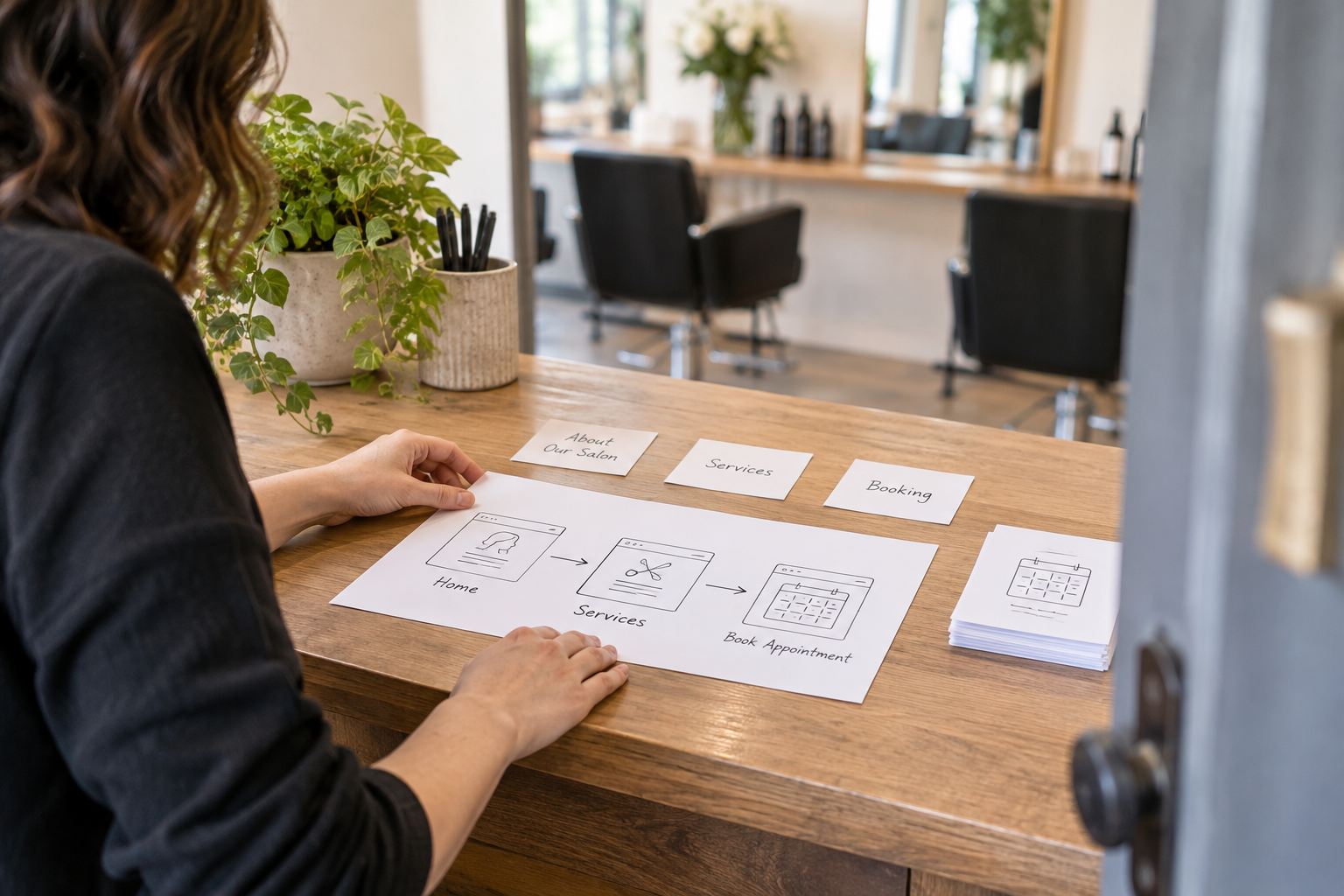
For example, a hypothetical dog groomer might start with a home page, a services page and a booking page. The owner could use an AI-generated draft as a starting point, then add accurate treatment descriptions, service areas and booking conditions. A shop owner would instead need to spend more time on product details, delivery and checkout.
Before selecting a tool, write down the tasks customers need to complete and the information you need from them. This short brief makes it easier to spot whether a platform supports your workflow or only looks appealing in a demo.
Which Features Matter Most for a Small Business?
The best feature list is the one that supports your customers and your day-to-day work. A simple brochure site needs fewer moving parts than a shop, but even a small site should be easy to update and navigate.

| Need | What to look for | What to check before committing |
|---|---|---|
| Professional pages | Editable templates, visual layout controls and mobile previews | Can you change the sections, navigation and imagery you need without a workaround? |
| Online selling | Product pages, basket, checkout and payment options | Are your products, delivery arrangements and preferred payment methods supported? |
| Appointments | Booking tools, availability settings and customer confirmations | Can the workflow reflect your services, timing and cancellation arrangements? |
| Memberships | Member access and suitable content or account controls | Can you manage who accesses what and explain the terms clearly? |
| Search visibility | Editable page titles, descriptions and headings, plus sensible URLs | Can you review the settings for individual pages and update them later? |
| Ongoing management | Support, account access and straightforward content editing | Who can maintain the site, and what happens if your needs change? |
Also consider the practical details around each feature. If you sell physical goods, you need a clear way to handle delivery and returns. If you take bookings, think about how you will manage changes and missed appointments. A feature is only useful if it works alongside your existing processes.
Avantiy combines an AI-generated starting point with a visual editor and offers ecommerce, online booking, memberships, AI-powered SEO and accessibility tools. You can create a free account without a card and keep your site free until you publish. Check the current publishing options and terms before deciding whether the platform meets your needs.
For a broader assessment before you start, use the no-code website builder checklist to work through your requirements from planning to launch.
How Should You Plan Your Pages and Content?
Start with the visitor rather than the template. Someone arriving at your site should be able to understand what you offer, whether it is relevant to them and what to do next. A clear home page can direct people to the right detail without trying to explain everything at once.
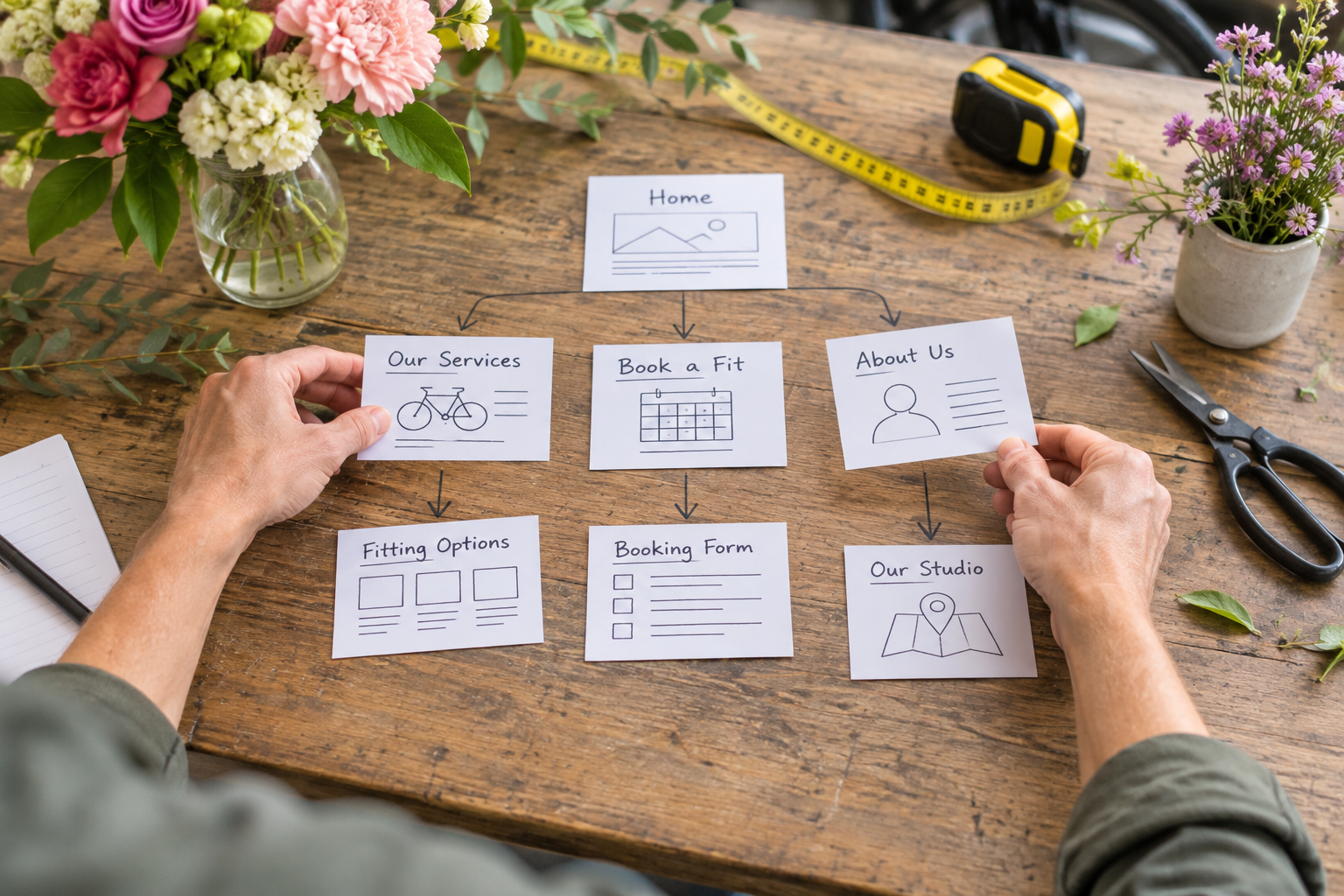
For many small businesses, a useful starting structure includes a home page, a page describing services or products, an about page and a contact page. Add dedicated booking, shop or membership pages where they serve a real purpose. A business with several distinct services may also benefit from a separate page for each one.
Make each page answer a specific question. A service page might explain who the service is for, what it includes, where it is available and how to enquire. A product page should help a buyer assess the item and understand important details such as options, delivery and returns. Avoid publishing empty pages simply because a template includes them.
Write down the facts before asking AI for a draft: your actual services, location or service area, opening arrangements, prices where appropriate and preferred contact method. The more precise your brief, the easier it is to judge the suggested copy. Remove claims that you cannot substantiate, and do not let generated text invent experience, testimonials or guarantees.
Use images that help customers understand your business. Original photographs can show your work or products; licensed images may be useful where appropriate. Check that you have permission to use every image, and add meaningful alternative text when an image conveys information.
Keep calls to action specific. “Book an appointment”, “Browse products” or “Ask for a quote” tells a visitor what happens next more clearly than a vague instruction. Link each button to the relevant destination, and make sure someone is responsible for responding when an enquiry arrives.
Can You Sell Products or Take Bookings Without Code?
Yes, provided the builder offers the features and integrations your business needs. A no-code website builder can bring your public pages and customer actions together, but you should test the complete journey rather than judging the feature by its name.
For a shop, create a representative product and check how options, stock information, delivery charges and payment appear. Review the customer-facing policies you need and make sure they match how you operate. If you plan to sell different kinds of products, confirm that the platform supports each one before building a large catalogue.
For bookings, consider the information a customer needs before choosing a time: service description, duration, location, price and any preparation. Then check what happens after a booking is made. Can the customer see a confirmation? Can you manage availability and respond to changes? Test the process using an appropriate test method offered by the platform.
Memberships need the same attention. Decide what members receive, how access is managed and what happens when membership ends. Explain those arrangements plainly on the site. If a feature requires an integration or a particular plan, include that in your cost and maintenance assessment.
If online selling is your main goal, the guide to starting a small ecommerce business covers the wider decisions involved, from choosing products to planning how you will fulfil orders.
Want help turning your requirements into a workable site? Book training with Avantiy to discuss the building process and your next steps.
What Should You Check Before Publishing?
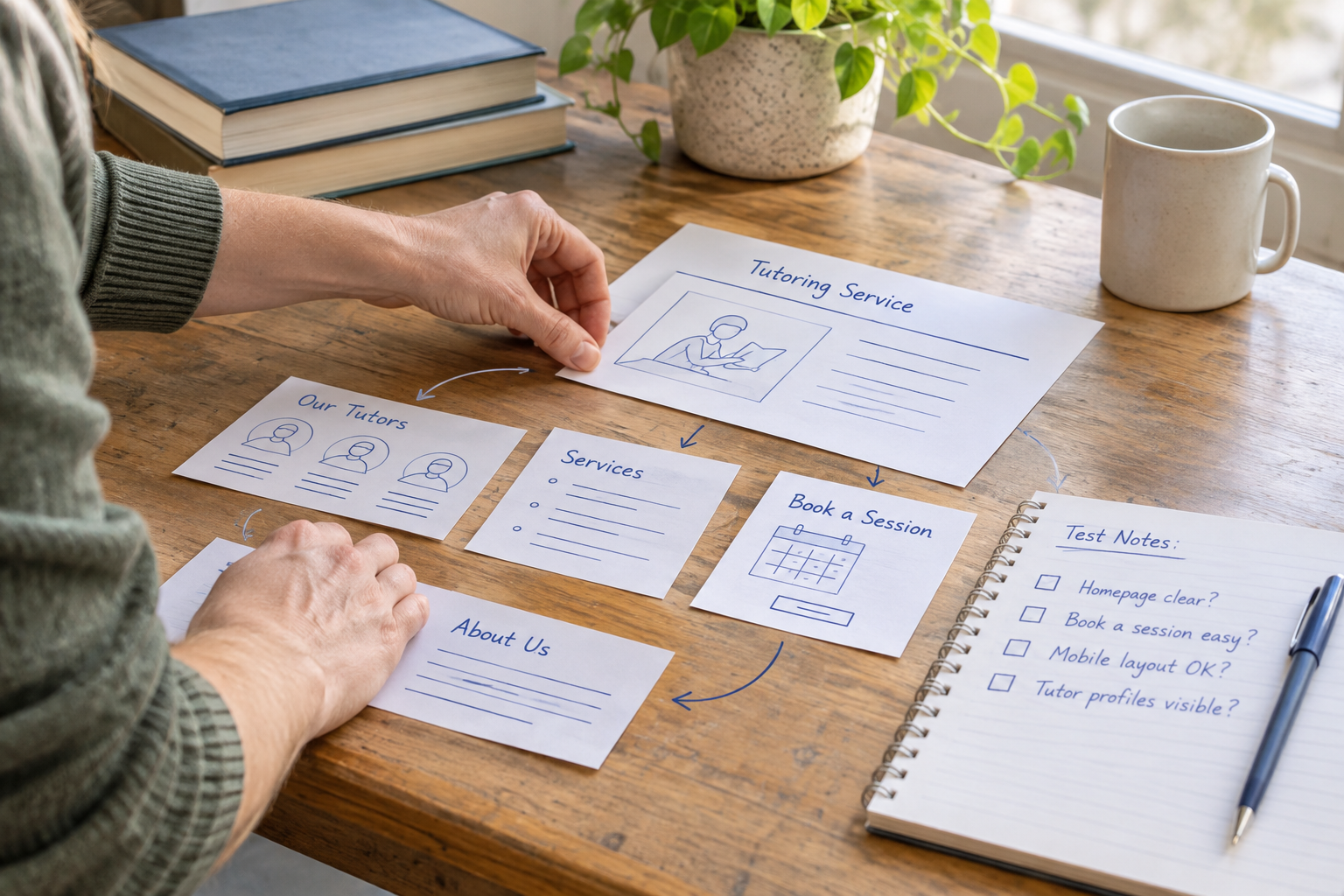
A good launch review covers more than spelling. Put yourself in the position of a new visitor and follow the paths that matter most: finding a service, making an enquiry, booking an appointment or buying a product.
- Content: Check names, contact details, prices, opening information and service descriptions against your current records. Remove template placeholders and unsupported AI-generated claims.
- Navigation: Follow every main menu item and call to action. Confirm that links lead to the intended page and that visitors can find their way back.
- Mobile experience: Review pages on a phone as well as a larger screen. Look for awkward text wrapping, obscured content and controls that are difficult to use.
- Forms and transactions: Test enquiry forms and, where possible, booking and checkout flows. Confirm where submissions and notifications go, and who will deal with them.
- Accessibility: Use clear headings and link text, provide useful alternative text for informative images, and check that content remains understandable without relying on colour alone.
- Search and sharing: Review page titles, descriptions and the words used in headings. Make sure each page describes its own content rather than repeating the same generic wording.
- Business information: Review the policies and disclosures relevant to your business and how you collect or use personal data. Seek professional advice if you are unsure what applies.
Accessibility tools can help identify issues, but they do not replace a human review. The W3C accessibility guidelines provide a useful reference for making web content more accessible. Start with the tasks your visitors need to complete and check whether they are understandable and usable.
For search, focus on helpful, accurate content and a site that can be navigated. The Google Search SEO starter guide explains foundational practices. Neither an AI tool nor a particular wording pattern can guarantee a search ranking.
What Does a No-Code Website Builder Cost?
Compare the total cost of running the site, not only the initial account price. A free starting option can help you explore an editor, but publishing, connecting a domain or using specific business features may require a paid plan. Terms differ, so review the current details directly with the provider.
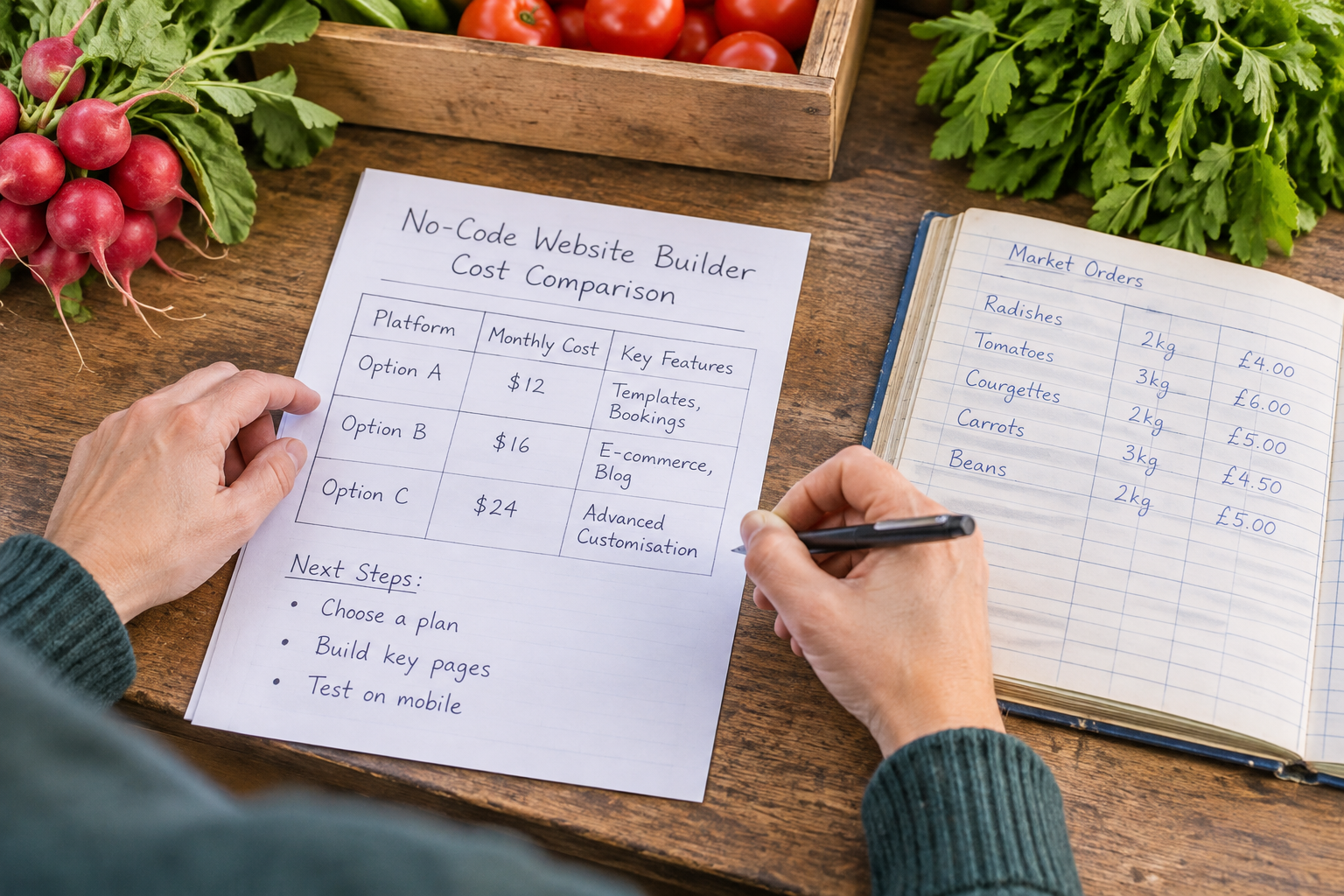
List the essentials first: publishing, your domain, the pages you need and any selling or booking features. Then look for additional costs that might apply to your setup, such as domain renewal, payment processing, optional integrations or charges associated with a selected plan. Distinguish a platform charge from a payment provider's charge where both may apply.
Consider the cost of time as well. A low-priced tool may be less useful if routine changes are difficult or a vital workflow needs several workarounds. Conversely, a feature-rich plan is not automatically better if you will not use its extras. Choose for the work you need to do now, while checking how easily you can accommodate reasonable future changes.
Ask what happens if you leave: which content can be exported, what format it takes and what would need to be rebuilt elsewhere. Also check how you can access support and manage account permissions. Avantiy offers UK-based support; confirm the support arrangements and plan details that apply when you sign up.
For more on evaluating a store platform beyond its headline price, read the small business ecommerce cost and value guide.
See the Building Process in Action
If you prefer to learn visually, look for a current walkthrough that demonstrates editing, previewing and publishing a small business site. Pay attention to the steps between the initial design and a working customer journey, rather than only the first generated page.
Features and interfaces change, so check any video against the provider's current documentation before relying on its instructions. Use the walkthrough to form questions, then test the relevant steps in your own account.
Frequently Asked Questions
Do I need design experience to build a website?
No. Templates and visual editors provide a starting structure, and AI can help produce an initial draft. You will still need to make choices about content, layout and imagery. Keep the design consistent, use clear navigation and ask someone unfamiliar with your business to try the key tasks before publishing.
Can I update my website after it is published?
Visual builders are intended to make ongoing edits manageable without coding. You can typically revise page text, images and other supported content through the editor, though the exact publishing process depends on the platform. Set a reminder to review contact details, offers and policies, and check important links after making changes.
Can I use my own domain name?
Many builders support custom domains, but availability and any associated charges depend on the provider and plan. Check whether you can connect a domain you already own, who controls its registration and how renewal works. If you need to buy a domain, choose a name customers can recognise and type easily.
Is AI-generated website copy ready to publish?
Treat it as a draft, not a verified description of your business. Review every claim, price, service detail and call to action, and replace vague wording with information customers genuinely need. Check that the tone sounds like you and that the copy does not imply qualifications, results or promises you cannot support.
What if my business grows or changes?
Review whether the platform can accommodate the next likely step, such as adding products, accepting bookings or giving colleagues access. Check plan limits, integrations and export options before committing. You do not need every advanced feature on day one, but you should understand the effort involved in changing direction later.
Ready to make a start? Create a free Avantiy account with no card required, build at your own pace and choose when to publish.