A wordpress ai website builder can help you create a first draft of a small business website by generating page layouts, text or images from a description of your business. It does not remove every decision, cost or maintenance task. The right choice depends on whether you want WordPress flexibility or a simpler managed route to publishing.
What Is a WordPress AI Website Builder?
A WordPress AI website builder is a tool that uses artificial intelligence to help create or edit a site built on WordPress. Depending on the product, it might generate an initial site, suggest page layouts, draft copy or help you make changes after the site is live. The experience varies: some tools are tied to a hosting service, while others work as plugins or alongside a particular page builder.
It is also important to distinguish between WordPress itself and the AI tool you choose. WordPress.org provides open-source software that you can install with a suitable host. WordPress.com is a hosted service with its own plans and features. An AI builder designed for one setup may not work in the same way, or be included at the same price, in another.
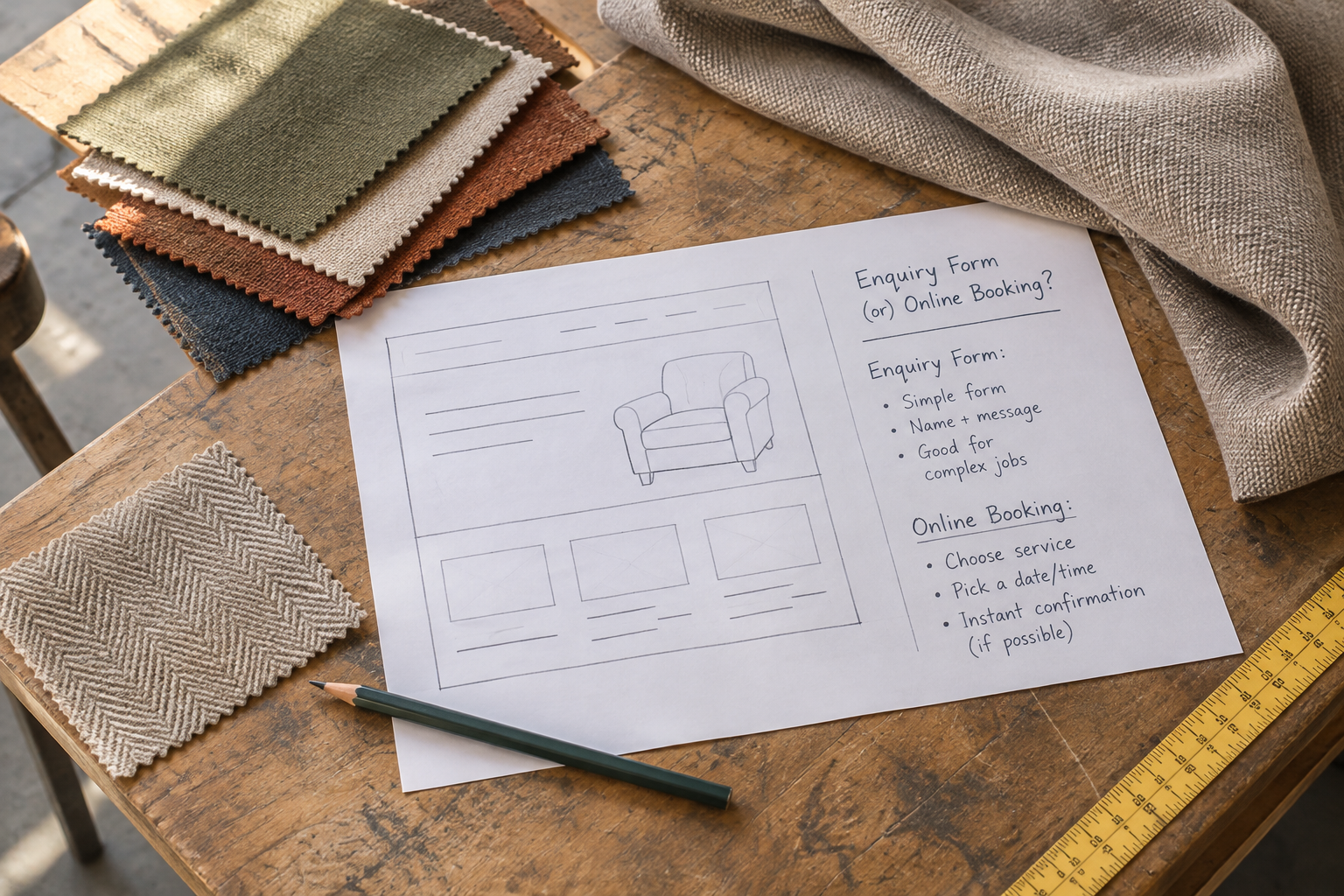
Before comparing products, write down what your site needs to do. A café might need menus and opening hours; a consultant might prioritise enquiries and bookings; a retailer needs a reliable checkout and clear delivery information. AI can help assemble pages, but those requirements should drive your choice.
Which Claims Should You Check First?
These common assumptions can make an AI-assisted build sound simpler, cheaper or more complete than it really is. Use the table as a starting point, then check the terms and documentation for the specific product you are considering.
| Myth | Fact | What to check |
|---|---|---|
| AI builds a finished site on its own. | It can produce a useful draft, but business details, design and functionality need review. | Can you edit every important page and test the customer journey? |
| WordPress and the AI builder are the same product. | The builder may be a separate plugin, host feature or service. | Which components are included, and who supports each one? |
| A free start means a free published site. | Hosting, a domain, premium features or transaction services may cost extra. | What will you pay at launch and on renewal? |
| Generated content is automatically accurate and search-ready. | AI text can be generic or wrong, and search visibility is not guaranteed. | Who will check claims, edit copy and maintain the site? |
| Every builder includes a complete online shop. | Sales, booking and membership features depend on the setup and integrations. | Are the payment, delivery and customer features you need available? |
| AI removes the need for maintenance. | Updates, backups, access controls and compatibility still need attention. | Which tasks are managed for you, and which remain yours? |
The key question is not simply whether a tool uses AI. It is whether its complete setup suits the way you work after the first draft has been created.
Myth: AI Creates a Finished Website Without Your Input
Fact: AI can speed up the first draft, but a useful business website still needs your judgement. A prompt can describe your services, audience and preferred tone; the resulting pages may give you a structure to refine. They cannot reliably know your current prices, policies, availability or the promises you are prepared to make.
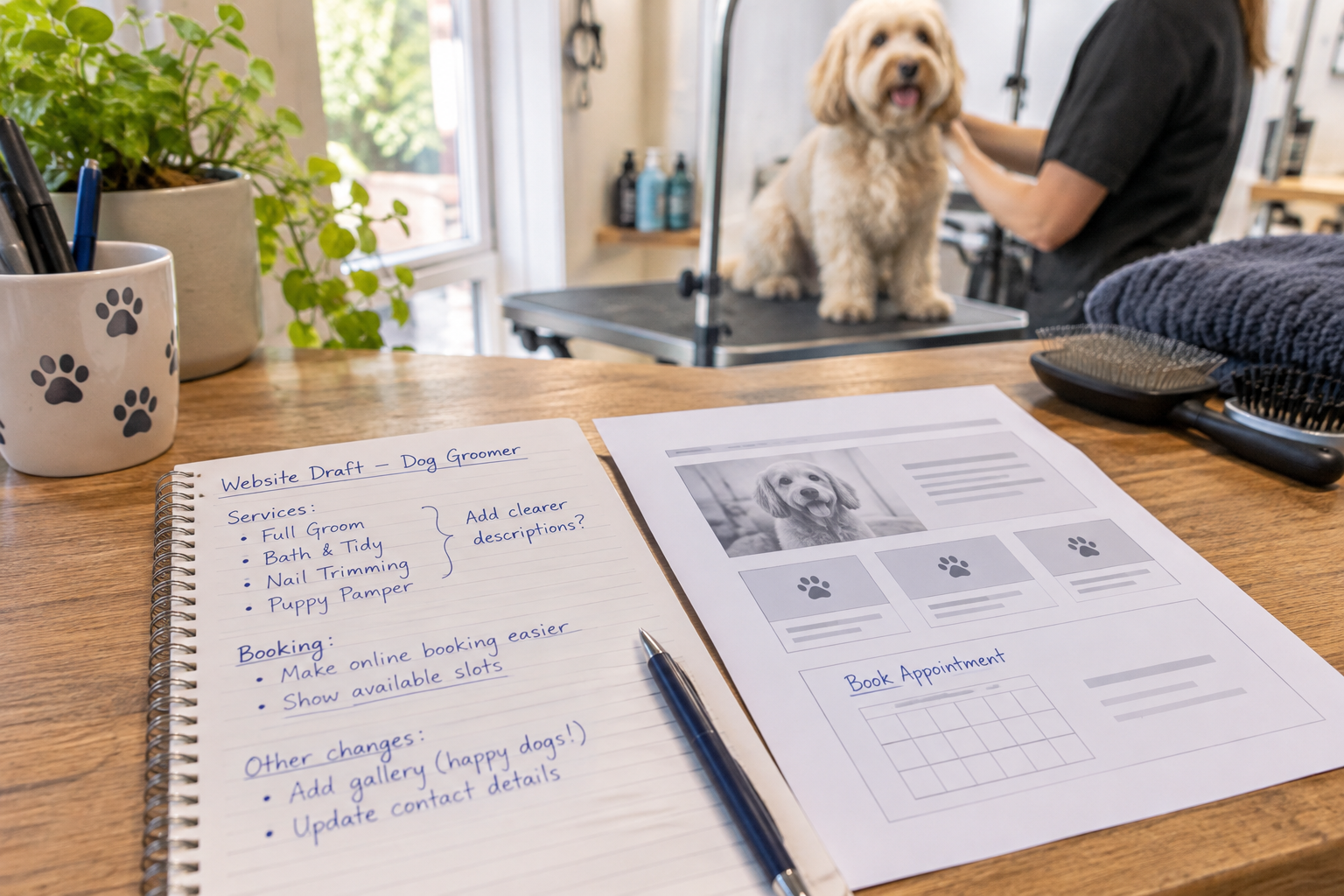
For a clearly labelled hypothetical example, imagine a local dog groomer asking an AI builder for a booking site. The generated draft might include a services page and a contact section. The owner would still need to check the treatments offered, service area, appointment process and cancellation terms. They would also need to confirm that the booking feature actually works as intended.
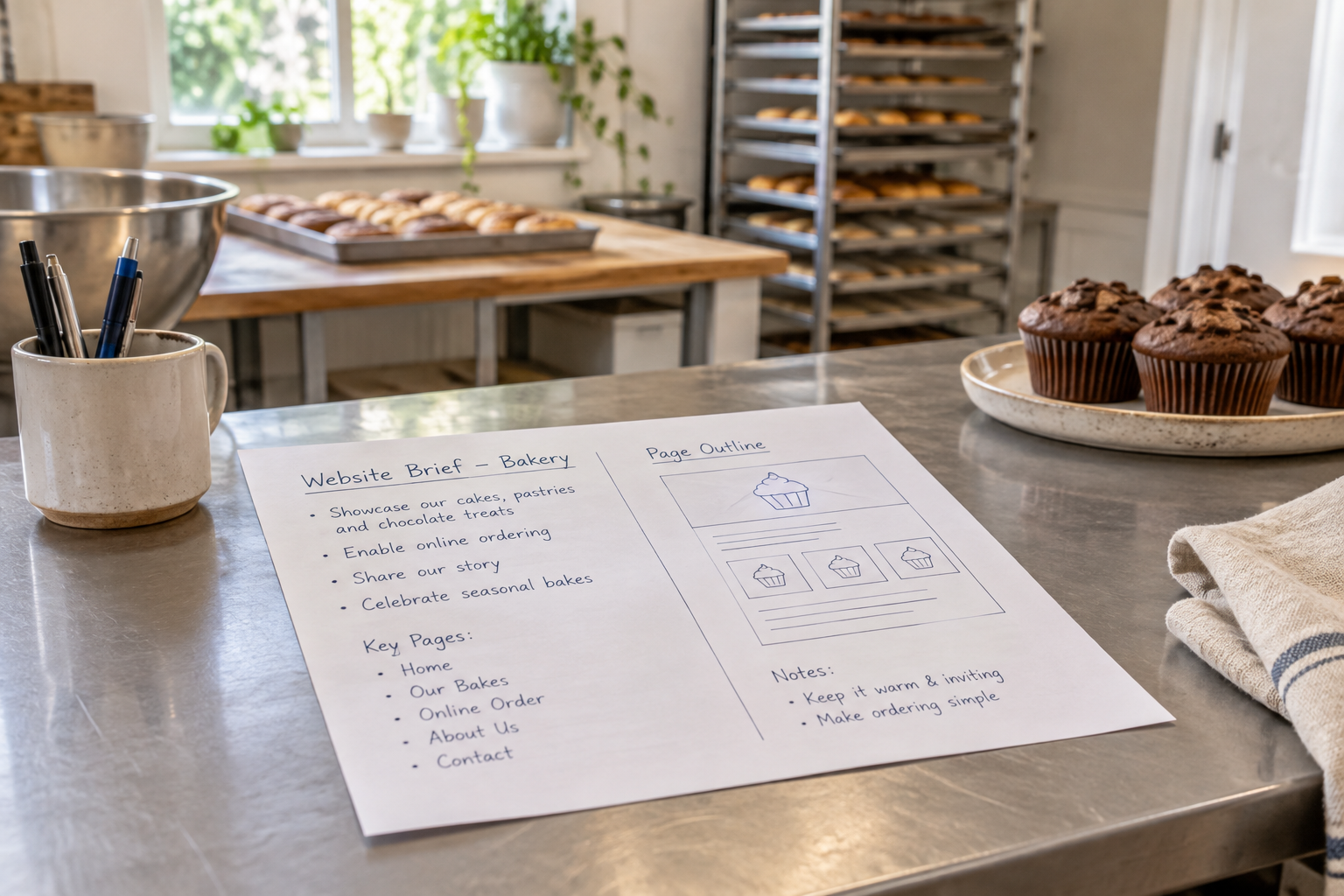
Give the builder a useful brief rather than a one-line request. Include your business name, location if relevant, main services, intended customers and the action you want visitors to take. Add the pages you need and the tone you prefer. Avoid entering sensitive customer information or confidential material into a tool unless you understand how it handles that data.
When the draft appears, check the fundamentals before polishing colours. Is there a clear route from the homepage to the main action? Are contact details easy to find? Does each service page explain what is offered without inventing guarantees? Read the copy aloud and replace vague claims with information you can substantiate.
Myth: WordPress AI Always Means a Simple, All-in-One Setup
Fact: The setup can be straightforward, but it depends on the provider. With a self-hosted WordPress site, you may need to arrange hosting, connect a domain, install WordPress and choose a compatible AI tool. A hosted package may bring more of those steps together. In either case, check exactly what is included and what happens when you need help.
A builder may use a plugin, a theme or its own editing system. That matters because the design controls, available integrations and process for changing providers can differ. Before committing, ask whether you can export your content, what happens to layouts if you stop using the builder, and whether your chosen features rely on additional paid tools. An export of text and images does not necessarily recreate the whole design elsewhere.
For a broader look at the trade-offs between AI generation and editing, read our guide to the Framer AI website builder for small businesses. The product may be different, but the questions about control, support and ongoing work are useful across platforms.
Myth: The Free Option Covers Everything You Need
Fact: A free tool or trial can be a useful way to explore, but it is not the same as a complete cost plan. Look beyond the initial offer and calculate what it takes to publish and operate the site you actually want.

- Domain: Check registration and renewal charges, and whether you can use a domain you already own.
- Hosting: Confirm whether hosting is included, what the plan covers and whether its renewal price changes.
- Builder and plugins: Identify which design, AI, booking, ecommerce or membership features require a paid plan or extension.
- Payments: Check payment provider charges and any platform or transaction fees that apply to your setup.
- Ongoing help: Consider whether you will manage updates and troubleshooting yourself or pay someone to help.
Compare like with like: a low entry price may not include the features another provider bundles together. If you expect to add a shop later, check the likely cost of that step before you build. Our guide to small business ecommerce platform costs and value offers a framework for reviewing the wider picture.
Can AI Handle Your SEO and Accessibility?
Myth: AI-generated pages are automatically ready to rank and accessible to everyone.
Fact: AI can suggest headings, descriptions and content, but it cannot guarantee search rankings or accessibility. Search engines evaluate many signals, and a page needs to be genuinely useful to its intended audience. Google’s guidance on creating helpful, reliable, people-first content is a useful reference when reviewing generated copy.
Start with accurate information that answers a visitor’s questions. Give each important page a clear purpose and a descriptive title. Check that headings follow a sensible order, links explain where they lead, and contact or service details are consistent. Review generated text for unsupported claims, repetition and location details that do not apply to your business.

Accessibility also requires practical checks. Use meaningful link text, provide appropriate text alternatives for informative images and make sure forms have clear labels. Test whether you can navigate key actions with a keyboard, and check that text is readable against its background. The Web Content Accessibility Guidelines explain the principles behind accessible web content. Automated suggestions can help identify issues, but they are not a substitute for reviewing the site and its real user journeys.
Plan to revisit the site after launch. Update opening hours, services and policies when they change, and check important links and forms periodically. A well-maintained page is more useful to customers than a polished draft that quickly becomes outdated.
Will a WordPress AI Builder Run Your Shop or Bookings?
Myth: If the AI can create a shop or booking page, the business workflow is complete.
Fact: A page layout and a working transaction are different things. Your chosen setup must support the practical steps behind the page: payments, order or appointment confirmations, customer information and the way you fulfil each request. These capabilities may come from the builder, WordPress plugins or external services.
For an online shop, check how products and variations are managed, which payment providers are supported, and how delivery, returns and tax settings work for your business. Test the journey from product selection to confirmation. Make sure customers can find delivery charges and relevant policies before they commit to buying.
For bookings, check availability rules, time zones, confirmations and cancellations. For memberships, establish what content or benefits are restricted, how access is granted and what happens when a subscription ends. Also check whether these features work together without an awkward hand-off between services.

If selling is your priority, our guide to starting a small ecommerce business covers decisions beyond the website itself. For any platform, run a realistic test before inviting customers to use it, and follow the provider’s guidance on test payments or bookings.
What Should You Check Before Publishing?
A launch check is less about making every detail perfect and more about making sure visitors can trust and use the site. Review it on a phone as well as a larger screen, and ask someone unfamiliar with the business to follow the main customer journey.
- Verify the content. Check names, contact details, prices, opening hours and any claims generated by AI. Remove placeholder text and images you do not have permission to use.
- Test the main action. Send a form enquiry, follow the booking process or use the payment provider’s test mode where available. Confirm that messages and notifications reach the right place.
- Review mobile pages. Check that text is readable, buttons are easy to use and important information is not hidden or cut off.
- Check policies and permissions. Make sure your privacy information and other relevant terms reflect how your business actually operates. Seek professional advice where needed.
- Confirm ownership and access. Know who controls the domain, hosting account and site administrator access. Use strong, unique passwords and available account protections.
- Plan maintenance. Establish who handles updates, backups, restore tests and support requests. If plugins are involved, check compatibility before making major changes.
If you would rather discuss a code-free route, Avantiy combines AI generation with an editable visual builder and offers ecommerce, booking, membership, SEO and accessibility tools. You can create a free account without a card and keep the site free until you publish. To explore how it might fit your project, book a training session with Avantiy.
See the Building Process in Action
A walkthrough can help you understand how an AI-generated WordPress draft becomes an editable site. Look for a recent demonstration that identifies the exact builder and hosting setup, then compare its steps with the current product information. Pay particular attention to editing, publishing and any features shown behind a paid plan.
Treat a video as a demonstration rather than proof that a feature is included in every package. Interfaces, terms and integrations can change, so confirm the details with the relevant provider before making a decision.
Frequently Asked Questions
Do I need coding skills to use a WordPress AI builder?
Many builders are designed for visual editing, so you may be able to create and update pages without writing code. The level of technical work depends on the hosting, builder and plugins you choose. More complex integrations, custom designs or troubleshooting may still require technical help, so check the support available before you commit.
Is WordPress.com the same as self-hosted WordPress?
No. WordPress.com is a hosted service with its own plans and features. Self-hosted WordPress generally means installing the open-source WordPress software with a hosting provider. Both can support a WordPress site, but the tools, responsibilities and costs available to you depend on the particular service and plan.
Can I change AI-generated text and layouts later?
Generally, AI builders are intended to let you edit the draft, but the extent of control varies. Check whether you can change page sections, navigation, images and individual text fields. It is also worth testing the editor before publishing, especially if you expect to update products, services or opening hours frequently.
Who is responsible for security and backups?
That depends on your agreement with the hosting and builder providers. Some services manage parts of the infrastructure or offer backups, while site owners may still be responsible for account access, plugin updates and restoring content. Check the provider’s documentation, backup frequency and restore process, and identify who will act if something goes wrong.
Is an alternative to WordPress a better fit?
It can be, particularly if you prefer a single visual editor and want fewer separate services to manage. WordPress may suit businesses that value its broad ecosystem and are comfortable assessing hosting and plugins. Compare the complete workflow, including support, costs, integrations and how you can move your content, rather than choosing on AI generation alone.
Ready to talk through your website plans? Use the Avantiy website to explore the platform and its tools for small businesses.