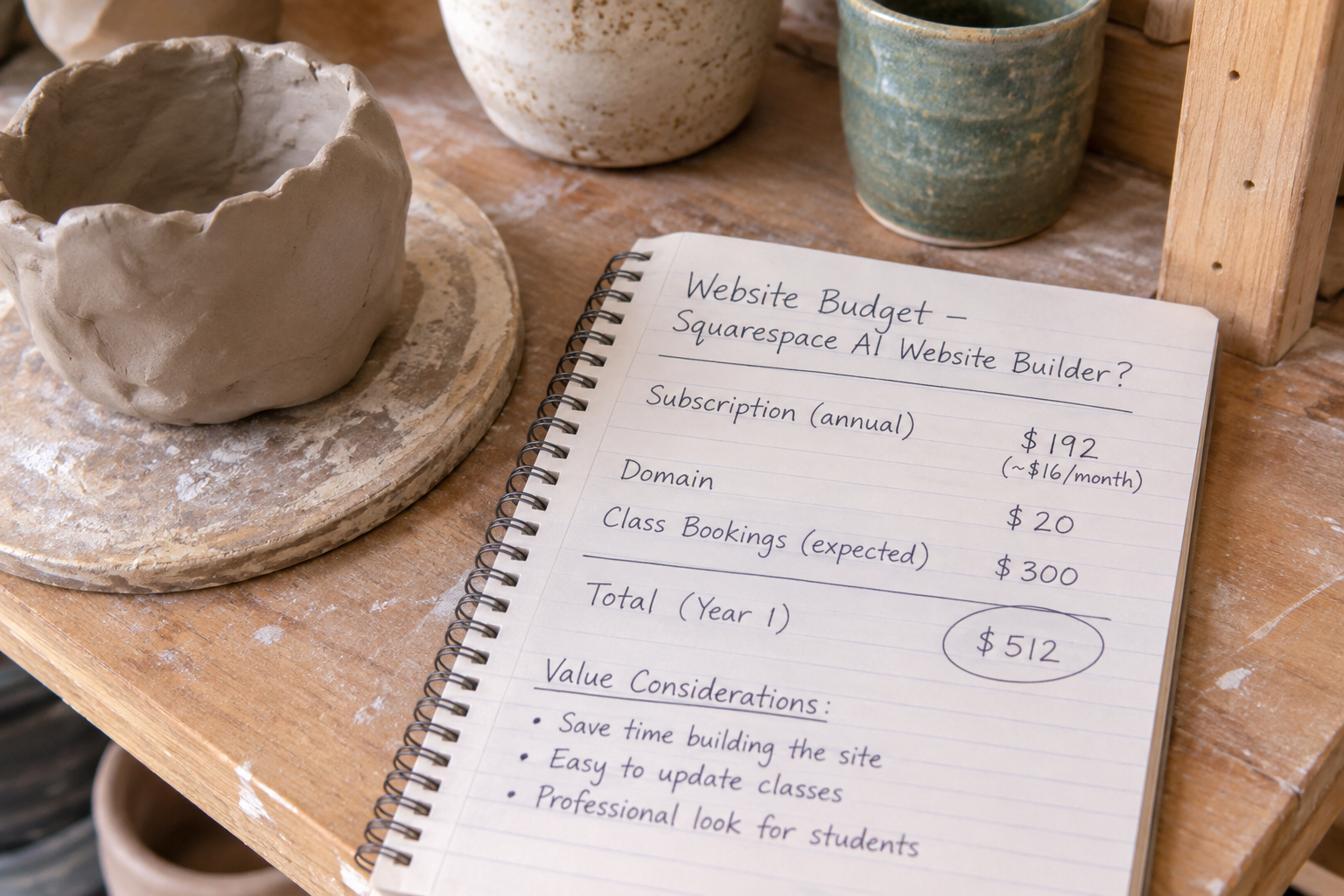
The squarespace ai website builder can help a small business create a professional-looking site without writing code, but its value depends on more than the initial subscription. Consider the plan needed to publish, the features your business actually uses and any additional costs for selling, bookings or a domain. Compare those against the time the AI tools may save.
What Does the Squarespace AI Website Builder Cost?
Squarespace offers paid website subscriptions, but the price you see depends on the plan, billing period, currency and any current promotion. AI-assisted site creation is part of a wider website-building service, so the useful question is not simply what the AI costs: it is what you will pay to run the finished website with the features you need.
Check Squarespace’s current pricing and plan details before deciding. Review the terms for your location and whether the advertised figure assumes annual payment. A lower monthly equivalent can still mean paying a larger amount upfront.
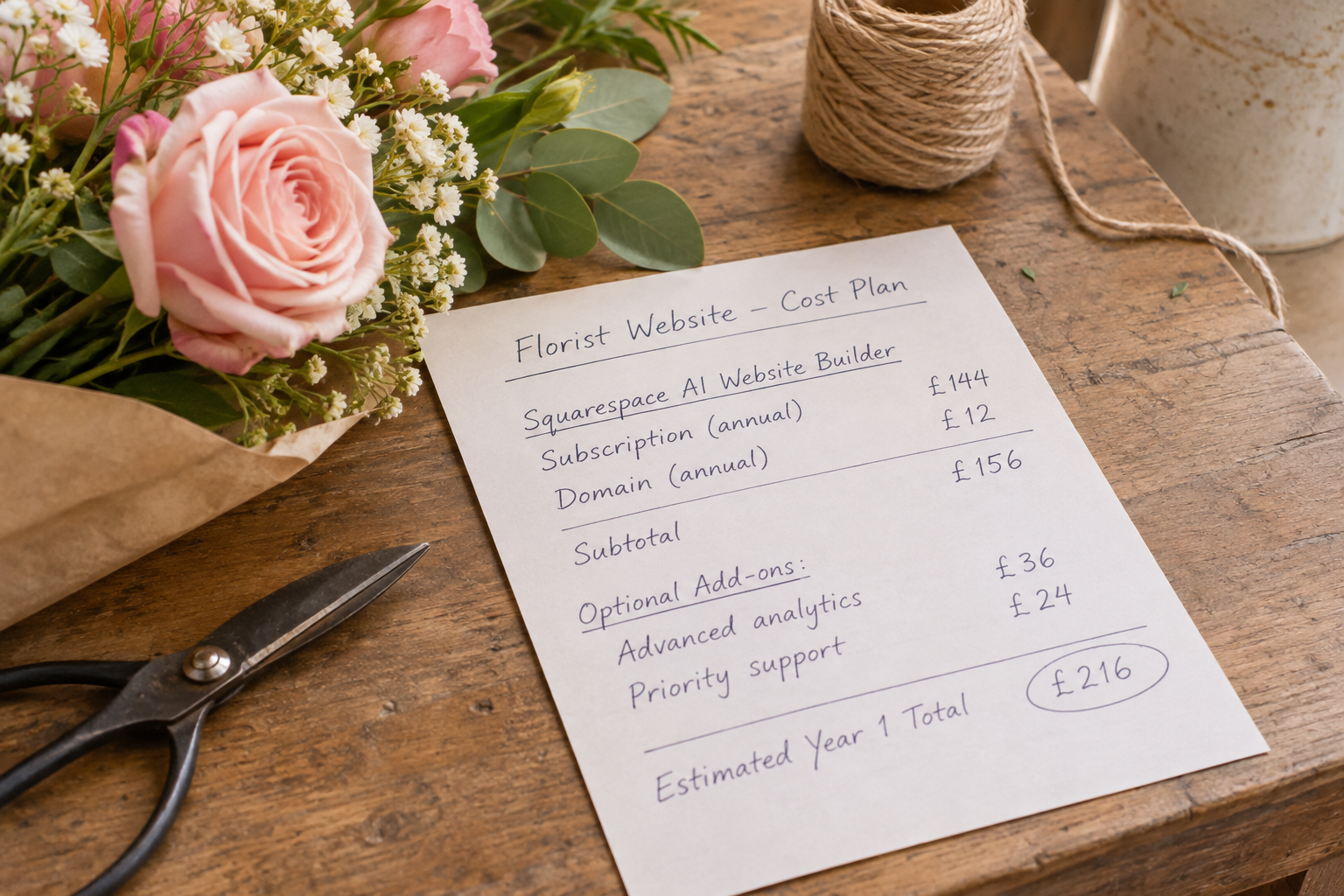
Use the following breakdown as a shopping guide rather than a price list. Availability, limits and charges can change, so confirm each item on the provider’s current pricing and product pages.
| Cost area | What to check | When it matters most |
|---|---|---|
| Website subscription | Plan price, billing period, renewal terms and included features | Every published business site |
| AI tools | Which generation tools are included and whether any usage limits apply | If you plan to generate or revise substantial content |
| Domain | Registration, renewal and transfer charges; conditions of any introductory inclusion | When using a custom web address |
| Online sales | Plan eligibility, platform transaction fees and payment processing charges | When accepting payments for products or services |
| Bookings or memberships | Whether the functionality requires a separate product, subscription or higher plan | For appointments, classes or gated content |
| Email and integrations | Separate subscription fees and any connection requirements | When using a business inbox, marketing tool or other software |
| Time and content | Photography, copy review, setup and ongoing updates | Even when you build the site yourself |
A feature appearing in a product overview does not necessarily mean it is included in every plan. Before paying, identify the least expensive combination that supports your actual customer journey, then check its renewal cost and any limits.
Make a simple first-year budget with separate lines for the website plan, domain and any other services you need. Record when each charge starts and whether it renews. Then make a second-year estimate without assuming an introductory offer continues. This makes an inexpensive launch easier to compare with the cost of keeping the site running.
Which Costs Are Easy to Miss?
The subscription is only the starting point. A custom domain, a professional email address and specialist tools can each have their own billing terms. If a domain is included for an introductory period, check what happens when that period ends and who manages its renewal.
For a shop, distinguish between a platform transaction fee and the payment processor’s charge. They are not necessarily the same thing, and their application can depend on the plan, payment method and location. Read the current terms rather than assuming that a higher subscription eliminates every cost associated with taking payment.
Also budget for the work that AI cannot reliably finish on its own. Someone still needs to supply accurate business details, choose photographs, check the copy and test the site. You may decide to buy photography or ask a professional to help, but neither is automatically required.

When comparing annual and monthly billing, calculate the amount payable over the period you genuinely expect to use the site. Include setup costs and recurring extras. If you expect to change plans as the business grows, note the cost of the next suitable plan as well as the entry point.
Keep a record of where the domain and other services are managed, their renewal dates and the account holder responsible for each one. If someone else sets up the site, agree who will receive renewal notices and make changes. Also check cancellation and transfer terms before committing, rather than discovering them when you want to change providers.
What Does AI Save You Time On?
Squarespace’s AI tools are intended to help with the early stages of building and writing a website. Depending on the available tools and your inputs, AI can help you get from a short business description to an initial site structure or draft copy. Consult the Squarespace Help Centre for current guidance on the specific tools and their availability.
The main value is a starting point. Instead of facing a blank page, you can review a draft and decide what to keep, change or remove. This can be useful if you know your business well but are less confident about writing a homepage or organising a set of services.
That said, a convincing draft is not the same as an accurate one. Check every claim about your experience, locations, qualifications, prices and availability. Replace generic wording with the details customers need to make a decision. Do not publish invented testimonials or promises that you cannot support.
For example, a hypothetical dog groomer could use an AI draft to outline a services page, then add the actual treatments offered, the area served and instructions for requesting an appointment. The useful output is not the draft alone; it is the reviewed page that answers real customer questions.
To judge the time saving, compare the whole process with your usual approach, not just the seconds needed to generate a draft. Allow time to prepare the brief, review the result and make corrections. Keep a list of facts and preferred wording for future updates so that whoever edits the site has a reliable reference.
How Should You Compare Value for a Service Business?
Start with the action a visitor needs to take. A consultant might only need an enquiry form, while a tutor may want customers to choose and pay for an appointment. Those are different requirements, even if both websites look similar on the surface.
Write down the steps from arrival to confirmation. Can a visitor find the relevant service, understand the price or request a quote, choose an available time if appropriate and receive the information they need afterwards? Check whether each step is supported by the website plan itself or by an additional tool.
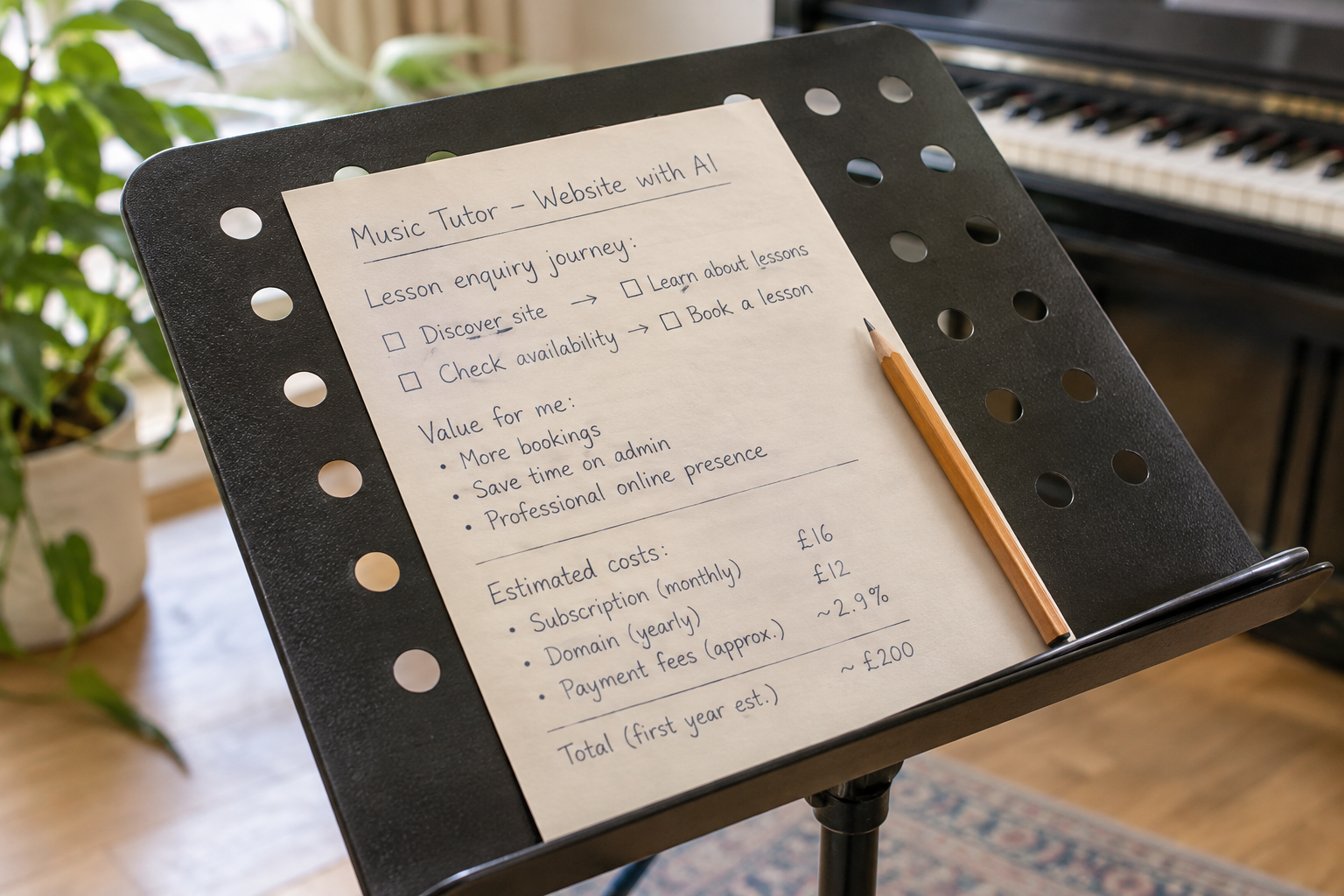
Ease of editing also matters. Ask who will update opening hours, service descriptions and photographs after launch. A builder that makes routine changes straightforward can be more useful to a small team than one with an attractive initial design but an awkward maintenance process.
For an enquiry-led business, test what happens after a visitor submits the form: does the message reach the right person, and is the next step clear to the visitor? For appointments, consider changes and cancellations as well as the initial booking. These checks help you decide whether a simple form is sufficient or a separate booking tool is worth investigating.
If you want help exploring a no-code option, Avantiy can generate pages, copy and structure from a plain-English business description. You can then refine the site in its visual editor. Book training with Avantiy to discuss your website requirements.
What Should an Online Shop Include in Its Budget?
For ecommerce, compare the cost of the complete selling workflow rather than the website subscription in isolation. List the products you expect to offer and how customers will pay, receive their orders and contact you with questions. Then check whether the relevant features are included, limited or charged separately.
- Product setup: Can you present the details customers need, including variations, photographs and availability?
- Checkout: Which payment methods are available to your business, and what charges apply?
- Delivery: Can you explain and configure your delivery or collection options clearly?
- Aftercare: How will you handle order updates, returns and customer enquiries?
- Growth: Will the plan still suit you if you add products, channels or team members?
A low starting price may be good value for a simple catalogue, but less useful if the features you need for checkout require a different plan. Conversely, a more expensive option may not be worthwhile if you will not use its extras. For a broader planning guide, read how to start a small ecommerce business.

Use a realistic order scenario to test your budget. Choose a typical product price and consider the applicable payment and platform charges, packaging and delivery costs. This is a planning exercise, not a guarantee of profit: your actual costs and sales mix will vary.
Try a second scenario for an order with different delivery requirements or a lower-priced item. A fixed charge or packaging cost can have a different effect on each order. Separately, walk through the information a customer sees before paying: product details, delivery options and how to ask for help. Note any gaps you must resolve before launch.
How Does Squarespace Compare With Avantiy?
Both are relevant to businesses looking for a code-free way to create a website, but their plans and product details should be assessed separately. Squarespace offers AI-assisted tools within its website-building platform. Avantiy lets users describe their business in plain English to generate pages, copy and structure, then edit the result visually.
Avantiy also offers ecommerce, online booking, memberships and built-in AI-powered SEO and accessibility tools. Its infrastructure is described as ISO 27001 and SOC 2 certified, and support is UK-based. Check the current plan terms and the scope of any certification directly if those details are important to your decision.
You can create an Avantiy account free without a card and keep your site free until you publish. That can be useful for evaluating the editing experience before committing. It does not mean a published site or every feature is free, so confirm the relevant publishing plan and any additional charges before launch.
For either platform, judge the draft on the same criteria: can you correct the copy, show your own images, make the navigation clear and complete the customer action you need? A trial is most informative when you build a representative page and test a real workflow, rather than choosing solely on a template preview.
Use the same brief and sample content for both evaluations. Note which tasks you can complete yourself, where you need guidance and which questions remain unanswered by the trial. Compare the plans needed for those tasks only after checking the details, so a feature you will not use does not outweigh a requirement you cannot do without.
How Can You Test a Builder Before Committing?
Prepare a short brief with your business name, audience, main offer and desired customer action. Add details the AI must not guess, such as actual service areas and contact information. Keep sensitive customer data out of prompts unless you have checked the provider’s applicable privacy terms.
- Generate an initial draft and note what is accurate, generic or missing.
- Edit a page on desktop and check how it appears on a phone-sized screen.
- Set up a sample enquiry, booking or purchase journey where the trial permits.
- Identify the plan and any separate services needed to publish that journey.
- Check renewal, cancellation and domain arrangements before paying.

Test accessibility in practical ways too: use descriptive link text, check that text is readable, add meaningful image descriptions where appropriate and try navigating without a mouse. Automated tools can help identify issues, but they do not replace a considered review of the finished site.
Ask another person to follow the main customer journey without prompting. Note where they hesitate, whether they can find contact information and whether the wording makes the next step clear. Afterwards, make a short launch checklist covering unresolved copy, images, links and forms; assign each item to the person who can verify it.
For more questions to ask while evaluating your options, use the no-code website builder checklist. Keep your notes so you can compare products against the same requirements.
Watch a Practical Walkthrough
A current walkthrough can help you understand how AI-assisted setup fits into the wider editing process. Look for a demonstration that shows both generation and subsequent editing, and check its publication date: interfaces and plan details can change.
Frequently Asked Questions
Can I use Squarespace AI without paying?
Squarespace may offer a trial or other way to explore its builder, but trial conditions and access to particular AI tools can change. Check the current terms before starting, especially the trial length, feature availability and what is required to publish. Do not assume a trial includes a permanent free published website.
Does the AI write all the website copy?
AI can help produce draft text, but you remain responsible for what appears on your site. Review factual claims, pricing, contact details and any statements about your services. Add the specific information that makes your business useful to customers, and remove anything the tool has invented or expressed too vaguely.
Will I need a separate booking subscription?
That depends on the platform, the plan and the booking functionality you need. A simple enquiry form is different from a system that manages availability, confirmations and payments. Check the current product and plan details for Squarespace or any alternative, and include any separate subscription in your budget.
Is an AI-generated website ready to publish?
Treat it as a draft rather than a finished business asset. Check the wording, images, links, contact details and customer journey. Preview it on different screen sizes and test any forms or checkout steps available to you. Also review the privacy and other information your particular business needs to provide.
Which is better value: Squarespace or Avantiy?
The answer depends on the features you need, the applicable plan and how comfortably you can maintain the site. Compare the total recurring cost, any transaction charges, editing experience and support. Try a representative task on each platform, then verify current pricing and terms before choosing.
Ready to explore what your business needs? Explore Avantiy’s AI website builder and prepare your questions before booking training.