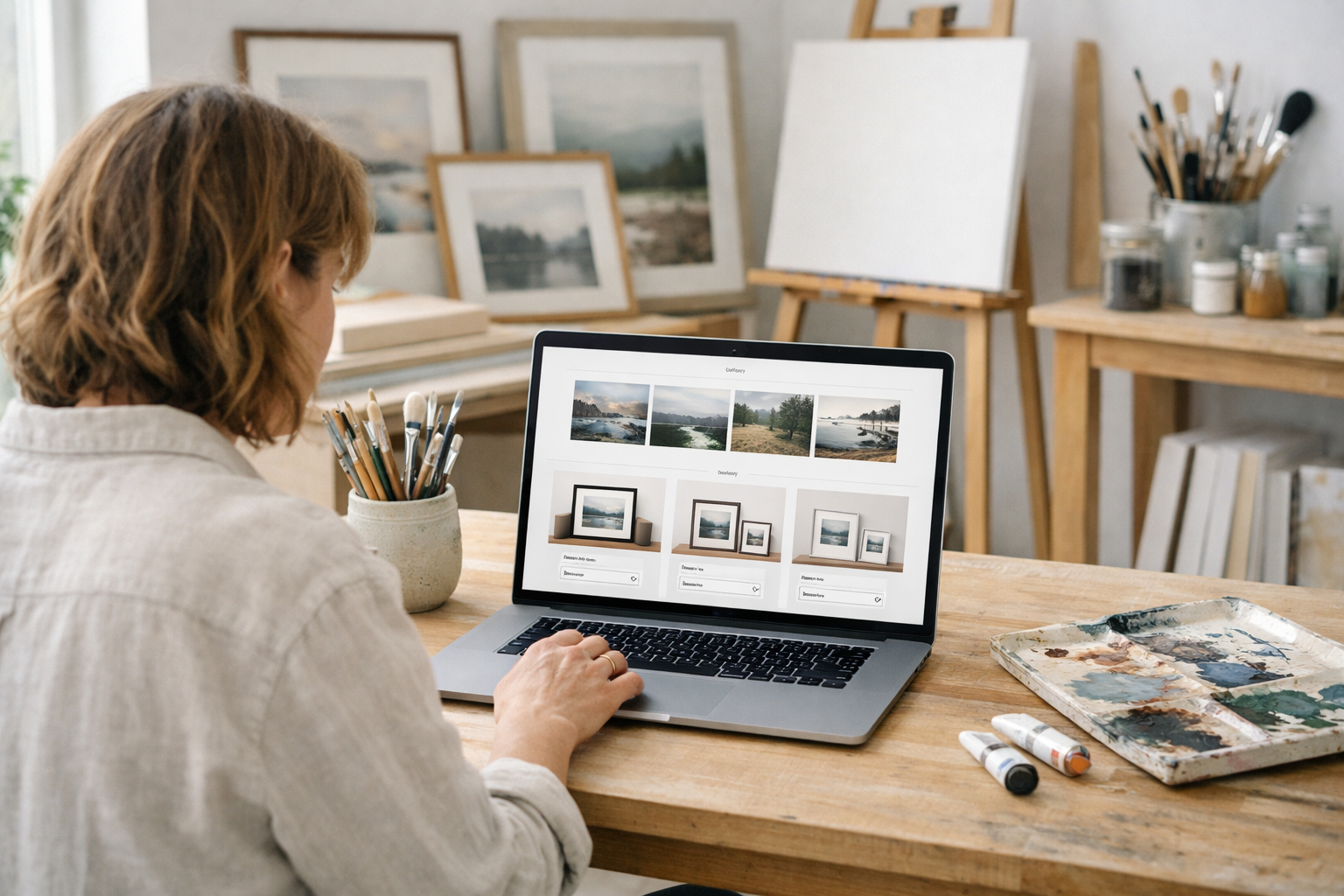
If you’re choosing the best website builder artists can rely on in 2026, prioritise fast visuals, effortless galleries, built-in ecommerce and bookings, simple SEO, and accessibility. Pick a tool that generates strong first drafts with AI, then lets you refine visually without code. Bonus points for UK-based support, secure infrastructure and a free way to start before you publish.
What Makes the best website builder artists in 2026?
For artists, design isn’t the only deciding factor. The platform you pick should make it trivially easy to upload images, organise collections, sell originals or prints, and handle bookings for commissions, workshops or studio visits. It also needs to stay secure, accessible and quick to update when you’re preparing for a show or a seasonal drop.
Start with visuals. You want responsive galleries with lightbox views, grid and masonry layouts, and video support for process reels. Image compression and lazy-loading protect page speed—vital for mobile visitors. Look for alt text prompts and colour-contrast checks built-in, so your portfolio is inclusive as well as beautiful.
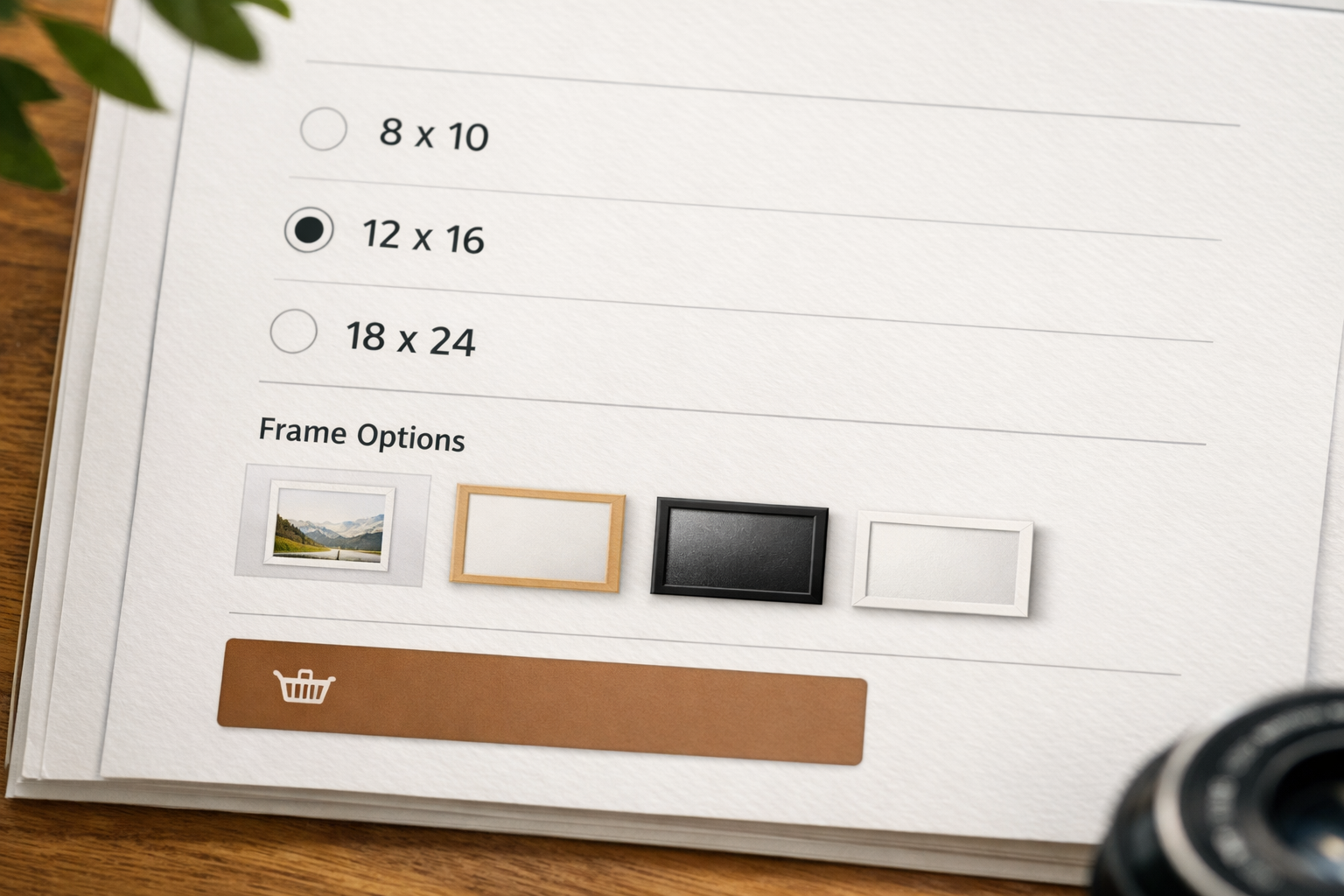
Next, consider commerce. Selling art isn’t one-size-fits-all: you might need stock levels for originals, variants for sizes and frames, on-demand prints, and shipping profiles by region. Add-ons like discounts, gift cards and deposits for commissions reduce admin while giving your buyers confidence and choice.
Finally, don’t forget search and trust. You’ll want AI-assisted copy suggestions that fit your voice, schema markup for artworks and events, and on-page SEO tools that gently nudge you towards better titles, headings and internal links. Strong security credentials (like ISO 27001 and SOC 2) and UK-based support signal reliability to galleries and collectors alike.
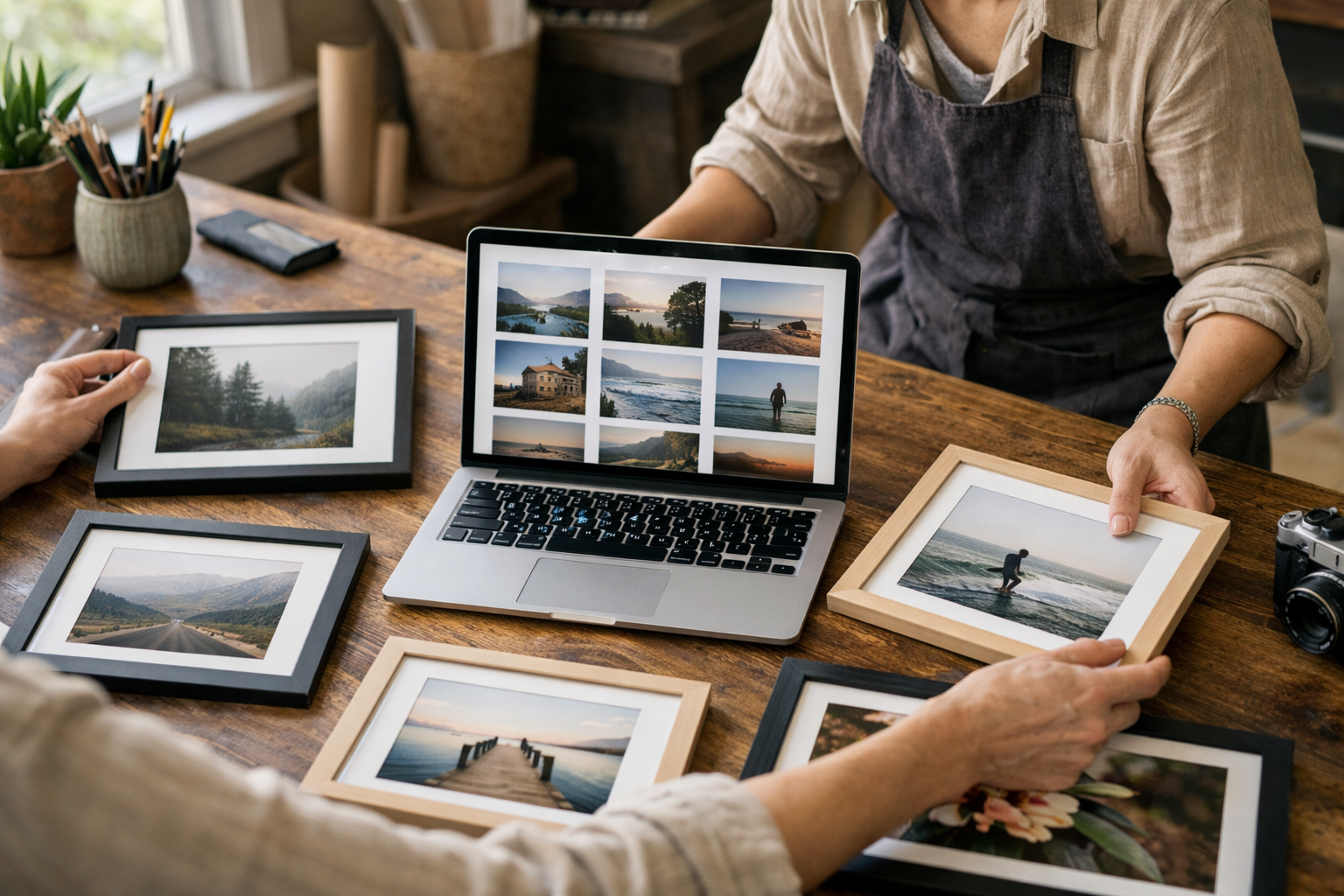
Quick-Reference Table: Features by Artistic Use-Case
This quick-reference guide maps common artistic goals to the features that cut setup time and help you sell or book faster. Treat it as a checklist when trialling builders. If a platform can’t cover your must-haves without plugins or code, you risk complexity, cost and maintenance you didn’t budget for.
| Use-Case | Must-Have Features | Why It Matters |
|---|---|---|
| Fine Art Portfolio | High-quality galleries, lightbox, alt text prompts, colour-contrast checks, password-protected previews | Present work crisply on any device, share private series with curators, and stay inclusive. |
| Prints & Originals Shop | Variants (size/frame), inventory, shipping profiles, VAT configuration, discount codes, gift cards | Sell confidently with clear options, accurate stock and compliant taxes. |
| Commissions | Custom enquiry forms, deposits, bookings/calendar, contracts or T&Cs acceptance | Streamline requests, secure commitment with deposits, and avoid back-and-forth. |
| Workshops & Events | Online booking, capacity limits, waitlists, reminders, calendar sync, coupon codes | Fill seats fairly, reduce no-shows and manage attendance at a glance. |
| Memberships & Patronage | Tiered access, paywalls, member-only posts/downloads, recurring billing, community updates | Reward supporters with exclusive content and predictable income. |
| SEO & Discovery | AI copy suggestions, on-page SEO checks, image metadata, collections and tags, clean URLs | Help collectors, curators and journalists find your work faster. |
| Trust & Safety | SSL, backups, role-based access for teams, ISO 27001/SOC 2 infrastructure | Protect work, customer data and your reputation as you grow. |
When you compare options, re-read your must-haves against real workflows: how long does it take to add a series, publish a show page with dates and RSVP, or spin up a limited-run shop? The platform that reduces clicks and cognitive load usually ends up being the one you’ll actually keep using.
That’s also where the best website builder artists discussion becomes practical: reliability over hype. If your site is quick to edit before a preview night and robust on mobile the morning after, you’ve likely chosen well.
How Do You Design a Portfolio That Loads Fast and Looks Stunning?
Speed and clarity sell art online. Start with the image pipeline: export high-resolution masters for your archive, but upload optimised web versions (e.g., AVIF or WebP where supported, JPEG fallback). Use consistent longest edge sizes (e.g., 2,000–2,400 px) unless you sell prints directly from images, where a separate hi-res store asset makes sense.
Lean on your builder’s responsive galleries instead of DIY grids. A good system will generate multiple sizes, lazy-load off-screen images and preserve colour accuracy. Add descriptive alt text for every piece—title, medium, year and a succinct visual note. This improves accessibility and can aid long-tail discovery.
Typography matters: pair a readable body font with a restrained display face for headings. Keep body text between 16–18 px equivalent, maintain generous line height, and ensure at least AA colour contrast. For guidance on inclusive design, see the W3C’s overview of WCAG at Web Content Accessibility Guidelines.
Finally, test on your actual devices. Walk through your portfolio like a visitor: open the homepage on 4G, tap into a series, zoom the artwork, and try the contact form. If anything feels slow or confusing, fix it before inviting curators or buyers.
Can You Sell Originals, Prints and Commissions Without a Headache?
Commerce for artists spans one-offs, limited editions and made-to-order prints. Your builder should support stock control for originals, variants for sizes and frames, and clear delivery options for domestic and international buyers. Shipping profiles with weights or flat rates keep checkout predictable, and discount codes help with loyal collectors or show promotions.
For compliance, ensure you can configure VAT properly. The UK government lists current VAT rates at VAT rates (gov.uk), and your setup should mirror your accountant’s advice—especially if you sell both goods and services. If you offer commissions, enable deposits and a clear scope-of-work page so clients understand timelines and what’s included.
Build trust with clear product pages: show scale with a frame or context photo, list materials and care, and add a straightforward returns policy. If you run drops, publish the date, time and edition sizes early, then redirect interest to a mailing list for future runs. This operational clarity is where the best website builder artists conversation intersects with everyday admin: fewer manual emails, more time in the studio.
For a broader view of UK ecommerce planning, the Ultimate UK Guide to Small Business and Ecommerce walks through practical decisions from payments to packaging.
Bookings, Workshops and Events: What Should Be Built In?
If workshops, open studios or one-to-one critiques are part of your practice, bookings must be native, not bolted on. Look for calendar-based availability, buffer times between sessions, automatic confirmations, reminders and iCal/Google Calendar sync. If you collaborate, role-based access lets an assistant or co-host manage dates without touching your storefront or site settings.
Pricing flexibility matters. You might offer early-bird pricing, student discounts, gift vouchers or deposit-only bookings for higher-ticket sessions. Capacity controls and waitlists reduce empty seats, while automated reminders and calendar invites lower no-shows. If you sell art and events together, customers appreciate a single account, payment flow and order history.
This is another point where the best website builder artists criterion becomes tangible: the fewer tabs and tools you need to glue together, the more resilient your schedule. A centralised dashboard unifies bookings, emails, and post-event follow-ups, so your event page and your portfolio always tell the same story.
Want a structured, no-code process you can repeat? The No-Code Website Builder Checklist is a practical companion from setup to launch.
SEO, Schema and Accessibility: How Do You Get Found and Inclusive?
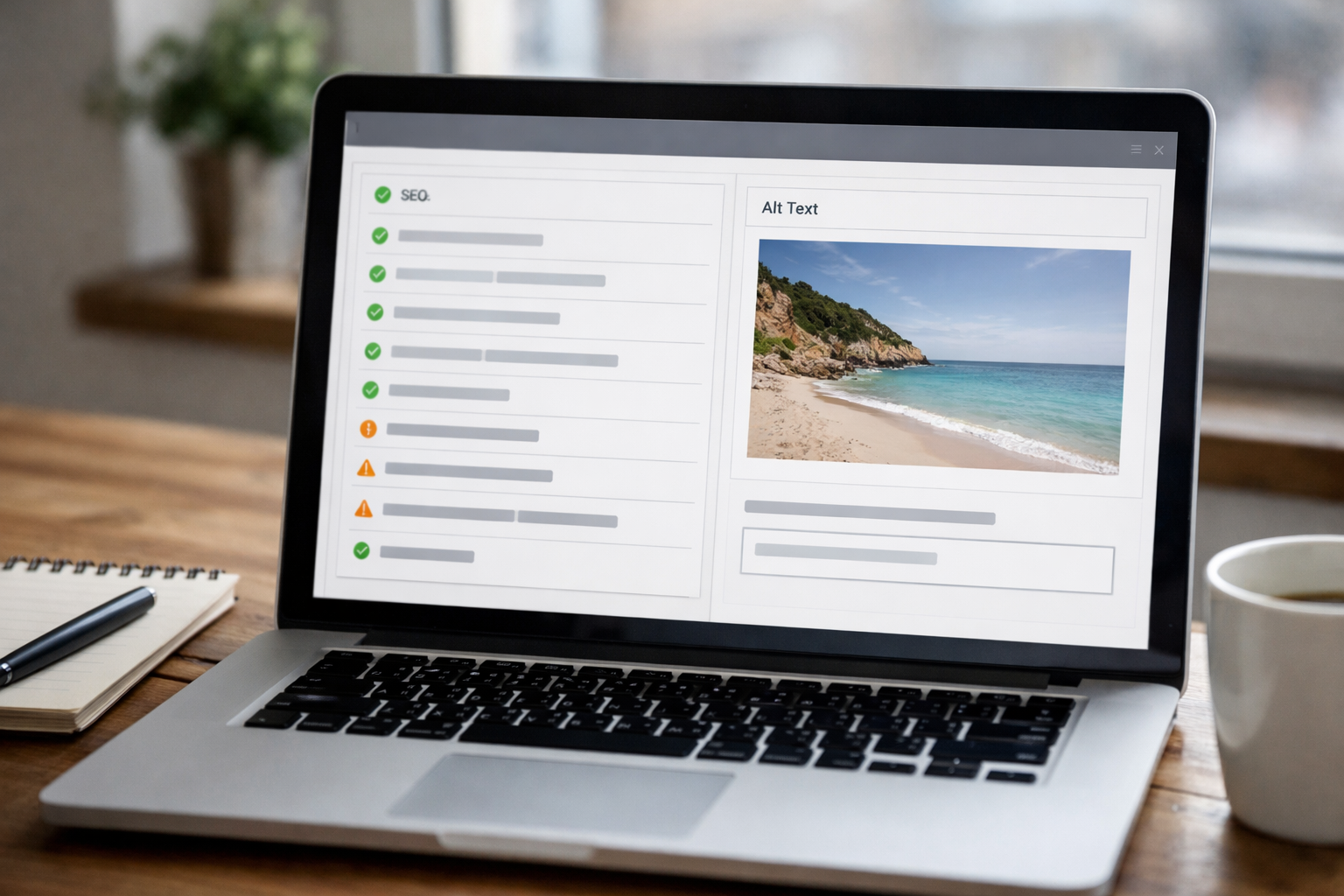
Search engines need context to surface your work. That begins with coherent site architecture: a clear homepage, series/collection pages, and individual artwork pages with consistent naming (Title – Medium – Year). Use AI-assisted suggestions for page titles and meta descriptions, then refine them in your own voice. Avoid keyword stuffing; instead, write for humans who love art and need the facts.
Structured data helps search engines understand what a page represents. While you don’t need to write code, your builder should add appropriate schema for products (prints), events (workshops) and articles (news). Alt text and headings must be meaningful, and your colour palette should pass contrast checks. See the WCAG guidance for the principles behind these practices.
Beyond content, performance influences rankings and conversions. Compress images, limit third-party scripts and use system fonts where suitable. If AI can auto-generate internal links between related artworks or show pages, accept the help and prune any that feel off-topic. And when you’re ready to turn browsers into buyers, landing pages tailored to intent are your ally—this SEO landing pages walkthrough shows a realistic workflow from draft to first sale.
If you’d like a hand personalising your structure and SEO, you can book a free onboarding session to get tailored pointers for your studio and calendar.
Domains, Email and Trust: What Signals Make Buyers Comfortable?
A custom domain is non-negotiable for artists selling work or teaching. It makes email addresses more professional, supports brand recall and pairs with SSL to show a secure padlock. Set up essential pages—About, Contact, Terms, Privacy, Returns—and surface them in the footer so buyers can validate your practice at a glance.
Because many collectors discover artists on mobile, ensure that contact forms are finger-friendly and include a quick-response note (e.g., “We typically reply within one working day”). If you run a mailing list, be clear about what subscribers receive and how often. Make unsubscribing painless to protect deliverability.
Security posture matters even for small studios. Use role-based access, require strong passwords, and keep your platform’s infrastructure on audited standards such as ISO 27001 and SOC 2. For a pragmatic primer on securing small operations, the UK’s National Cyber Security Centre offers a helpful Small Business Guide. Transparent policies and robust infrastructure reassure buyers as much as a well-lit product photo.
How Much Should You Budget in 2026—and What’s Worth Paying For?
Budgeting is simpler if you separate must-haves from nice-to-haves. You’re paying for hosting, templates, domain, possibly email, and—if you sell—transaction and payment processing fees. Prioritise builders with transparent pricing and useful inclusions like bookings or memberships, so you don’t need to stack plugins. Cheap plans that force you into third-party add-ons often cost more over a year.
For ecommerce, consider domestic versus international shipping complexity, VAT configuration, and returns handling. If your builder includes AI generation and on-page SEO checks, you’ll save time drafting and be more consistent across series pages. That consistency compounds into better discoverability and sales readiness.
As you shortlist, re-test against your workflow: how quickly can you upload five new works, publish a show page, and create a small members-only post? If doing those in under an hour feels realistic, you’re likely on track. The cost-and-value lens is essential to any best website builder artists debate: what gets you from sketch to sale without hoops?
For a broader breakdown, see Create a Website UK: The 2026 Cost and Value Breakdown for a level-headed view of spend versus value.
Step-by-Step: Launch Your Artist Site in One Afternoon
Imagine this as a repeatable checklist you can run between morning coffee and late-afternoon varnish coats. The aim is momentum over perfection—get the essentials live, then iterate with feedback.
- Describe your practice in plain English. Let AI generate an initial structure: homepage, portfolio/series, shop, about, contact, and (if relevant) bookings or memberships.
- Pick a clean, image-first template. Set brand colours and two fonts. Configure buttons and link styles once, so consistency comes free thereafter.
- Upload 8–12 cornerstone works across 2–3 collections. Add titles, year, medium and short notes. Draft alt text as you go; edit later if needed.
- Open your shop with 3–5 pieces. Configure variants (size/frame), stock, shipping regions and VAT. Add returns info to your site footer.
- Enable bookings if you teach or consult. Set availability, buffer times and confirmations. Add a low-friction contact form for commission enquiries.
- Write a concise About page. Lead with your materials, themes and current focus, then include exhibitions or residencies. Add a natural headshot, not a passport photo.
- Run on-page SEO checks. Tighten titles and meta descriptions. Link related artworks and add a short news post about your next show or release.
- Connect your domain. Turn on SSL. Test on mobile and desktop. Ask a trusted peer to try a checkout and a booking, then fix any friction.
- Publish, then schedule one small improvement per week: a new series, a testimonial, a clearer shipping table, or a behind-the-scenes post.
This simple system helps you avoid getting lost in endless polishing. You launch once, then keep building—like a studio practice, but with URLs.

Which Integrations Matter for Artists Today?
Integrations should work with, not against, your workflow. Social connectors (Instagram, TikTok, YouTube) bring footfall, but embed sparingly to preserve speed. Email marketing tools remain powerful if you announce drops and shows consistently; use a double opt-in, segment by interest (prints vs workshops) and keep schedules predictable.
Creative tools matter too—think Adobe CC for asset prep and cloud storage for originals. Calendar sync keeps bookings tidy. If you experiment with print-on-demand for open editions, ensure the product data stays clean and stock syncs properly. Test fulfilment before you announce an edition; delays fray trust faster than any design bug.
Finally, prioritise security-minded integrations. Fewer third-party scripts mean fewer attack surfaces and better performance. Review permissions quarterly and remove what you don’t use. This small habit supports uptime and buyer confidence, and aligns with guidance such as the NCSC’s Small Business Guide.
What Makes Avantiy a Smart Choice for UK Artists?
Avantiy pairs AI generation with a visual, no-code editor, so you can describe your practice in natural language and get a ready-to-edit site: homepage, galleries, shop, bookings and memberships. You can keep your site free until you publish, which makes experimenting with layouts and copy risk-free.
Ecommerce and bookings are built-in, not bolted on. That means variants for prints, stock controls for originals, and calendar-based scheduling live under one roof. The platform adds AI-powered SEO prompts and accessibility helpers (like alt text reminders and contrast nudges), along with UK-based support when you hit a snag.
Under the bonnet, Avantiy runs on ISO 27001 and SOC 2 certified infrastructure, which collectors and organisations increasingly expect in 2026. And because the editor stays visual, you won’t be forced into code just to tweak a grid or add a section. It’s a practical fit for the best website builder artists conversation: strong defaults, sensible automation and a quick path from idea to published page.
If you’re curious about AI-led setup flows, the step-by-step guide to AI website builders is a friendly way to preview the process.
Frequently Asked Questions
What pages should an artist website include?
At minimum: a clear homepage, portfolio or series pages, an About page, and Contact. If you sell, add a Shop with returns and shipping info. Teaching or consulting? Include Bookings. A short News or Journal page helps you announce shows and drops, and it gives search engines fresh, relevant content.
How many images should I show per artwork?
Show 3–6 images for key pieces: a front-on view, detail shots, and context (framed or in situ) if relevant. Include title, year, medium and dimensions. Keep file sizes lean, use alt text, and enable a lightbox so visitors can zoom without leaving the page. Prioritise clarity over volume.
Do I need a custom domain and professional email?
Yes. A custom domain improves trust and memorability, and it’s essential if you sell. Pair it with professional email (yourname@domain) for enquiries and newsletters. Set up SPF/DKIM when possible to improve deliverability, and add clear contact routes—form, email and, if comfortable, a studio phone number.
What’s the simplest way to handle workshops and events?
Use a builder with native bookings: set availability, buffer times and reminders, then accept card payments or deposits. Add clear policies for cancellations and refunds. Keep the event page concise—what, when, where, how much—and show capacity or a waitlist if it’s limited. Sync to your calendar for sanity.
How do I write accessible alt text for artworks?
Describe what a viewer would see in one or two sentences: subject, style, medium, colours, composition notes. Include title and year if not visible elsewhere. Avoid “image of…” phrasing; just write the description. If your builder suggests AI alt text, edit it to reflect your intent and eliminate ambiguity.
Ready to turn your practice into a fast, shoppable and bookable site? Create a free Avantiy account at Avantiy, shape your draft with AI, and publish when you’re happy—or book a friendly walkthrough to get moving today.