
If you want to create a website uk in 2026, budget for your domain, hosting, design, content, and ongoing updates—then choose a builder that bundles essentials like SEO, accessibility and ecommerce to avoid add-on creep. The smartest route is the one that gets you selling or taking bookings fast, with predictable costs and minimal admin.
Cost and Value at a Glance
Let’s start with the birds-eye view. What do different build paths actually cost in the first year, and what value do they return? Here’s a practical comparison of the most common approaches used by UK sole traders, shops, clinics, studios and charities. Figures are indicative, based on typical UK price bands and everyday tools; your exact spend will vary by scope and volume.
| Approach | Upfront Setup | Monthly Platform | Year 1 Total (Guide) | Time You Invest | Strengths | Watch-outs |
|---|---|---|---|---|---|---|
| AI builder (Avantiy) — free until publish | £0–£200 (domain + optional help) | Predictable plan; ecommerce/bookings included | Low, flat and transparent | Low: visual editor, AI copy draft | Fast launch, bundled SEO/accessibility, UK support | Still need to curate content and images |
| Traditional template builder + add-ons | £0–£300 (theme/apps) | £15–£60+ (apps push this up) | Medium (apps increase annual cost) | Medium: assembly from pieces | Well-known UI, many templates | Plugin sprawl, rising fees over time |
| Freelancer using a template | £500–£2,000 | £15–£60+ (platform) + optional care plan | Medium–High | Low–Medium (someone else builds) | Professional polish without full agency rates | Scope creep, variable handover docs |
| Custom agency build | £3,000–£20,000+ (scope-dependent) | Hosting/support often extra | High | Low (project-managed) | Strategic design, bespoke UX | Budget and timeline commitments |
| Self-hosted WordPress + paid theme | £50–£300 (theme/plugins) | £5–£30 hosting + plugin renewals | Medium (depends on plugins/developer help) | Medium–High (updates, fixes) | Flexible, portable | Maintenance, security, plugin compatibility |
When you create a website uk, the right choice is the one that keeps your first sale, first booking or first membership front and centre. If a platform forces too many separate subscriptions, or if custom work delays go-live by months, the real cost is lost momentum—and lost revenue that could have been landing this week.

How Much Does It Cost to create a website uk in 2026?
Short answer: it depends on scope, speed and how much you want to do yourself. But you can outline realistic bands for different scenarios, then decide what returns the best value for your situation. To create a website uk on a tight budget, focus on essentials, bundle features where you can, and avoid overlapping add-ons.
Scenario A — Service business taking appointments (e.g., a physio clinic). Core needs: services pages, pricing, bios, online booking with email/SMS confirmations, accessibility checks, SEO basics, and a contact form. Expect: domain + privacy/email costs, a site plan with bookings included, and a few hours to shape copy and upload images. Many owners launch this within a week with a single flat monthly plan that includes SSL, CDN, analytics and backups.
Scenario B — Local retailer with delivery/collection. Core needs: a product catalogue, variations, inventory, shipping/collection rules, promotions, checkout, and receipts. You’ll also want tax settings, order notes and returns information. Expect a flat plan with ecommerce + your payment processor’s transaction fees. The biggest time sink is not the builder; it’s product set-up (titles, images, weights) and policy writing.
Scenario C — Membership or training hub. Core needs: member sign-up, tiered access to pages or resources, renewals, and a simple onboarding flow. Budget for membership tools and email automations. If you’re migrating from spreadsheets or a Facebook group, spend time mapping the access rules and renewals to keep admin light after launch.
Across all three, you’ll pay for a domain annually, a platform monthly, and content once per asset (unless you retain a writer/photographer). Choose a path where performance, security and SEO are included—so your monthly bill reflects growth work (new pages, new offers) rather than plumbing (patching, updates, breakfix).
What Should a Modern Small Business Website Include?
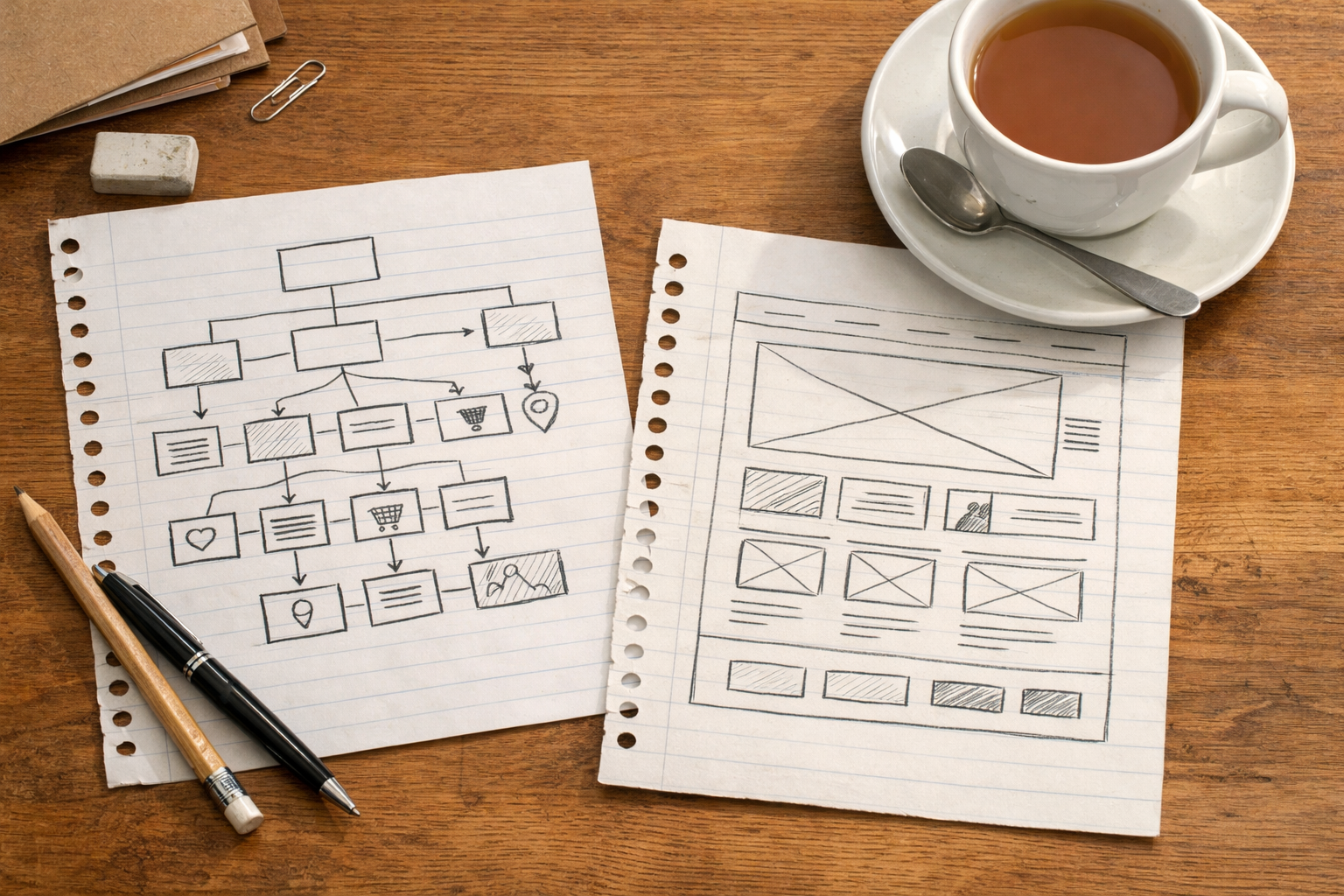
Before you create a website uk, set your foundations. Each element you include should either help someone buy/ book now or build enough trust to do so later. That lens keeps budgets honest and avoids pretty-but-pointless features that slow the site down.
- Core pages that match intent: Home, Services/Shop, Prices, About, FAQs, Contact. Add sector-specific pages (e.g., Treatments, Projects, Menu) only when they help a decision.
- Clear actions: Book, Buy, Enquire—above the fold and throughout.
- Performance baked in: fast hosting, CDNs, image optimisation and caching by default, not as premium add-ons.
- Accessibility as a workflow, not a checkbox: proper headings, labels, colour contrast, keyboard navigation and alt text prompts.
- Privacy and cookies: give plain-English notices and controls. See the UK government’s overview on how cookies are used and explained on GOV.UK.
- Search visibility: on-page checks for titles, meta, schema where helpful, and a simple way to build targeted landing pages.
- Trust signals: testimonials, real photos, memberships/affiliations, and clear policies (refunds, returns, cancellations).
It’s tempting to buy “more features” early. But a lean, fast site with a crisp service page and a great booking flow often outperforms a bulky one trying to do everything at once. Start with the essentials that convert, then extend based on real visitor behaviour and feedback.
Do You Need Ecommerce, Bookings or Memberships?
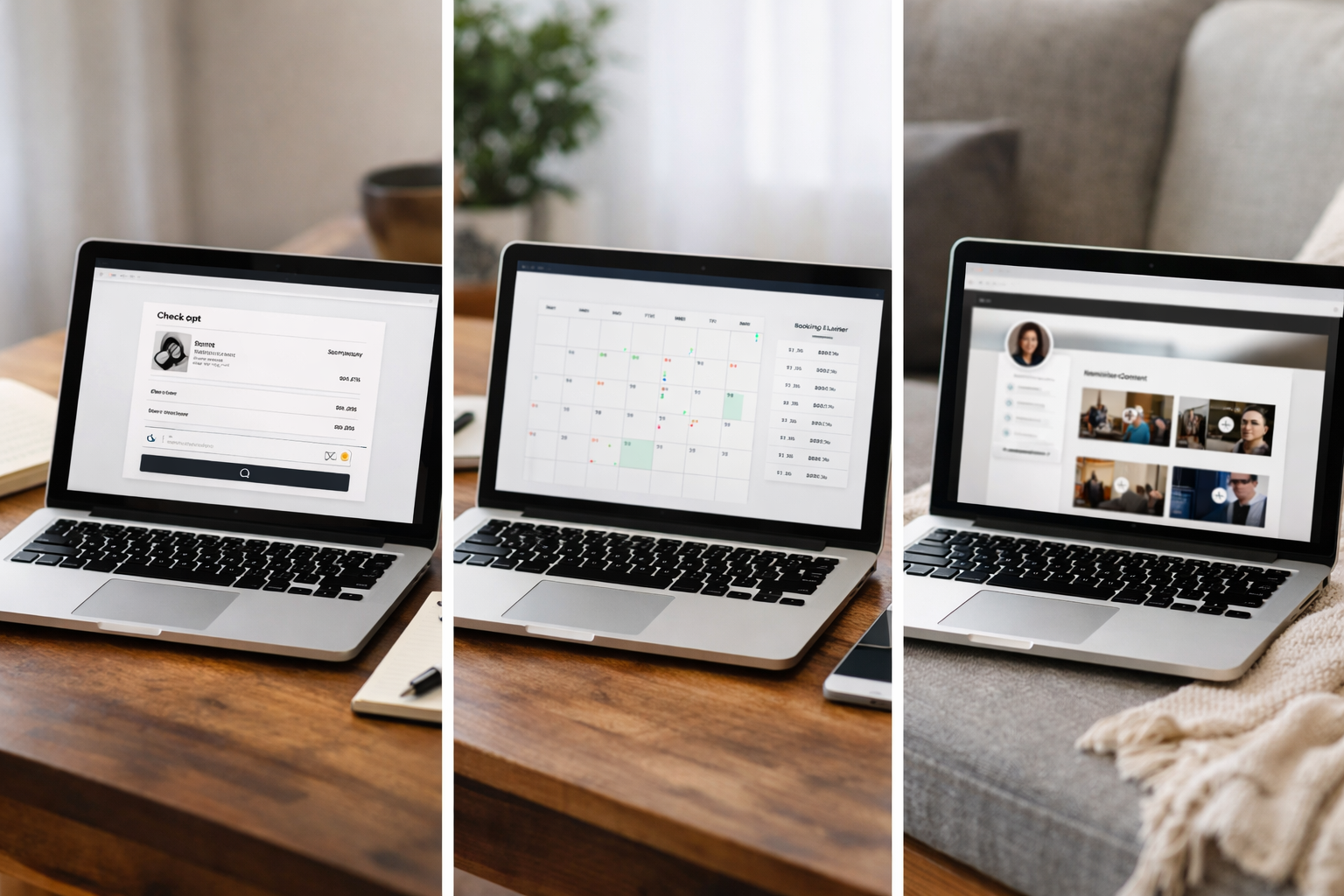
These three capabilities change cost and complexity more than anything else—yet they’re often where small businesses win big. The trick is choosing a platform that treats them as first-class citizens, not bolt-ons.
- Ecommerce: product variants, stock control, shipping/collection rules, discount codes, abandoned basket emails, and tax settings. Payment processors will charge a per-transaction fee; plan for that as part of your cost of sale.
- Bookings: real-time availability, buffer times, services/staff mapping, confirmations, reminders, and calendar sync. If you currently manage calendars manually, the time you save post-launch is a material part of your ROI.
- Memberships: tiers/benefits, gated content, renewals, proration, and simple cancellation. Clumsy membership UX leads to churn; streamlined UX reduces support tickets.
When these are built-in, you get one dashboard, one support route, and features that work together. If they’re bolt-ons, costs can jump with each extra app and you may hit odd conflicts at busy moments (sales week, seasonal spikes). For many small teams, the sanest option is a platform that unifies ecommerce, bookings and memberships so your costs stay predictable as you grow.
Where Do the Hidden Costs Creep In?
Budgets get blown by small, stacked fees that look harmless in isolation. Understanding them now keeps you in control later.
- Domains: .uk or .co.uk options are well served by Nominet. See Nominet’s guide to UK domains for structure and eligibility.
- Email: platform-included forwarding may be free; full inboxes via your email provider are typically extra. Decide early if shared inboxes (e.g., team@) would help.
- SSL, CDN, security: ideally included—if not, it’s an invisible but essential line item. DIY stacks often split this across vendors.
- Backups and updates: if you self-host, this is your job. Managed builders take care of it.
- Speed: image compression, caching and minification should be default. Don’t pay per-optimisation if you can choose a platform that bakes it in.
- Content and imagery: stock licences add up; a half-day local photographer is often better value than buying 50 forgettable images.
- Compliance: explain what data you collect and why. The ICO’s guide to UK GDPR is your baseline reference. Cookie banners and accessibility statements should be straightforward to set up.
It’s common to create a website uk then realise email hosting wasn’t included, or that a crucial plugin renews at three times the intro price. Prevent that by listing essentials—hosting, SSL, backups, SEO tooling, accessibility prompts, ecommerce/booking/membership—and choosing a plan that covers them from day one.
Is AI Website Building Worth It for Small Businesses?
AI should do three things for you: reduce blank-page time, keep quality high, and surface tasks you’d otherwise miss. In practice, that means generating page outlines and first-draft copy in your tone, suggesting sitemaps, prompting alt text and meta descriptions, and flagging contrast or heading issues before you publish.
Using AI to create a website uk can cut drafting time dramatically, especially when you already know your services and audience. You still edit and approve everything; AI just clears the first hurdles so you can spend your energy on offers, pricing and proof points.
Avantiy was built for exactly this. You describe the business in plain English; the platform generates pages, structure and copy you can refine in a no-code, visual editor. Ecommerce, bookings and memberships are built in, alongside AI-powered SEO and accessibility tools, UK-based support, and ISO 27001 and SOC 2 certified infrastructure. You can open a free account with no card and keep the site free until you publish.
These practical AI builder tips show how to keep copy on-brand and pages conversion-focused. If you’d like a hand from a human, you can also book a short training session with support.
Book now to get a free 1:1 walkthrough of set-up, content prompts and launch checks.
Step-by-Step: Your First-Month Budget and Timeline
Here’s a simple plan you can follow in your first month. The aim is speed to value—get the essentials live, take bookings or sales, and refine with real data.
- Day 1: Clarify your offer. One-page brief: who you help, core services or products, top three objections, and your primary action (Book/Buy/Enquire). This powers your AI prompts.
- Days 2–3: Create the initial site with AI-generated structure and copy. Tweak headlines and pricing. Add your logo and brand colours, then check contrast and heading order.
- Week 1: Connect your domain. Set up emails (forwarders or inboxes). Add at least one trust element per page (a review, a membership logo, or a simple guarantee).
- Week 2: Configure bookings, products or memberships. Test an end-to-end flow: search > landing page > CTA > checkout/booking > confirmation email. Fix any friction.
- Week 3: SEO housekeeping: titles, meta, internal links between related pages, and a simple sitemap of future topics. Publish at least one targeted landing page for a local or niche service.
- Week 4: Add FAQs based on real enquiries. Check accessibility prompts, verify cookie and privacy notices, and rehearse your “How to buy” conversation on the phone—your site should match it.
Costs in month one: domain, your chosen plan, and any content or photography. Time investment is front-loaded into week one; after that, it’s mainly publishing new pages and offers. Keep a tiny change log so you know what drove results later.
Which Builder Model Delivers the Best Value?
Value isn’t just pounds saved—it’s the blend of speed, control, growth features and the absence of nasty surprises. Three models show up over and over for UK small businesses.
- AI-first, all-in-one: you get a draft site in minutes, edit visually, and launch quickly with ecommerce, bookings or memberships included. Predictable bills, minimal maintenance, and the core SEO and accessibility prompts already there.
- Template-first with apps: easy to start, but the real cost emerges as you layer the shop, bookings, memberships, form tools, and the two extra apps you didn’t foresee. You can still do well—just keep a tight tally of add-ons.
- Custom-first: great when you need bespoke UX or heavy integrations, but your budget is now a project budget with milestones, change requests and dependencies.
For most sole traders and small teams, the AI-first route will be the shortest path to a credible site that sells. If you’re comparing platforms, this FAQ-led small business builder comparison and our UK value breakdown give you a structured way to audit costs against what you truly need.
One more lens: your future self. In six months, will you be publishing new landing pages and offers every fortnight, or emailing support about a plug-in conflict? Choose the model that keeps you publishing—and therefore learning—fast.

Can You Keep Costs Down Without Cutting Corners?
Absolutely. Most savings come from clarity and sequencing—doing the right work, in the right order, with tools that remove repeat admin. You can create a website uk affordably without sacrificing user experience or trust.
- Write the talk track first: what you say on the phone to win a client should shape your page copy. AI can then draft sections you tweak to match your tone.
- Start with five great products or two strong services pages. Expand only after those convert. Less to maintain, faster to test.
- Use your own photos where possible. A 30-minute shoot on your phone in natural light often beats generic stock. Compress images on upload.
- Build one high-intent landing page at a time. This SEO landing page walkthrough shows how to go from first draft to first sale without overcomplicating it.
- Bundle wisely: pick a plan with SSL, backups, CDN, accessibility prompts and on-page SEO included. That’s five invoices and a weekend saved, every month.
- Measure like a minimalist: track only the numbers you act on (bookings, enquiry rate, add-to-basket, checkout completion). Vanity metrics are a time tax.
Finally, review costs quarterly. Retire apps you barely use, refresh one key page each month, and keep your policies and FAQs tidy. Momentum is your cheapest superpower.
Frequently Asked Questions
What’s the minimum I need to launch a credible site?
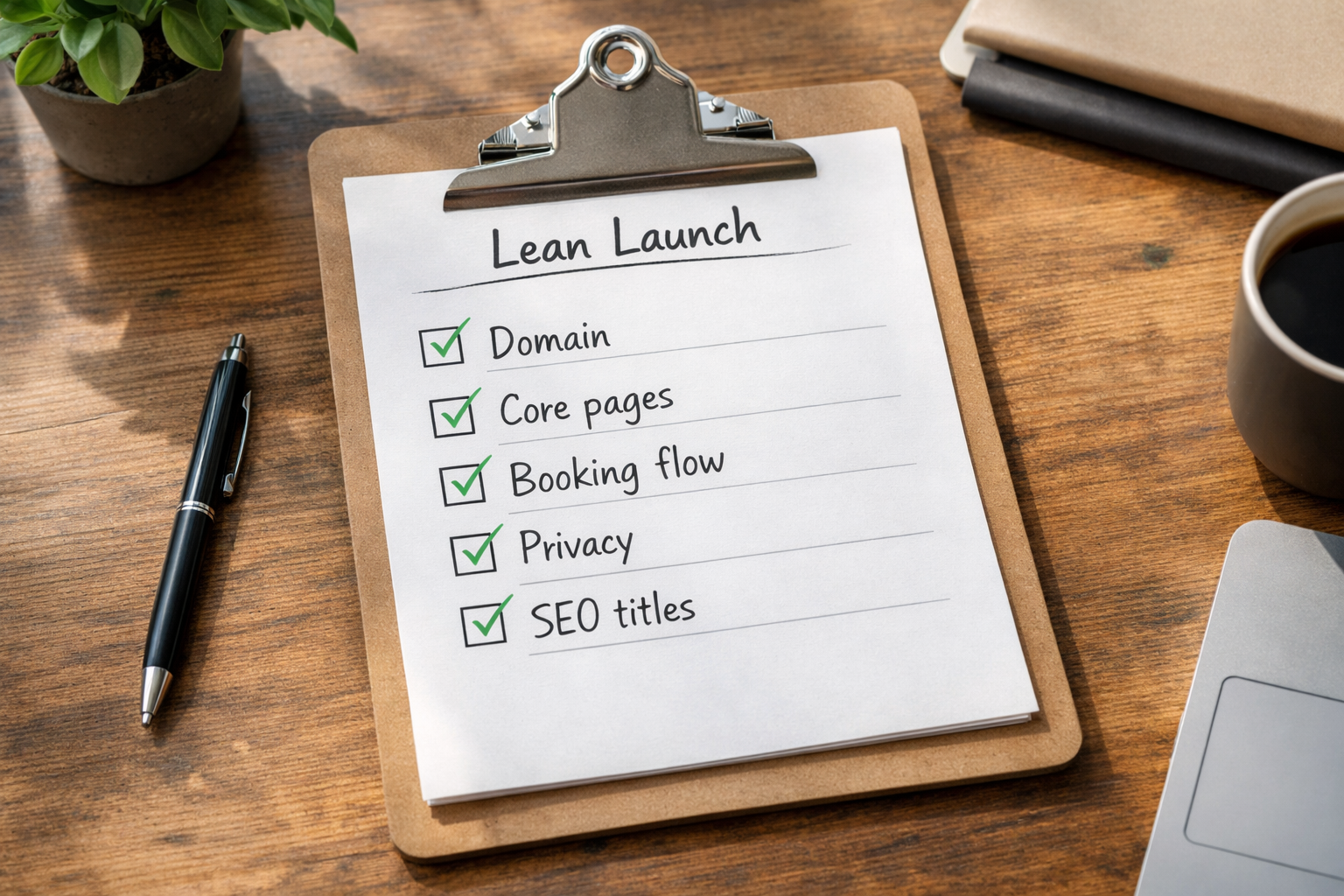
You can start with a single page covering who you help, what you offer, prices, proof (testimonial) and a clear action to Book/Buy/Enquire. Add a contact form and basic FAQs. Then grow with one focused page at a time. If bookings or ecommerce matter on day one, prioritise those flows over everything else.
How long does a small business site usually take to go live?
Many owners launch a solid first version in 3–7 days if they have their offer, prices and a handful of photos ready. The builder isn’t the bottleneck; gathering content is. AI can speed up structuring and copy, but you still approve and adjust. Expect to keep improving pages in the first month.
Do I need a cookie banner and a privacy policy?
Yes, if you use cookies beyond those strictly necessary for the site to work, you should explain their use and offer choices. A clear privacy policy is essential to tell visitors what data you collect and why. GOV.UK and the ICO provide guidance you can adapt to your circumstances in 2026.
Is a custom agency build always better quality?
Not necessarily. Agencies excel at bespoke UX, integrations and complex scopes, which can be invaluable. But for many small teams, an AI-first platform with strong templates, built-in ecommerce/bookings and accessibility/SEO tooling delivers faster time-to-value, at lower ongoing cost, without compromising user experience.
How do I budget for payment processing fees?
Treat them as a standard cost of sale, like packaging or delivery. Your platform fee covers the shop or booking engine; your payment provider charges per transaction. Model your margins with realistic average order values, then check monthly statements to confirm your assumptions and adjust pricing if needed.
Launch faster with Avantiy. Open a free account, generate your first pages with AI, and go live when you’re ready. Prefer a guided start? Book now for a friendly walkthrough with UK-based support.