A frame ai website builder can help you turn a plain-English description of your business into a starting point for a website. Before choosing one, check which product you mean, what its AI actually creates and whether it supports your essential tasks. Then refine the generated pages, test them with real visitors in mind and check the costs before publishing.
AI can speed up the first draft, but it cannot decide your business priorities or guarantee that every claim, link and booking journey is correct. The tips below will help you evaluate a tool and build a site that is useful after the initial excitement of generation has passed.
How Do You Identify the Right Frame AI Website Builder?
Tip 1: Confirm the product name and website before comparing features. Searches for a frame ai website builder can return similarly named tools, design platforms and articles about AI-generated websites. A name alone is not enough to establish which product you are looking at, what it includes or who provides support.
Start with the provider’s official website and check the current product description, terms and pricing. If you meant a similarly named product, verify its exact spelling rather than assuming it is the same service. This guide does not attribute specific capabilities or prices to an unidentified Frame product.
Make a note of the tasks you need to complete, such as selling products, accepting appointments or showing a portfolio. Compare those requirements against the provider’s documentation and, where possible, test the workflow yourself. A polished demonstration is useful, but it may not show the steps involved in configuring your own site.
Tip 2: Separate website generation from website management. A tool may generate attractive pages without including everything needed to run a business. Check whether you can edit content visually, connect a domain, manage forms and update the site after publishing. If you need a shop or booking system, establish whether it is built in or depends on another service.
Which Features Should You Check First?
Tip 3: Prioritise the complete customer journey, not just the homepage. A service business might need a visitor to understand an offer, check availability and request an appointment. A retailer needs product information, a basket and a workable route to payment. List those steps before looking at templates.
| What to check | Question to ask | Practical test |
|---|---|---|
| AI generation | Does it create editable pages, copy and structure? | Generate a draft from a short, accurate business description. |
| Editing | Can you change text, images and page order without code? | Update a heading and add a new section. |
| Domain and publishing | Can you use your own domain, and what does publishing require? | Read the connection instructions and applicable plan terms. |
| Commerce or bookings | Can visitors complete your main transaction? | Walk through a test order or appointment where supported. |
| Search and accessibility | Can you edit page titles, descriptions and image text? | Inspect a sample page and navigate it by keyboard. |
| Support and portability | How do you get help, and what can you export? | Find the help channels and export documentation. |
| Costs | What changes when you publish or add features? | Review the current plan, domain and transaction terms. |
Use the table as a starting point rather than a promise that every builder offers these functions. Record any unclear answers and ask the provider before committing. For a broader evaluation process, use the no-code website builder checklist alongside your own requirements.
Tip 4: Check who controls the essentials. Your domain, content and customer information are important business assets. Find out whether you can use a domain registered elsewhere, who can access the account and what happens if you leave. Export options differ: a builder may let you download some content without allowing you to recreate the whole site elsewhere.
How Should You Brief an AI Website Builder?
Tip 5: Write a specific, factual prompt. AI works from the information you provide, so give it the context a first-time visitor needs. Include your business type, audience, location or service area, main offer, desired pages and the action you want people to take. State your preferred tone and any facts that must not be changed.
A useful prompt also sets boundaries. If you have not provided prices, testimonials or delivery times, ask the tool not to invent them. You can add missing information yourself after checking it. Avoid putting sensitive customer details into a prompt unless you have established that doing so is appropriate under the provider’s terms and your own privacy obligations.
Hypothetical example: “Create a friendly website for an independent bicycle repair service serving customers in Bristol. Include a homepage, services page and contact page. Explain that customers can enquire about repairs. Use clear British English. Do not invent prices, opening hours, reviews or turnaround times.”
That prompt gives the AI a direction without pretending to know details it has not been given. Once the draft appears, add the actual address, contact details and service terms only after confirming them. If the business accepts bookings, describe the real process rather than letting generated copy imply that an appointment is confirmed automatically.
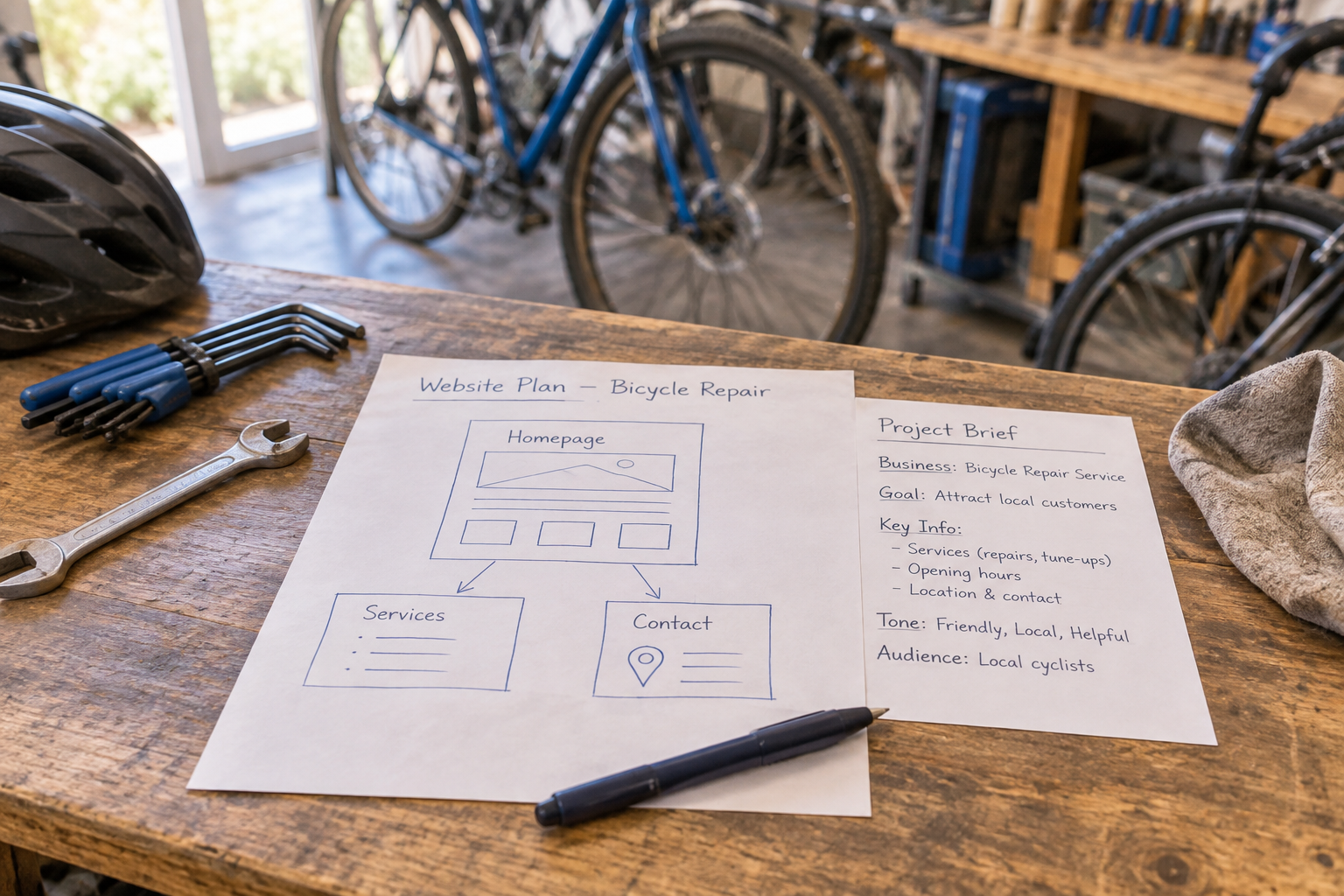
Tip 6: Build the smallest useful page set first. Many small businesses can begin with a homepage, an about or services page, and a contact page. Shops also need relevant product and purchasing information; organisations offering memberships need clear joining terms. Add pages when they serve a visitor’s question, not simply because the generator offers them.
What Should You Change in the AI Draft?
Tip 7: Replace generic copy with verifiable details. Read every heading and paragraph as if a customer might rely on it. Remove unsupported claims about experience, awards, guarantees and customer satisfaction. Check that the draft does not invent qualifications, locations or services. AI-generated text is a suggestion, not evidence.
Then make the copy more useful. Explain what you offer, who it is for and what happens next. A clear sentence about how to request a quote is often more valuable than a paragraph of vague promises. Use the language your customers use, but keep it natural and easy to scan.
Tip 8: Make each page answer one main question. The homepage should orient visitors and lead them towards a relevant next step. A service page can explain what is included and how to enquire. A contact page should make it clear which channels you actually monitor. Use descriptive headings and avoid repeating the same message on every page.
Choose images that reflect your real business where possible. Make sure you have permission to use them, and do not use AI-generated imagery to suggest that a fictional product, premises or team is real. If you use a placeholder while building, remove or replace it before launch.
Want help turning a draft into a working site? Avantiy lets you describe your business and refine generated pages in a visual, no-code editor. You can create a free account without a card and keep your site free until you publish. If you would like guidance, book training with Avantiy.
How Do You Plan Sales, Bookings and Memberships?
Tip 9: Map the transaction before choosing a feature. Write down what a visitor must know and do, then identify what your team must do afterwards. For a shop, that might mean selecting a product, paying, receiving an order confirmation and getting delivery information. For a service provider, it could mean choosing a service, requesting a time and receiving confirmation.
Check whether the platform handles the whole process or whether you need an integration. Ask how payments are processed, what fees may apply, how refunds or cancellations are managed and whether notifications reach the right person. Test on a phone as well as a larger screen. Do not assume that a visible button means the underlying process is configured.

Tip 10: Explain the terms in plain English. Customers should be able to find relevant prices, delivery arrangements, cancellation information and contact details before committing. Membership sites should explain what is included, how access works and how to cancel. The exact information and legal requirements depend on your business and the transaction, so seek appropriate advice if you are unsure.
If selling online is central to your plans, the guide to starting a small ecommerce business covers the wider decisions beyond selecting a builder. Avantiy includes ecommerce, online booking and membership features; check the current configuration and plan details against your particular workflow before relying on them.
How Can You Make the Site Findable and Accessible?
Tip 11: Give every important page a clear purpose. Use a descriptive page title and heading that reflect the page’s actual content. Write a concise description that helps someone understand the page, and use meaningful link text such as “View repair services” rather than “Click here”. A builder may offer AI-powered SEO tools, but you still need to review their suggestions for accuracy and relevance.
Help visitors navigate logically: link related pages, keep important information easy to reach and make sure the site works on mobile. Search visibility is not guaranteed by using an AI builder or repeating a particular phrase. Focus on useful content and a technically workable site, then review performance and improve it over time.

Tip 12: Review accessibility as part of the build, not as a final decoration. Check that text is readable, links describe their destination and images have appropriate alternative text when they convey information. Try navigating without a mouse and look for a visible indication of where keyboard focus is. Automated tools can flag some issues, but they do not replace checking the experience yourself.
The W3C introduction to web accessibility explains the principles and why they matter. If your builder offers accessibility tools, use them as a starting point rather than treating a tool’s output as proof that the whole site is accessible.
Also consider privacy from the beginning. Contact forms, analytics and ecommerce can involve personal information. Tell visitors what you collect and why, and check which responsibilities apply to your setup. The Information Commissioner’s Office guidance for organisations is a useful starting point for UK businesses.
What Should You Check Before Publishing?
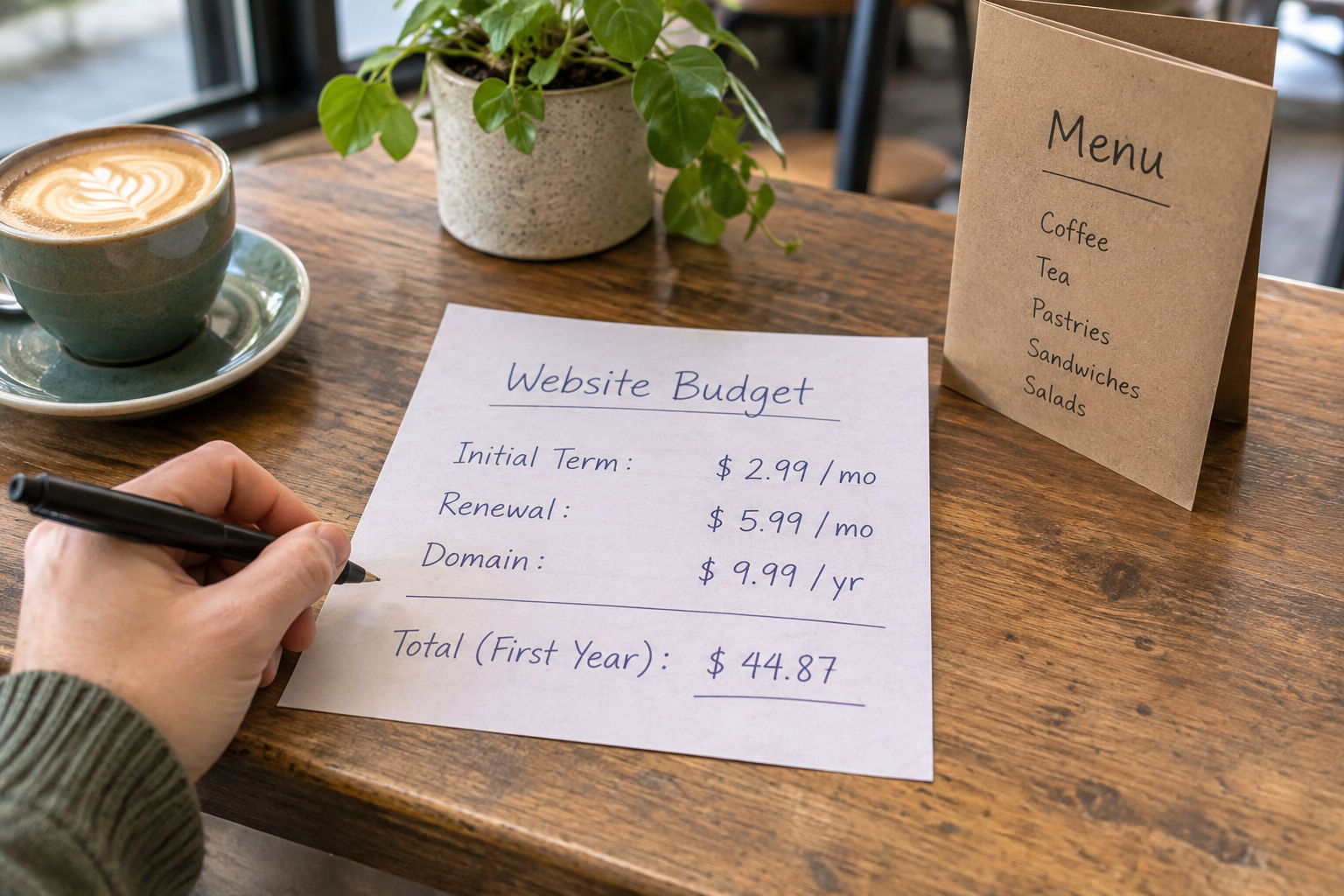
Tip 13: Review the full cost and ownership terms. A free drafting period can be useful, but check what happens when you connect a domain, publish or add a paid feature. Look for recurring subscription charges, domain renewal costs, payment processing fees and any charges for additional services. Confirm the current terms with the provider rather than relying on an old review.
For a frame ai website builder, check the same details you would for any other platform: account ownership, billing, support, backups and export options. Avantiy offers UK-based support and uses ISO 27001 and SOC 2 certified infrastructure. Ask any provider how its infrastructure, account security and data-handling arrangements relate to the services you will use.
Think about who needs access after launch. Give colleagues appropriate permissions where the platform allows, keep account recovery details current and document the steps for routine updates. If one person sets everything up, make sure someone else knows how to maintain the site when that person is unavailable.

Tip 14: Run a realistic final test. Read the site on a phone and a computer, then follow the route a new customer would take. Check spelling, prices, contact details, links and form notifications. If you offer payments or bookings, use the provider’s test process where available and confirm what the customer and your team receive.
Ask someone unfamiliar with the business to find a service, product or contact method without coaching. Note where they hesitate. Fix the confusing parts and test again. After publishing, revisit the site when your services, opening hours or policies change; an accurate site needs ongoing attention.
Watch a Builder Workflow Before You Start
A demonstration can help you understand the sequence from prompt to editable page. Look for a recent walkthrough that shows the actual product you are considering, including editing and publishing rather than only the initial generation. Check the date and compare any feature or pricing claims with the provider’s current documentation.
As you watch, note which steps are automatic and which require manual setup. Pause at the point where the presenter adds a domain, form, booking flow or payment option: those details are often more important to a small business than the speed of the first draft.
Frequently Asked Questions
Is a Frame AI website builder suitable for a complete beginner?
It may be, but suitability depends on the specific product and your needs. Look for a visual editor, understandable help documentation and a way to try common tasks before paying. A beginner-friendly generator should also make it straightforward to correct copy, update images and find support when something goes wrong.
Can AI build a complete business website from one prompt?
AI can produce a useful first draft from a prompt, but you should expect to review and complete it. Business details, legal information, images, transactions and contact routes all need human checking. The amount of work left depends on the tool and the complexity of the site you want.
Do I need coding skills to edit an AI-generated site?
Not necessarily. Many no-code builders offer visual controls for text, images and page layouts. Check whether the specific changes you need can be made without code, particularly if you want a custom integration or unusual functionality. Avantiy provides a visual, no-code editor for refining its generated pages.
Can I use my own domain with a website builder?
Many builders support custom domains, but the process, plan requirements and fees vary. Check whether you can connect a domain you already own and whether the provider offers clear setup instructions. Keep your registration and renewal details accessible, even if someone else helps you configure the site.
What is a useful alternative to consider?
Avantiy is one option if you want AI-generated pages and a visual editor alongside ecommerce, booking and membership features. Compare it with other tools against your actual workflow, support needs and publishing costs. Try editing a draft and check the current terms before deciding which platform fits.
Ready to work through your website plans? Compare small business website builders and use your findings to prepare questions for your training session.