To start a small ecommerce business, choose a clear product range and audience, work out your costs, then build a store that makes buying straightforward. Set up payments, delivery and customer policies before testing the complete order journey. You can launch without writing code, but the details behind your storefront matter just as much as its design.
1. What Will Your Small Ecommerce Business Sell?
Start with a focused offer rather than trying to stock everything. A manageable range makes it easier to describe products, check demand and organise fulfilment. Think about who you want to serve, what they need and why they might choose your shop instead of an established alternative.
For example, a hypothetical maker could begin with a small collection of handmade kitchen textiles aimed at customers looking for practical gifts. That audience and product range would shape the photography, descriptions, packaging and delivery options. It would not guarantee demand, so the maker would still need to test the idea.
Before committing to stock or a platform, answer these questions:
- Who is the customer? Describe their needs, budget and buying concerns in everyday language.
- What are you selling? List the products, variations and quantities you can realistically provide.
- How will you source or make it? Consider supplier reliability, production time and storage space.
- What will make the offer useful? Look at quality, convenience, specialism or service rather than relying on a vague claim that you are the best.
- Can you fulfil an order? Check whether the item can be packed, delivered or collected in a way that works for both you and the customer.
Review similar shops to understand how they present prices, product details and delivery information. Use that research to identify customer expectations, not to copy another business’s descriptions or images. If possible, speak to potential customers and ask what they would need to know before buying.

Write a short statement of your offer and keep it nearby as you build. A clear starting point helps you decide which pages, products and features belong in your shop now and which can wait.
2. How Much Will It Cost to Start?
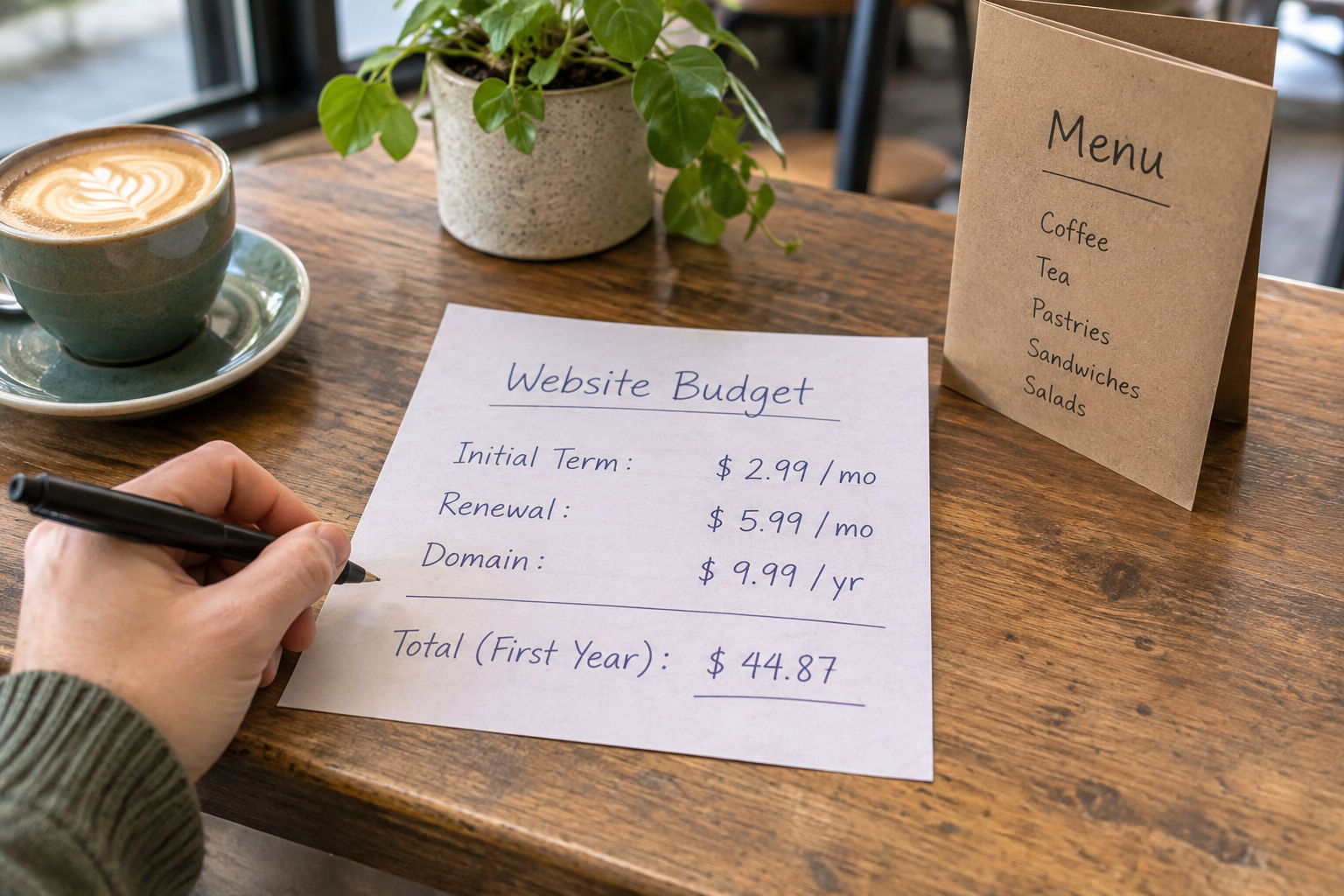
Make a simple budget before choosing a selling price. Include one-off setup expenses and the ongoing costs associated with each order. A low monthly platform price is not necessarily good value if transaction charges, essential features or fulfilment costs are hard to accommodate.
| Cost area | What to check | Why it matters |
|---|---|---|
| Products | Materials, stock, supplier charges and wastage | These affect the amount left after each sale. |
| Website | Publishing plan, domain and any paid features | Check which costs begin at launch and which recur. |
| Payments | Provider fees, settlement timing and supported methods | Fees and payout timing affect cash flow. |
| Fulfilment | Packaging, postage, tracking and returns | Delivery can change the true cost of an order. |
| Marketing | Photography, advertising and email tools | Allow for reaching customers as well as building the site. |
| Operations | Insurance, accounting and any specialist requirements | Your obligations depend on what and how you sell. |
For each product, subtract its direct costs from its selling price to see what remains towards overheads and profit. Include packaging and an allowance for payment processing; decide separately whether delivery is charged to the customer or included in the price. This is a planning exercise, not a substitute for accounting advice.
Consider cash flow too. You may need to pay suppliers before customers order, and a payment provider may not transfer funds immediately. Keep a modest reserve for replacements, refunds or unexpected expenses where possible. Review your assumptions after launch using actual costs rather than treating your first estimate as permanent.
For a closer look at recurring charges and trade-offs, read the small business ecommerce platform cost and value guide.
3. Choose Your Platform and Domain
Your store platform should support the way you intend to sell, not just produce a pleasant homepage. Check how you will add products, manage variations and stock, accept payments, set delivery charges and handle orders. If you also sell appointments or access to a community, check whether bookings or memberships can sit alongside your shop.
Try the editor before committing. Can you change a product description, adjust a page layout and find your order settings without specialist help? Look at the support available when you are ready to publish, and check plan details and payment-provider terms directly rather than assuming every feature is included.
Avantiy lets you describe your business in plain English to generate a starting website, then refine pages in a visual, no-code editor. Its tools include ecommerce, bookings, memberships and AI-powered SEO and accessibility features. You can create a free account without a card and keep the site free until you publish; review the available publishing options before making a decision.

Choose a domain name that is easy to say, spell and connect with your business. Check availability before printing packaging or promotional materials. Avoid names that could be confused with another business, and consider whether your choice will still fit if your range grows. For a broader review of editing and launch features, use the no-code website builder checklist.
4. Build Product Pages Customers Can Use
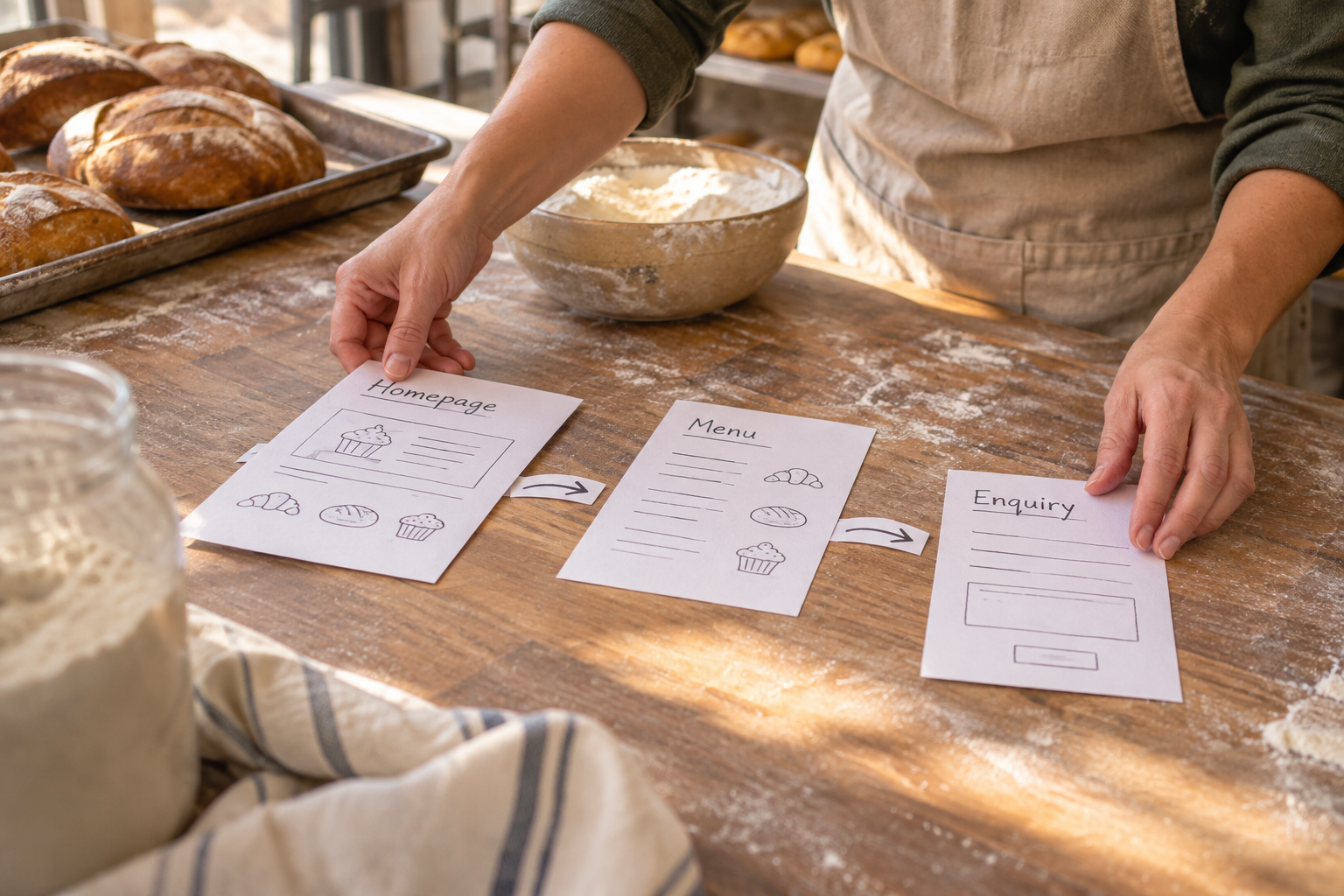
Start with a small set of essential pages: a homepage, shop or collection page, individual product pages, an about page, contact details and the policies customers need before ordering. Put the most important information where a visitor expects it rather than hiding it in a long block of text.
A useful product page answers the questions that would come up in a physical shop. Give each item a clear name, price and description, and explain available sizes, colours or other variations. Include dimensions, materials, care instructions and what is included where relevant. If an item is made to order, explain the expected preparation time as well as delivery timing.
Use your own accurate photographs or images you have permission to use. Show the whole product, useful details and, where appropriate, its scale. Keep the background simple enough that the item is easy to inspect. Add descriptive alternative text for meaningful images; avoid using it as a place to repeat search terms.
AI can help produce a first draft of page copy, but review every claim yourself. Check measurements, stock, materials and delivery promises against your actual process. Edit generic language so it sounds like your business and tells shoppers something useful. If the tool suggests a benefit you cannot substantiate, remove it.
Make the next action obvious. A product page should make it easy to select an option, add the item to the basket and find delivery or returns information. Check the layout on a phone as well as a larger screen, and use readable text and clear links throughout.

Need a hand turning your ideas into a workable site? Book training with Avantiy to discuss building and editing your website.
5. Set Up Payments, Delivery and Policies
Choose payment methods that suit your customers and are supported by your platform and payment provider. Read the provider’s terms, including fees, payout timing, refund handling and any requirements for verifying your business. Make sure you know where an order appears and how you will confirm that payment has been received before dispatch.
Next, decide where you will deliver and how you will calculate charges. You might use a flat rate, charge according to the order or offer collection if that fits your operation. Check packaging sizes and weights with your chosen carrier, and give shoppers a realistic delivery estimate. If processing and delivery are separate stages, explain both.
Write a returns and refunds policy that reflects your actual process and applicable consumer law. Explain how customers can contact you, what information they should provide and how you handle a return. Some product categories and situations have different rules, so check the details rather than copying another shop’s policy. The GOV.UK guidance on online and distance selling is a useful starting point for UK businesses.
Your small ecommerce business also needs to handle personal information responsibly. Consider what data you collect through checkout, contact forms and marketing, who can access it and how long you need it. Tell customers how their information is used, and check your responsibilities before adding analytics or marketing cookies. The Information Commissioner’s Office guidance for organisations can help you identify the relevant requirements.
Tax and registration obligations depend on your circumstances. Keep records from the beginning and check current rules or seek professional advice when needed. Do not assume that a template policy or an AI-generated statement automatically covers your business.
6. Test the Complete Order Journey
Before inviting customers in, follow the journey from first visit to order confirmation. Test on a phone and a desktop, and ask someone unfamiliar with the store to try finding and buying an item. Their questions can reveal gaps that are easy to miss when you already know how everything works.
- Find a product: Check that navigation, search if available, and product categories lead to the right place.
- Choose an option: Try variations and quantities, including an unavailable item if your setup allows it.
- Review the basket: Confirm that product details, prices and delivery charges are clear before payment.
- Complete checkout: Use your provider’s test mode if available, or follow its guidance for a controlled test transaction.
- Check the confirmation: Review the customer message and the order information you receive. Make sure contact and next-step details are accurate.
- Practise fulfilment: Locate the order, prepare a parcel and work through how you would mark it dispatched or respond to a change.

Also check spelling, links, image descriptions and policy pages. Try navigating with a keyboard, ensure text is readable and avoid relying on colour alone to explain an error. Automated accessibility tools can help spot issues, but they do not replace checking the experience yourself.
Record anything that goes wrong, fix it and repeat the relevant test. Keep your initial launch manageable: it is better to sell a focused range you can fulfil confidently than publish a large catalogue with uncertain stock or incomplete information.
7. How Will You Attract and Keep Customers?
Start with channels you can maintain. Tell existing contacts about the shop where appropriate, share useful product information on the platforms your audience uses and make sure your website address is easy to find on packaging or other business materials. Ask for feedback after a genuine interaction without implying that a positive review is required.
For search, write page titles and descriptions that accurately reflect each page. Use the words customers naturally use for your products, and give important pages distinct, helpful content. A clear site structure and internal links help visitors move between related collections, products and practical information. Avoid promising search rankings: visibility depends on many factors and can take time to develop.
Plan customer service before orders arrive. Decide who checks enquiries, how quickly you aim to respond and what happens when an item is delayed or unavailable. Be honest if something goes wrong, explain the next step and keep the customer informed. Good service is a process you can build, not a claim you need to add to every page.

Review your store regularly after launch. Look for products people view but do not buy, questions that appear repeatedly and delivery issues that create extra work. Use those observations to improve the relevant page or process. If you need more ideas for the next stage, explore how to build and grow an online store.
Watch: Planning an Online Store
For a visual introduction, look for a practical walkthrough that covers product setup, checkout and fulfilment. Compare the advice with your own platform’s current settings and the rules that apply to your business.
Frequently Asked Questions
Can I start an online shop without coding?
Yes. A no-code website builder lets you create and edit pages through a visual interface rather than writing code. Look for one that also supports the product, payment and delivery features you need. You will still need to supply accurate information, configure your store and test the buying journey before launch.
How many products should I launch with?
There is no required number. Start with a range you can describe accurately, keep in stock or make reliably, and fulfil without overstretching. A focused collection also gives you time to improve photography and answer customer questions. Add more products when your sourcing, administration and delivery processes can support them.
Do I need a registered company to sell online in the UK?
Not every seller needs to form a limited company, but your business structure, income and circumstances can affect registration and tax obligations. Check current guidance from the relevant UK authorities and seek professional advice if you are unsure. Keep records of sales and expenses from the start, whichever structure you choose.
Can I sell services as well as physical products?
Potentially, if your chosen platform supports the way you deliver them. For appointments, check booking availability, confirmations and cancellation arrangements. For memberships, look at access management and recurring payment options. Explain clearly what the customer receives, when they receive it and how to contact you with questions.
What should I do after my first orders?
Check that each order was fulfilled correctly and note any questions or delays. Compare your actual product, packaging and delivery costs with your budget, then update prices or processes if needed. Review customer feedback for useful patterns, while protecting personal information and avoiding assumptions based on a handful of orders.
Ready to put your plan into practice? Book a training session and get help building your Avantiy website.